

Here's What A MacBook Neo Can Do That Your iPad Couldn't
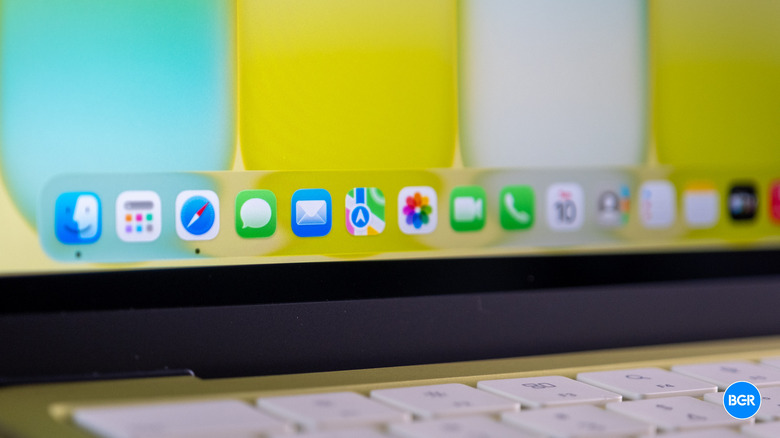
For many Apple users, the base model iPad has been seen as a cheaper alternative to MacBooks over the years. Apple Pencil and Magic Keyboard Folio support can make the tablet a solid productivity machine that is easy to carry around, and its price point was historically more palatable than Apple's laptop offerings. But while the iPad itself starts at $349, adding the Magic Keyboard Folio to give it a laptop-like form factor takes your purchase to a whopping $600. However, with the release of the MacBook Neo, which features 256 GB of storage, 8 GB of RAM, and the full macOS experience for that same price, a tablet starts to feel like less of a value buy in comparison.
The MacBook Neo is the smartest choice for someone who values the versatility of a laptop over the touchscreen capabilities of a tablet. When comparing macOS to iPadOS, the former lets you quickly manage several files at once, offers a better multitasking experience with multiple windows (a 13-inch display against an 11-inch one also makes a ton of difference here), and has fewer browser limitations. Then there's the difference of Apple Intelligence support, as the iPad 11 — the model most analogous to the MacBook Neo — doesn't meet the requirements to run Apple's AI platform. Still, that's only the beginning, as there's a lot more the MacBook Neo can do that your iPad can't.
The MacBook Neo has clear advantages over the iPad 11
The MacBook Neo features Apple's A18 Pro chip, which is more powerful than the A16 processor available on the iPad 11. It also has more RAM (8 GB versus 6 GB) and starts with 256 GB of storage, while the iPad begins at 128 GB. The MacBook is better at handling multiple tasks at once and has more space to store files, as you can run multiple full apps, keep a browser with dozens of tabs active, and export a video in the background, while the iPad will offer limited background tasks and lacks full desktop-class software.
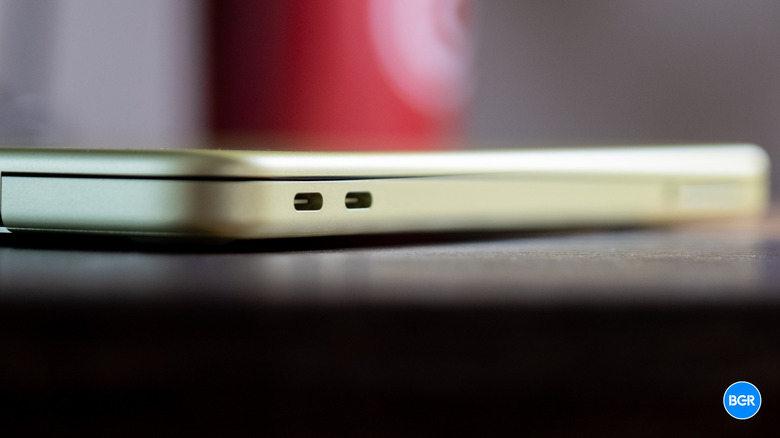
Apple's budget Mac also has two USB-C ports (one USB 2 and one USB 3), which means you can use one to charge your device and the other to connect an external SSD, plug in a display, or attach a USB hub to unlock more functionality. The iPad 11, on the other hand, is limited to a single USB 2 port, which offers lower data transfer rates than USB 3. And while you can use it to connect the iPad to an external display, the iPadOS experience is less than ideal on a non-touchscreen display.
The MacBook Neo is generally better than the iPad for writing, and that's mostly because it comes with a built-in keyboard. Though Apple has optimized its touchscreen keyboard over the years, it's still not as convenient as a proper keyboard for typing essays or messaging friends. Even if you spend the extra money on the Magic Keyboard Folio for the iPad, we've noticed that the keys feel more cramped than they do on the MacBook Neo's keyboard.
macOS makes all the difference when comparing both products
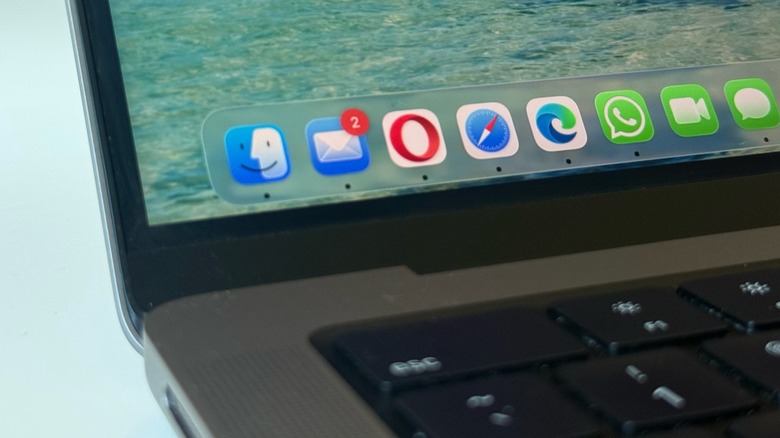
The most important difference between the MacBook Neo and the iPad is macOS. While Apple has been blurring the lines between what an iPad and a Mac can do, there's still a clear distinction between the products. For example, file management is fundamentally different on both platforms. On macOS, you have unrestricted access to a traditional file system, letting you drag and drop anything anywhere, run files from external drives without friction, and more. iPadOS ties files to app sandboxes, and moving files and projects across apps or external storage is not as intuitive, and that's if it's possible at all.
Even browsing is different. On macOS, you're actually choosing different browsers and engines, while on iPadOS (at least in the U.S.), you're only getting a Safari-based browser with a different interface for Chrome, Firefox, or Edge. Besides that, some web apps, file uploads, and extensions can behave differently on iPadOS when compared to macOS. Even "Pro" apps like Final Cut Pro don't work the same on the two platforms.
The main advantage of an iPad over a MacBook Neo is the touchscreen — if you're really serious about drawing, the combination of an iPad and an Apple Pencil is unbeatable. For most of the other things you'll need to do that require a big display on a budget, the MacBook Neo will be the better option by far. Even when Apple updates the iPad with a faster processor and more RAM, the MacBook Neo will continue to handle real productivity workflows in ways the iPad can't fully match.