

Your Google Pixel Is Getting A New Bluetooth Feature Every Android Phone Needs
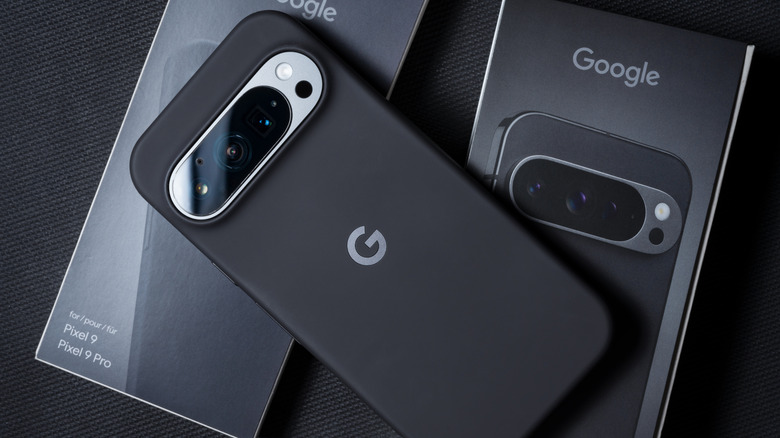
Google is always working to improve the Android platform and its Pixel smartphone lineup in some way. This often means that Pixels get new features before a lot of other Android devices, and one of the latest to start making its way to the Pixel 10 and older Pixels is a Bluetooth feature that every other Android phone manufacturer needs to take note of immediately.
This feature, which has been spotted in the newest update of the Pixel Troubleshooting app, is aptly titled "Bluetooth diagnostics," and it does exactly what it sounds like (via Android Authority). You can access the feature in the Settings app, where you can then check the connection for any currently paired Bluetooth devices to see what might be causing any issues. There's not really any granular control over specific Bluetooth issues, but if you notice you're having Bluetooth connectivity problems and are struggling to fix them, this could help identify issues with your connection overall.
Of course, Google isn't the first company to think of this, and you can also find a similar feature in the Diagnostics menu of the Samsung Members app for Galaxy devices. Similarly, the iPhone has its own diagnostics mode that can be triggered manually. But the inclusion of it on the latest Google phones could hopefully help reinforce the idea that consumers need access to tools like this so they can figure out if the problems they're experiencing are something they can fix, or something they need to get in contact with the manufacturer to resolve.
How to check Bluetooth diagnostics on Pixel
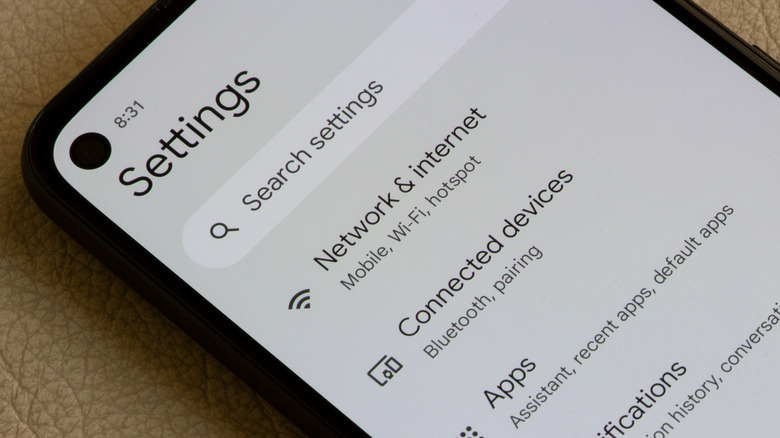
Once the new functionality hits your Pixel device, you can check your Bluetooth connections in a couple of different ways. The easiest method is to go to Settings > Connected Devices > Bluetooth and select "Bluetooth diagnostics." This should provide you with a list of connected devices. If your device isn't showing up, then you can select the "Can't find your device?" option to choose from some other options.
The second way to access this new feature is by going to Settings > Device health and support > Bluetooth diagnostics. Once you've selected the device you want to test the connection with, the diagnostics tool will go through its process and provide some fixes for common Bluetooth issues if you're still experiencing any problems. Of course, Google highlights Pixel-related connections above anything else, but if you aren't using a Pixel Watch 4 or Pixel Buds 2a, then you can always select the "Other device" option to find your device manually.
Beyond just this Bluetooth diagnostics, you can also perform Touch diagnostics, Charging diagnostics, and check your phone's other health-related information. However, those features have been available in the "Device health and support" menu for a while now.