

5 Of The Worst iPad Accessories You Should Avoid, According To Users
We may receive a commission on purchases made from links.
Like other personal tech, your iPad experience is best enjoyed with the proper accessories. To start with, a good case is pretty much essential for protecting your tablet from dirt and damage in the long term. After that, you may want to consider peripheral accessories, like a keyboard and smart stylus, to add further utility to what is already a powerful machine for both productivity and entertainment.
However, not every iPad accessory is worth purchasing. There are plenty of cheap, low-quality products on the market that users say either can't get the job done or don't last long. Conversely, some expensive accessories — including a few of Apple's own – are comparable to more affordable alternatives, meaning you don't have to pay premium prices to upgrade your experience. If you're trying to save money or avoid buying useless accessories that will end up collecting dust, these are some iPad accessories that you're better off without according to people who have used them. Instead, buy these iPad accessories that you'll want to use every day. The full methodology for how we determined this list is broken down at the end of the article, but we looked at product reviews of brand-name iPad accessories that received low ratings from users.
Logitech Slim Folio Pro iPad keyboard case
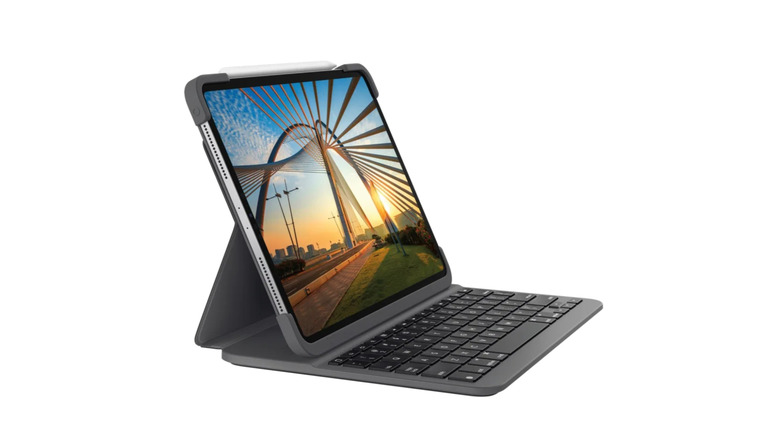
A case is the first thing you'll need for any new iPad, and there's no shortage of options. Keyboard cases that allow you to use your iPad like a laptop are especially practical for those who use their tablet for work or school. Of the options available, though, there's one you should definitely avoid: Logitech's Slim Folio Pro iPad keyboard case. In addition to its expensive, $159.99 retail price, it has significant design flaws that ruin the user experience, leading to Dave Meikleham of Tom's Guide calling it "the worst product I've used this year" in his 2024 article.
Meikleham detailed his frustrating experience with the case, with his main issues having to do with the thick plastic, which feels cheap and makes it hard to push the power and volume buttons. Other reviews on Logitech's website criticize the case's weight and bulk, as well as the fact it doesn't use Apple's Smart Connector tech, which transfers power and data between tablet and keyboard without need for Bluetooth or a charger.
Apple Pencil
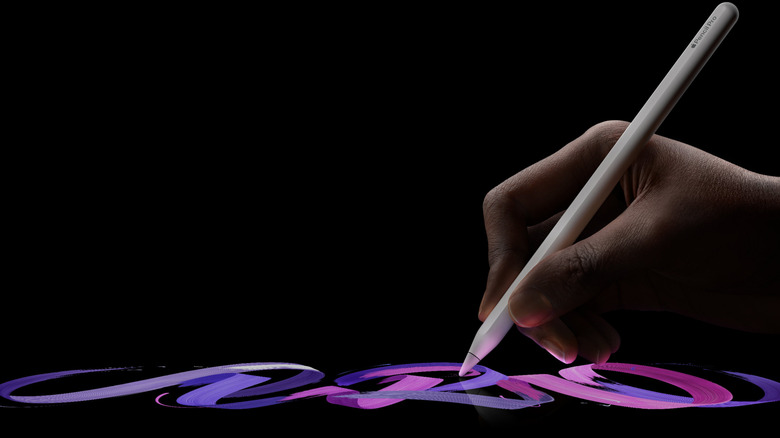
Depending on who you ask, the Apple Pencil is either the best accessory or the most useless one. For some users, the Pencil ends up not being as useful as they had thought it would be. As a Reddit user joked, "I love signing like 3 documents a year with it but otherwise it's rarely used."
There are many iPad users who love the Apple Pencil for its pressure sensitivity, which does a great job of emulating the actual experience of drawing on paper better than other digital stylus pens. However, even some who have used one for years say its level of precise control isn't essential for the majority, including a Reddit user who said, "don't even buy an Apple Pencil unless you are artistic." While the Apple Pencil isn't a bad device, it's not cheap at $79 ($129 for the Pro). And you can get many comparable alternatives for much less.
Paperlike 3 iPad screen protector
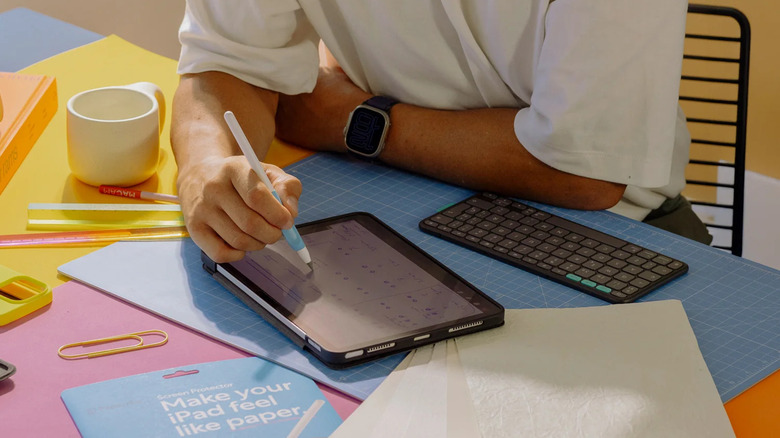
It's always smart to put a screen protector on any touch screen devices, and there are plenty of options from which to choose. As an alternative to glass, matte screen protectors do a better job of eliminating glare, reducing fingerprints, and matching the feel of writing on paper (for those who use a stylus). These are all areas where glass can't compete, but matte screen protectors do come with major drawbacks. Even the more expensive ones like Paperlike, which cost $49.99 for a two-pack, are flawed.
Matte screen protectors have been criticized by some users for dulling the iPad's screen, easy damage, and difficult installation. One review on Paperlike's own site says "The iPad has a crystal-clear display, and this distorts it," while another simply states that the screen protector is "Overpriced, over complicated, and ineffective." Even some who like Paperlike's product don't recommend buying this product, this Reddit user said: "There are plenty of alternatives that accomplish the exact same thing for a lot less money." A quick Amazon search shows matte screen protectors with comparable reviews start at less than $10 for a two-pack, which makes it hard to justify spending $50 for the same.
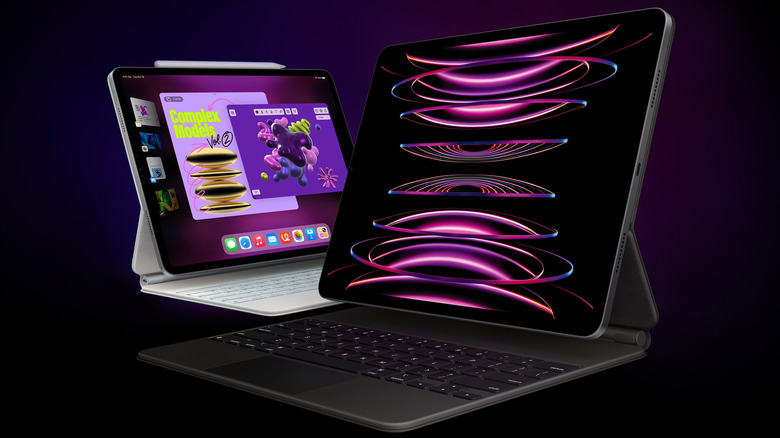
Apple Magic Keyboard
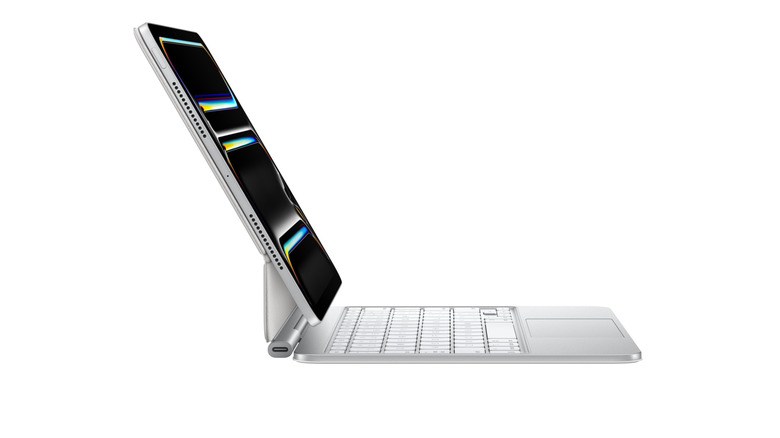
Similar to the Apple Pencil, the Apple Magic Keyboard isn't a bad product, but it is priced on the high side. It's hard to justify spending $249 and up on one when other options are less expensive and, according to some users, work as well or better. As one disappointed iPad user argues, the current Magic Keyboards offered for Pro and Air models try too hard to turn the tablet into a laptop, saying "if you're not going to take the iPad out of the Magic Keyboard, then you wouldn't have gotten an iPad over a MacBook in the first place." Others have criticized the product's weight, with an Amazon reviewer noting that it's "very heavy and does not balance nicely on the lap."
If you want to use your iPad like a laptop, there are alternatives that cost less and do more, such as Logitech Combo Touch, which a Reddit user says offers the same functionality with better protection. Its price range of $140-$230 makes it a more affordable option, but you might find a cheap Bluetooth keyboard that is just as useful depending on your needs. For example, you can get a Bluetooth iPad keyboard from Amazon for a fraction of that price, with one user claiming a budget-priced Amazon keyboard has already lasted six years.
Apple Pencil Tips
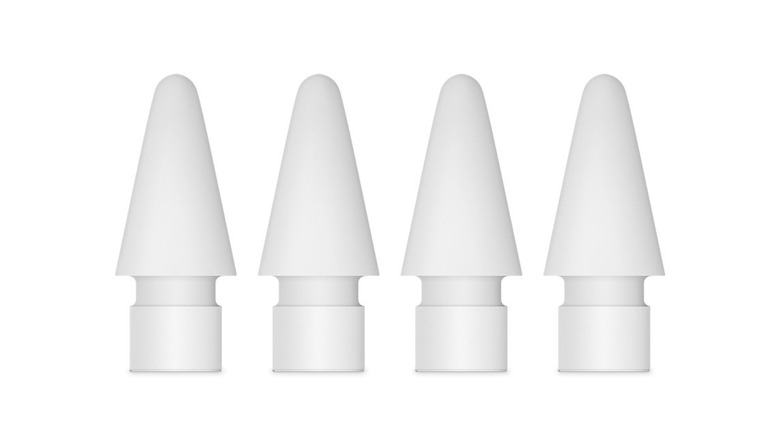
If you own an Apple Pencil or a similar stylus, you know that the tip will wear down with use. Some had stylus tips wear down after just one month after moderate use, while others have had tips last more than a year with extensive notetaking. Those who use a matte screen protector or write with a lot of pressure will likely go through stylus tips more frequently. There are plenty of different options out there, from silicone tips that reduce the tapping sound of using the stylus on the screen to metal ones that feel like a normal pen.
Replacement tips aren't that expensive, ranging from third-party products start at $5.99 up to $19.99 for a four pack from Apple, but if you're looking for something even cheaper, consider this DIY solution. One Reddit user explains that you can wrap a small piece of electrical tape around the nib of your Apple Pencil and it "provides just enough friction to keep your hand steady and it still slides smoothly." If nothing else, this could be a handy DIY fix if you're in a pinch.
How we selected these products

For this list, we wanted to cover iPad accessories that fall short in different ways. There are plenty of incredibly cheap cases and keyboards out there that will either break quickly or straight up not work at all, but you can expect to get what you pay for with those. What's more disappointing is when you spend more than you should have for something you either don't like or never use. That's why we included some accessories that aren't bad products as much as they are a poor value.
As for specific product selection, we started by looking through user reviews on Reddit, Amazon, and manufacturer websites to see which accessories iPad users called overrated or said they regretted purchasing. We also considered whether the products, especially official Apple ones, had cheaper alternatives with identical or similar functionalities that we could recommend readers purchase instead.