

3 Reasons Why The Amazon Fire Kids Tablet Might Be Safer Than Other Android Options
We may receive a commission on purchases made from links.
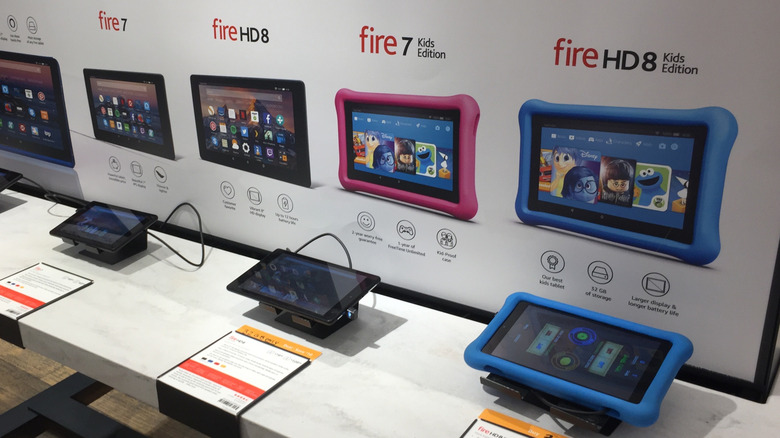
An Android tablet can offer kids a digital sandbox for fun and learning. However, it can also be a no-man's land of brain rot, especially if children have unfettered access to all manner of apps, games, and web content. The kids' version of Amazon Fire tablet is the safer option for them, with its curated children's content and the sheer amount of parental controls integrated into its experience, giving parents a lot of control. With an Amazon Fire Kids tablet, parents can breathe easier, especially in an age where their little ones can easily be exposed to AI slop on YouTube, social media, and the web.
Amazon Fire tablets are generally not that expensive either. For kids, starting options like the Amazon Fire 7 Kids will set you back $100 (you can also get it cheaper on sale). You can use it too because the hardware is the same as that of a standard Amazon Fire tablet — you just need to create an adult profile that bypasses the kid-friendly restrictions. You may find the space limited (16GB or 32GB), but fortunately, it's a device with storage that can be expanded with a microSD card. Beyond that, Amazon Fire Kids tablets come with a sturdy case and a built-in kickstand that makes them an even safer option for the whole family.
It comes with free kid-appropriate content
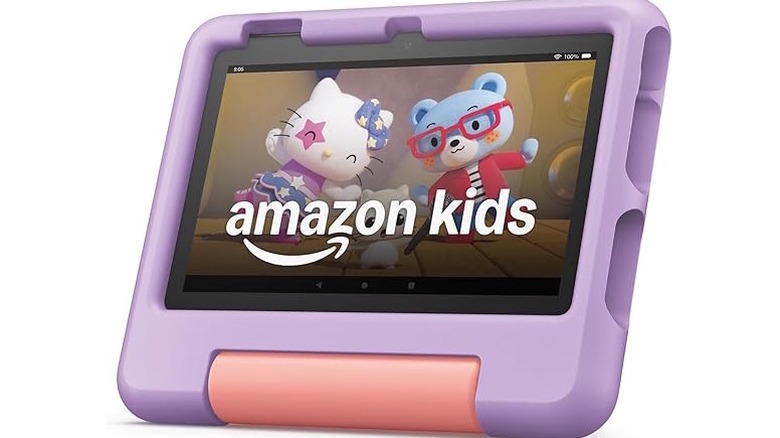
All the Amazon Fire Kids tablets come with a free Amazon Kids+ subscription for a limited time. The service is packed with thousands of ad-free movies, TV shows, and books, as well as educational apps and games, for kids between the ages of two and 12. That means your kid will have plenty to do if you don't want them bothering you to add YouTube or Netflix for them. The free subscription runs for six months on the Amazon Fire 7 Kids tablet, while the Pro and HD versions, like the Amazon Fire HD 8 Kids and Amazon Fire HD 10 Kids Pro, get up to a year. Afterward, the subscription will automatically renew for $5.99 a month if you're an Amazon Prime member or $7.99 a month if you're not.
While there are plenty of originals and exclusives on Amazon Kids+, it also has a significant amount of Disney and Nickelodeon content. So during the free subscription period (and if you decide to keep paying after), the kids have access to shows like "Tangled: The Series," "Ultimate Spider-Man," "SpongeBob SquarePants," and "Paw Patrol." This leads to savings since you don't have to, for instance, pay for a Disney+ subscription, which starts at $6.99 a month on the ad-supported plan.
Protecting your child is part of the core experience
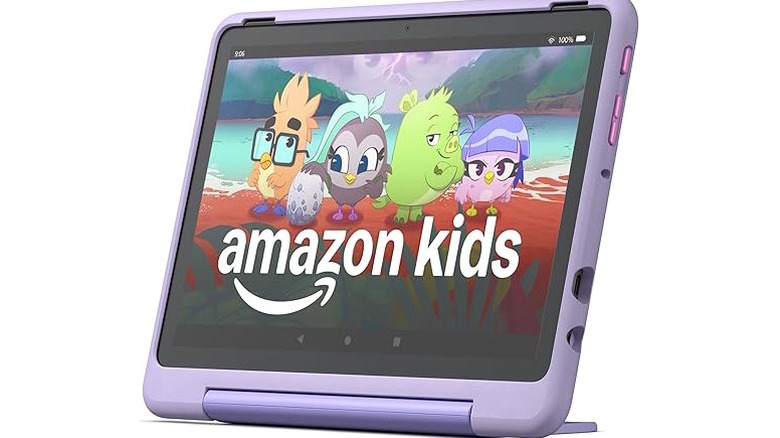
While you can add a child profile on any Amazon Fire tablet, Fire Kids tablets make it a fundamental experience. When setting them up, you're prompted to create a Child Profile that gives full control of what the child can access on the device. A PIN locks them out of content you don't want them to access. For instance, you can lock the Amazon Appstore so they can't use it to install apps that have adult content like Prime Video, Netflix, or YouTube. It also prevents them from making in-app purchases in apps with buying potential.
You can also set up age and content filters to limit the content they can access, whether it's on Amazon Kids+, Amazon Appstore, or the web browser. Furthermore, the Child Profile allows you to create schedules that determine when and how long your child can use the tablet. You can also set limits for specific apps or opt for educational goals that unlock entertainment apps once the child meets them. These are a few of the parental controls at your fingertips, and you can access many of them on the Parental Dashboard in a browser and mobile app or in the tablet's settings.
It comes with a sturdy kid-proof case
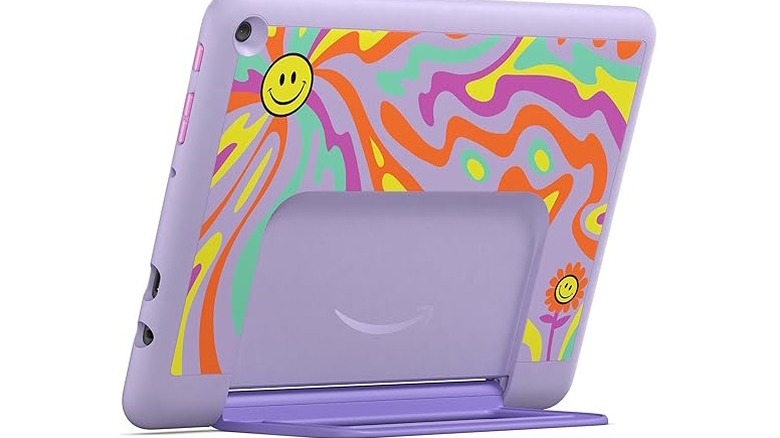
It has happened many times where a parent buys their kid a tablet only to find its screen cracks soon after. Kids drop things more frequently than adults, especially young ones whose motor skills are not all that developed. A tablet that isn't protected from drops has a high chance of breaking, which is why it's good that all Amazon Fire Kids tablets come with a rugged kid-proof case. They've even got extra padding in the corners, so the shock from the drop doesn't damage those highly vulnerable spots. They also come in a range of colors and patterns that make them attractive to kids.
The case also has a built-in kickstand that allows the kids to put it down safely on a surface when watching something. It places the tablet at a comfortable viewing angle, making it good for their posture while reducing neck strain. Furthermore, the stand also acts as a handle that they can use to safely carry the tablet around.
Sometimes, the tablet can break even during normal use. The Amazon Fire Kids tablets have a two-year warranty compared to the one-year warranty of standard editions. Amazon says that if it breaks, just send it to them and they'll replace it free of charge — no questions asked. This brings peace of mind because you're not worrying about replacing the tablet out of pocket, and your kids won't be without their favorite device for too long.