

Ditch Your Passwords And Start Using This More Secure Method
Creating new passwords on the spot can be really taxing. And that can also lead to some sloppy practices, like repeating old passwords or modifying them. But it turns out that does a lot more harm than good, since you're likely generating weak, exploitable passwords as a result. A strong password often involves using a complex string of lowercase and uppercase letters, along with numbers and symbols. Although theoretically that sounds easy to do, actually coming up with them can be a pain, which is why many people have opted to use password managers. While top password managers are great for creating new, strong passwords and storing them, they aren't perfect. For example, your password manager depends on its own primary password to safeguard all of your deposited logins, which can create a single point of failure. As a result, held passwords can be maliciously stolen, leaving all your connected accounts vulnerable.
A more secure way to keep your accounts on lockdown is to use passkeys. Passkeys are a passwordless authentication method that uses your device's screen unlock to access your accounts, apps, and even websites. You can combine them with biometrics to keep these digital keys locked away so only you can access them — and thus can also protect against phishing scams, which were among the top three cybercrimes according to the FBI in 2024. Moreover, using passkeys has been backed by the FIDO Alliance and supported by major tech companies such as Google, Apple, and Microsoft. Passkeys combined with biometrics just might make passwords and password managers obsolete.
How passkeys improve account security
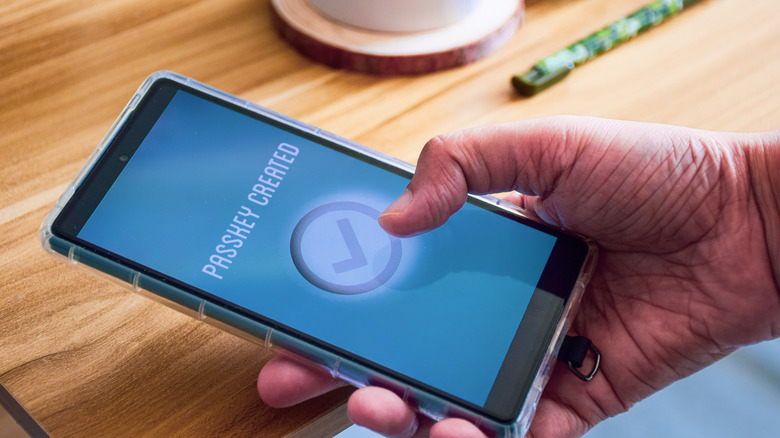
Passkeys use cryptographic key pairs to authenticate your access to a website or app. One key, also known as the public key, is stored on the service you're accessing, say, the app or website you're using, while the other one, the private key, is stored locally on your device. The entire practice pretty much relies on a digital handshake. First, the service sends a challenge to your device, and your device asks for verification, with whatever method you use to unlock it, like biometrics. Once the verification step is done, the device uses the local private key to sign the challenge. Then, the server verifies the signature using the public key, and if it is correct, you log in to that service.
Thankfully, the user doesn't need much effort or thinking to get passkeys working. But it is better to avoid losing access to the device where the private key is stored — though even if you do lose it, there are usually ways to recover your account, or you could make sure to have those keys backed up to a synced cloud account. Overall, the process is fairly secure, since no passwords or credentials are shared, which makes it much harder for phishing attempts to succeed, especially if you're using biometrics. Plus, passkeys remain unique for each service, so even if a hacker were to attempt a server-side breach of that service, stealing the public key would be useless without access to the private keys (which are safely stored on your device and require user authentication).