

You Can Use A 3D Printer To Level Up Your iPad - Here's How
We may receive a commission on purchases made from links.
Part of the latent potential that comes with owning a 3D printer isn't just creating entirely new gadgets and models from scratch. It's also designing accessories and add-ons for your existing devices and possessions to add efficiency or improve usability. For example, if you use an iPad frequently, whether for work, taking pictures, or watching videos while exercising, and want an iPad accessory you'll use every day, you could use your 3D printer to create a bespoke stand or clamp for it.
A stand is ideal for keeping an iPad propped up on your desk or table, while a clamp can be created to fasten it to otherwise unstable surfaces like work benches or exercise bikes. Best of all, since you'd be creating the design from scratch, it can be tailored to your iPad's exact dimensions, including a case. If you're a 3D printer beginner worried about making common mistakes with your own designs, check out ideas for iPad-supporting projects on websites like Printables and Thingiverse.
Any FDM printer and slicer software will work
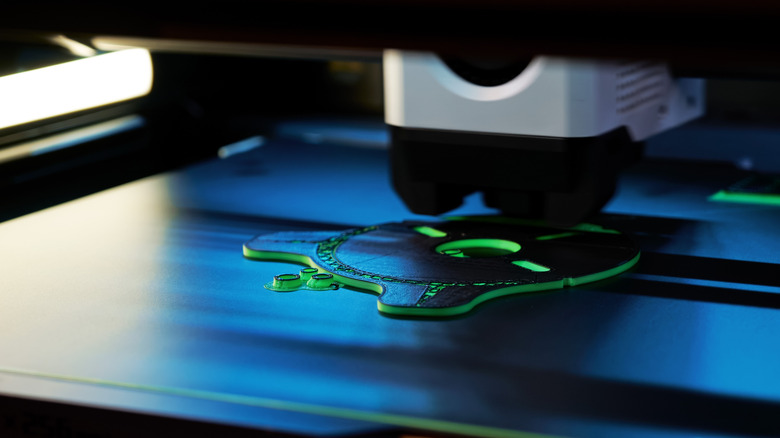
When making models for 3D-printed iPad upgrades from scratch, the first and most obvious thing you'll need is a 3D printer. Specifically, a fused deposition modeling printer, or FDM for short. These widely used 3D printers take thermoplastic filament, liquify it, and dispense it into hardened shapes. Naturally, you'll need a few spools of filament to go with it, but you can get both an FDM printer, like the FlashForge Adventurer, and spools of filament in bulk on Amazon.
Besides a printer and materials, you'll also need slicer software running on a PC. Slicer software allows you to model a 3D image, then translate it into a format your 3D printer can parse and print. Some software also functions as a host, connecting directly to your printer for easier control. If you want a hybrid slicer and host program, there are free options like UltiMaker and options like Simplify3D that require a purchase.
You can 3D print stands and clamps for your iPad
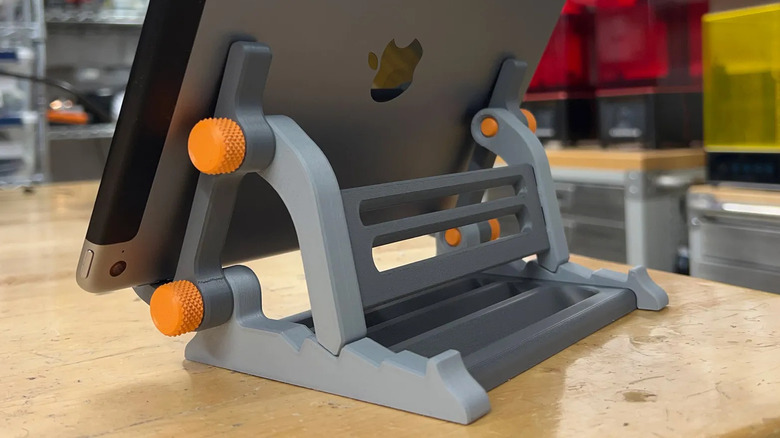
Creating a stand or clamp for your iPad with a 3D printer is as simple as accounting for your particular iPad's dimensions, then adding support and brackets where necessary. For inspiration, look to other members of the 3D printing community. Printables user Sneaks designed a 100% printable, adjustable stand for iPads, smartphones and tablets, with no additional hardware necessary.
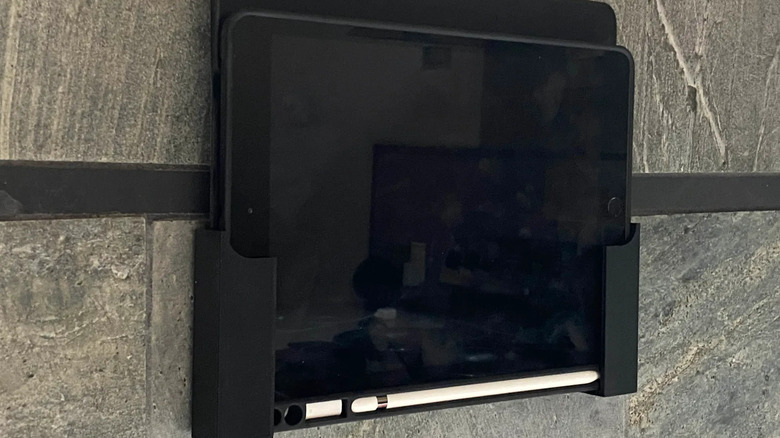
The lower brackets can be moved forward and back along the stoppers for changing angles, and the hooks can be contracted to hold smaller devices. If you'd like to mount your iPad to a wall for easy access while working, grab some Command strips and attach Printables user ethanthompson's 3D-printed wall mounts. The mounts are sized to cradle an iPad, with flat backs that attach to Command strips for a strong grip.
Since the mounts are on the side, you can still access the iPad's Home button and camera, as well as attach any model of Apple Pencil. Want to give your car passengers a little entertainment? Try printing Thingiverse user Hein0170's iPad Backseat Cinema, which consists of a custom clamp mounted to the front seats with aluminum tubing from the hardware store. It takes a bit of extra assembly, but the metal components should help to make it nice and sturdy.