

The Pros & Cons Of Curved Monitors

Curved monitors were once geared toward a more niche audience, often for gamers, programmers, and those seeking a premium office desktop setup. They have become more affordable over the years and found some footing among everyday computer users as a result. Consumer brands like Dell, LG, and Samsung each manufacture curved monitors, and some makers of budget computer monitors even have a model or two on the market.
For anyone who thinks it's time to replace a computer monitor, a curved option is worth considering. But awareness of a product doesn't necessarily mean familiarity with it, and the pros and cons of adding a curved monitor to your work setup may not be obvious. The shape of a curved monitor can change the computer experience entirely, but some of that change may not be easy to adjusted to. Additionally, a curved monitor can still be a significant investment.
Whatever work or play you may do with a computer, understanding some of the benefits and drawbacks of utilizing a curved monitor can go a long way toward ensuring you get your money's worth. It can also help ensure that the time spent at your desk is actually made better. Leaning on our own experience with curved monitors in a number of settings, we've laid out some tips to make note of before making a purchase.
Pro: Immersion

The shape of a curved monitor pulls the edges of the display closer to the user, covering more of the peripheral field of vision than a flat panel monitor. The panoramic effect that's created can offer a more immersive experience, particularly when consuming various forms of entertainment. When playing video games or watching a movie, the curve can add a sense of depth that flat monitors can't manage. And while smaller curved monitors won't have the reach to produce head-turning visuals, ultrawide and even super-ultawide curved monitors create deep levels of immersion.
But a curved monitor can be beneficial to more than just content consumers. It can help creatives focus more deeply on a project, and anyone looking to get some work done can use a curved monitor to block out the distractions of a busy office. These displays are also well-suited for those who might otherwise use two monitors for work. Video editing projects, coding projects, and even large spreadsheet-based projects can all benefit from the design of a curved monitor, particularly when an ultrawide or super-ultra wide is in use.
Con: Larger footprint
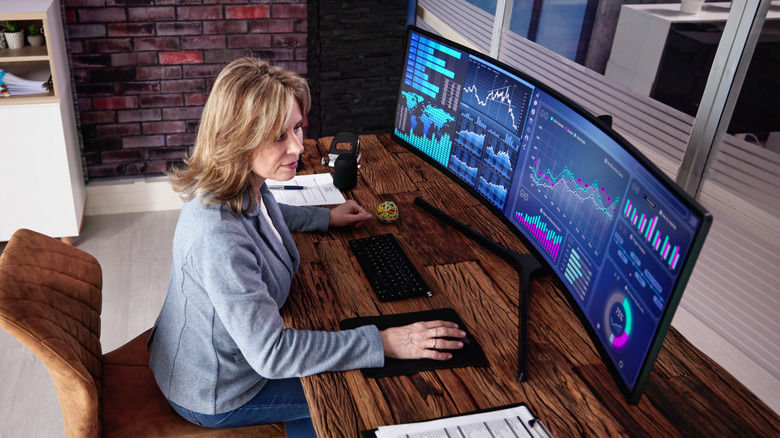
Of course, a display that manages to create a more immersive viewing environment is also likely to take up more physical space. Because of its curved edges, a curved monitor is going to require more depth on a desktop, which leaves less working space from front to back. That can cause things like keyboards, mice, notepads, earbuds, and anything else that typically resides between you and your monitor to bunch up and clutter more easily. And because of its rounded shape, the monitor can't exactly be pushed flush against the wall.
Ultrawide and super-ultrawide curved monitors are going to exacerbate this issue, as the wider they get, the greater the curve of the edges will be. The wrap-around effect can be great for those in search of more digital space, but it's at the cost of your physical setup. Wall mounting the monitor is an option, and there are VESA mounts for curved monitors on the market. But whether it's planted on a desk or hovering above it, the extra bulk of a curved monitor is unavoidable and may make it an option best suited for users with plenty of desktop space to spread out.
Pro: Comfortable viewing environment
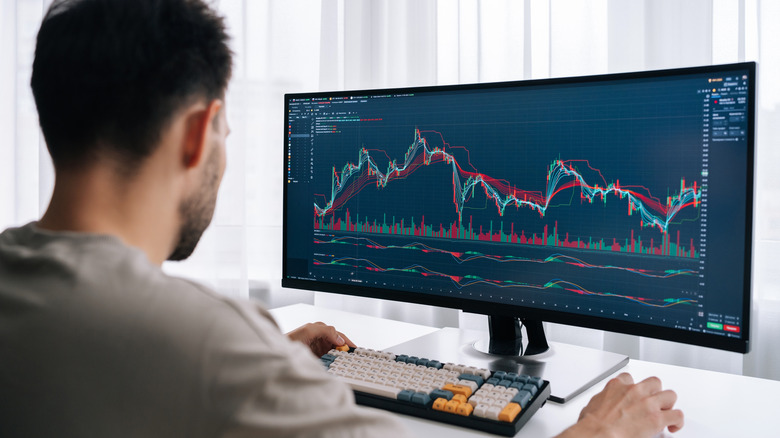
When sitting in front of a standard flat monitor, its edges are actually farther away from our eyes than the center of the display is. Because the human eye has a slight curve to it, the shape of a curved monitor is more natural, presenting the pixels at a more consistent distance from our eyes. This benefits us by reducing distortions that appear at the edges of flat panels and making the overall image feel more cohesive and easier to process, even if it isn't something we overtly notice throughout the day.
The curved design can also benefit users in brightly-lit environments, as it's meant to cut down on glare and reflections. In fact, curved monitors are designed specifically to reduce light anomalies on the screen by directing the monitor's light toward the user's eyes and by directing ambient light away from them. The byproduct of all of this is the potential for reduced eye strain throughout the day, as well as a more comfortable and natural viewing experience no matter what kind of lighting conditions you may deal with in your workspace.
Con: Compatibility
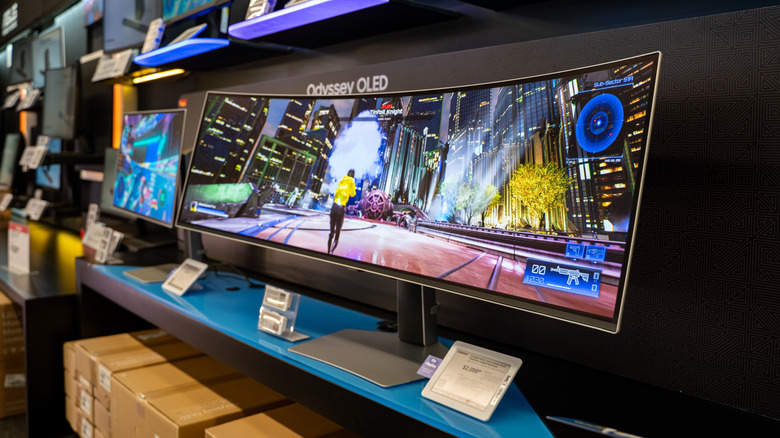
Owning a curved monitor, particularly an ultrawide or super-ultrawide, means coming to terms with the reality that not everything on your computer is going to present in an optimized way. Most software applications, websites, games, and streaming content are built around standard monitor sizes and aspect ratios, and a wider monitor comes with some unpredictability regarding the way they appear on the screen. When in full-screen mode, some games and movies might display with black bars on either side of the screen, while others may stretch out to fill the frame in a distorted way.
Even when an application isn't in full-screen mode, an ultrawide or super ultra-wide curved monitor can leave users feeling somewhat lost in space. Many apps can be opened and conveniently positioned at once, and the additional screen real estate can be incredibly beneficial to those who multitask across software throughout the day. But for those who keep just one or two apps open at a time, the curved design and the intended immersion of even a standard-sized curved monitor can make the experience seem a little isolating and empty.
Pro: Wow factor
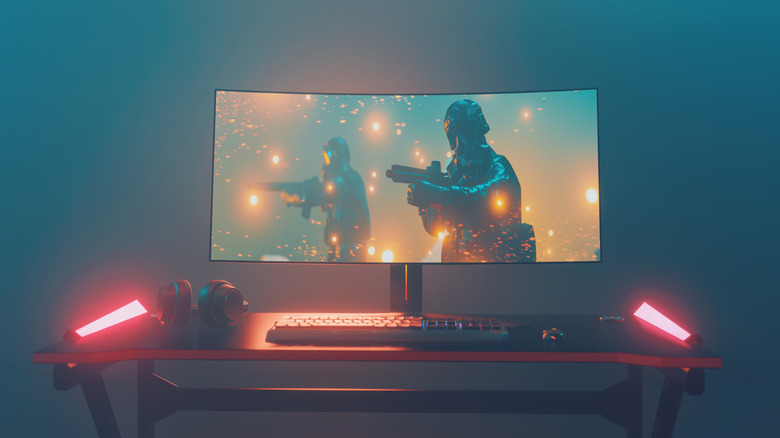
It probably isn't the selling point you'd want to take to your company's IT department, but among gamers, creatives, and even developers, curved monitors can have a kind of "wow factor" to them. They tend to have sleek aesthetics, and their shape is distinctive and often recognized as a premium piece of hardware. For gamers, this can be a real part of the buying process, as hardware can be a signifier of how seriously you take your gaming. In client-based creative professions, things like screen real estate and optimized viewing tools can say a lot about the level of work you do.
The magnetism of curved monitors extends beyond their looks as well, with specs and user experience both making interesting talking points among those who are curious about technology and ingenuity. A higher-end curved monitor like the Samsung Odyssey Neo G9 is available in a 57-inch model that's comprised of dual 4K displays, which is the kind of hardware few people will come across on a regular basis. And even a more business-minded curved monitor like the Dell 34 Plus comes with a high refresh rate and a 34-inch screen that would be a conversation starter in a lot of offices.