

The Samsung Galaxy S26 Ultra's Privacy Display Has One Frustrating Flaw
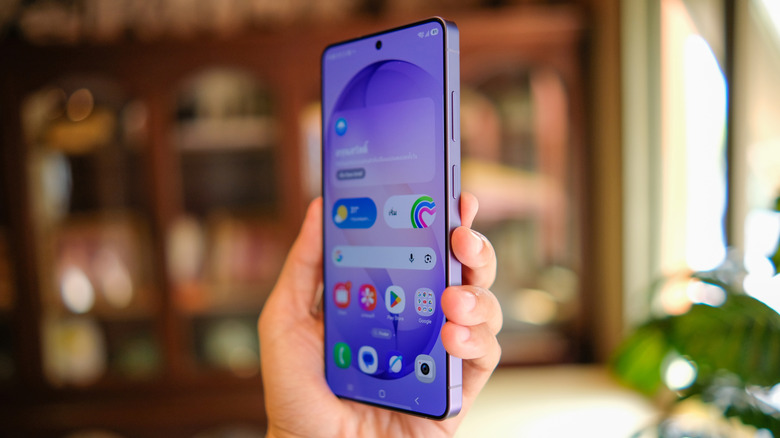
The Samsung Galaxy S26 Ultra is a great phone. It might not have too many changes over the Samsung flagship from last year, the S25 Ultra — with the biggest improvement being the better Snapdragon 8 Elite Gen 5 processor specific to Galaxy phones. However, it does come with one feature that's making waves in the tech community: the S26 Ultra's Privacy Display feature.
There have always been ways of protecting your phone screen from peepers, so the concept itself isn't new. However, unlike getting a third-party screen protector, this feature is built into the phone itself, which means that you can turn it on or off whenever you want. It can even be enabled for specific apps or specific parts of your screen, such as only blocking notifications.
The Samsung Galaxy S26 Ultra's Privacy Display is a big innovation for the smartphone industry, but it isn't without its drawbacks: the S26 Ultra's Privacy Display slightly worsens its visual clarity at certain angles. There's a clear difference in how the screen looks before and after you turn Privacy Display on in terms of brightness and pixel sharpness. But that's not what we're referring to here; even with Privacy Display turned off, the screen is still ever so slightly dimmer when compared to other Samsung phones, even last year's Galaxy S25 Ultra.
How the Samsung S26 Ultra's Privacy Display works
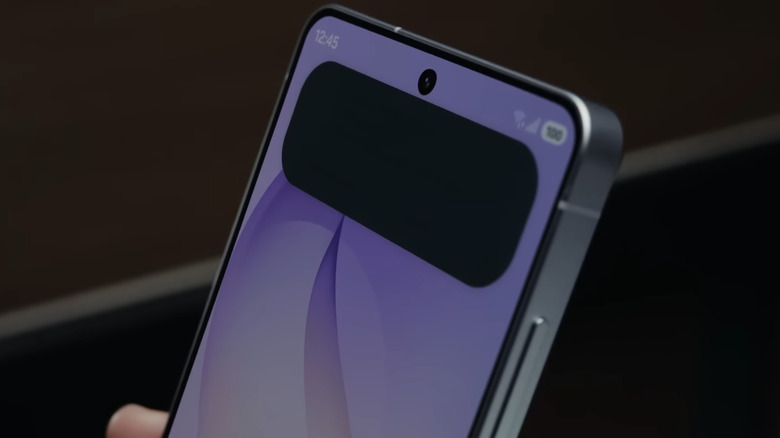
Whenever your smartphone screen shows an image, each pixel on the screen emits light in a wide angle so it can be seen in all directions. The S26 Ultra's Privacy Display is a hardware-level implementation in that enabling the mode changes how the pixels physically behave. The screen in an S26 Ultra phone comes with two different kinds of pixels: the normal wide pixels that can be viewed from all angles, as well as dedicated focus pixels that only emit light in a straight line. When you enable Privacy Display, all the wide pixels get turned off, leaving only the other half of the pixels working.
Unfortunately, this leads to drawbacks even when the mode is turned off. This is because half the pixels on the phone's screen are ones with poor viewing angles. Even with Privacy Display disabled, the S26 Ultra looks dimmer when viewed from certain angles because it essentially only has half of its pixels — the ones that emit light in wide angles — contributing fully to the brightness and the display.
This indirectly also affects how the phone responds to glare, not being as glare-resistant as its predecessor. This is because a strong anti-glare coating would lower the brightness ever so slightly. With the phone's dual-pixel setup already making it have a lower brightness than other phones, it's no surprise Samsung ditched this stronger coating.
Samsung's response
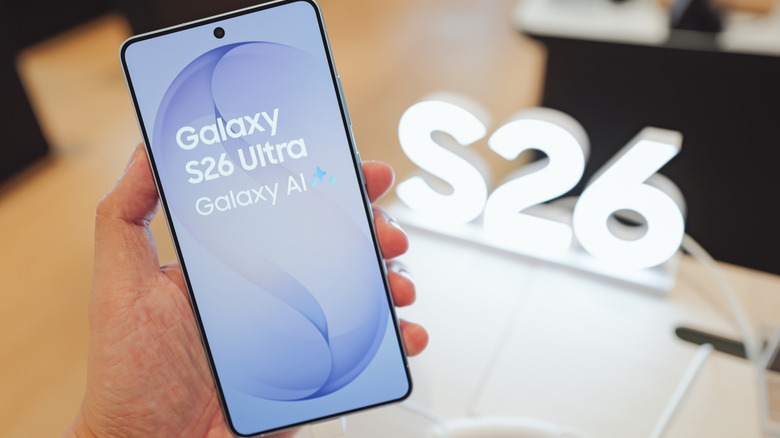
TechRadar reached out to Samsung regarding this finding and received a reply: "Privacy Display is designed to protect users' privacy by providing a vivid visual experience for using the phone in normal use cases. Some variation will be seen when the phone is held at certain angles and when set to maximum brightness, however, any impact on actual usage when holding the phone should be negligible."
This confirms that Privacy Display does have an effect on the visuals shown on your screen. However, Samsung claims that the effect is minimal in most use cases for the average user and only shows up when viewing the phone from certain angles or at max brightness. This is consistent with tests done by users, where the slightly dimmer brightness is only barely noticeable unless you put the phone beside an S25. Still, if you're someone who really values a phone's display and doesn't care too much about the Privacy Display and other features the S26 Ultra provides, there are many phones with better screens out there, especially with the S26 Ultra's high price point.