

Do More Antennas On A Router Mean Better Signal Quality?
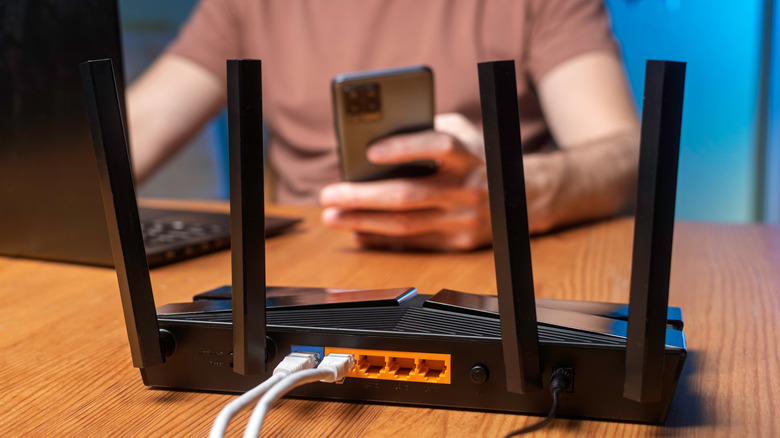
You can buy routers with as many as eight antennas. The purpose of those antennas is to send and receive the wireless signals that routers use to broadcast a network. Some routers, like mesh models, don't appear to have antennas, but this does not translate poor signal quality. In fact, all wireless routers have antennas, including mesh versions, even if they're not visible on the outside.
Moreover, Wi-Fi routers use passive antennas, so they don't have a dedicated amplifier, and instead rely on other components for power. That means the router's performance and power specifications decide the signal strength, not the number of antennas. This is why mesh routers can be as good, if not better, than traditional routers — they broadcast signals differently. Multiple antennas can help send and receive data faster by offering a dedicated throughput for MIMO (Multiple-Input Multiple-Output) technologies, but it won't significantly improve range of the network.
That is an important distinction, because if you connect on the fringe of a Wi-Fi network's range, the signal quality will be degraded. Too many connected devices can bog down a network, as well, and is a common Wi-Fi mistake almost everyone makes. Mesh routers address that problem and help eliminate property dead zones by spreading coverage between a main router and satellite units.
How many antennas your router needs
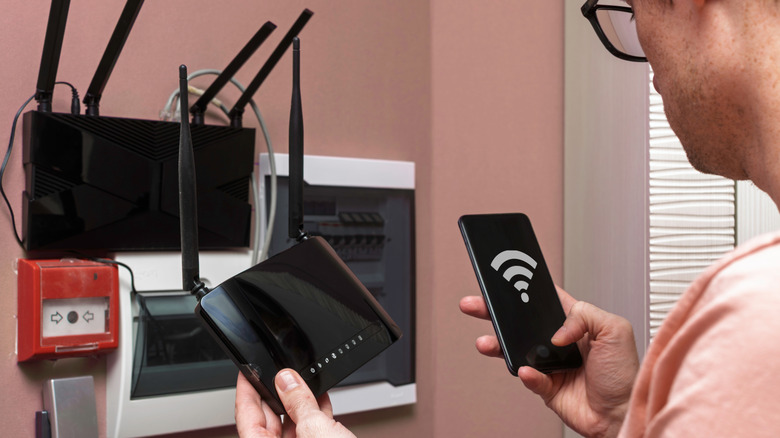
If you want to use MIMO technology, a modern Wi-Fi standard which allows antennas to both send and receive data effectively, you'll need a router with at least two antennas. More antennas equates to higher speeds for MIMO because each one serves as a dedicated wireless transmitter or receiver simultaneously.
It's also important to verify the intended router supports MIMO and the maximum support speeds it offers. Ultimately, you shouldn't decide based simply on the number of antennas alone. Mesh routers are a great option for large or "whole-home" networks, even though there are typically no visible antennas, as they blanket an entire area with signals by creating a "mesh" between the core router and satellites.
One of the things you should never do with a router is set it up near a dead zone, regardless of how many antennas there are. Placing it away from furniture or dense objects, and at least five feet above ground level, is also key. You can use Wi-Fi extenders to eliminate dead zones if you already have a router installed, just know that it's inferior to using a mesh system.