

Your iPad Has A Power Bank Feature You're Probably Not Using
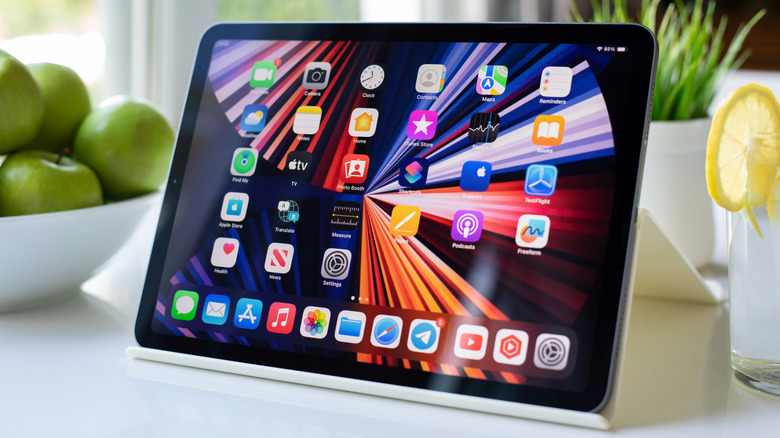
Your iPad has a power bank feature that you might not be aware of, one that could come in handy when your iPhone's battery is low and you don't have anywhere to charge it, like during a power outage or after a long day of travelling on the road. If you have your iPad around, it can be used to charge devices by simply connecting to the USB-C port.
This power bank feature is only available on certain iPad models, but it is capable of charging other iPads, iPhones, Apple Watches, and third-party devices like cameras and displays. However, before you get too excited about it, know that your iPad can't charge equipment that requires relatively large amounts of energy, like a MacBook. Still, if your tablet has the proper requirements, this feature will have you looking at it differently, as it is yet another way to take advantage of your iPad's USB-C port.
How to use your iPad as a power bank
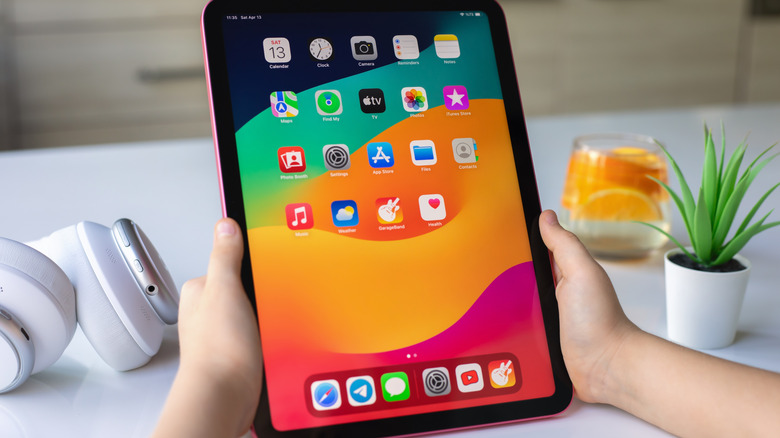
For your iPad to charge another device, make sure you have a model with a USB-C port. The list of compatible versions includes the 2018 iPad Pro, iPad Air 4 , iPad mini 6, and iPad 10 — or newer — as these were the first models to feature a USB-C port. Then, connect another device via USB-C cable to start charging. When you do so, the devices will start to negotiate power via USB Power Delivery, which automatically prioritizes the power source.
So, an iPad 10 could charge a 13-inch iPad Pro, but it's possible the opposite will happen. To solve that, you can try reversing the sequence of cable connections to move power from the iPad 10 into the other device. Either way, it's important to note that the charging speeds from an iPad to another device are relatively slow, so don't expect to charge your iPhone from 0% to 50% in 30 minutes. Instead, consider using this feature for Apple Watches and AirPods, as they have smaller batteries, and getting yourself a cheap, dedicated power bank for more regular use.