

Your Samsung Phone Is Losing A Fun Customization Feature
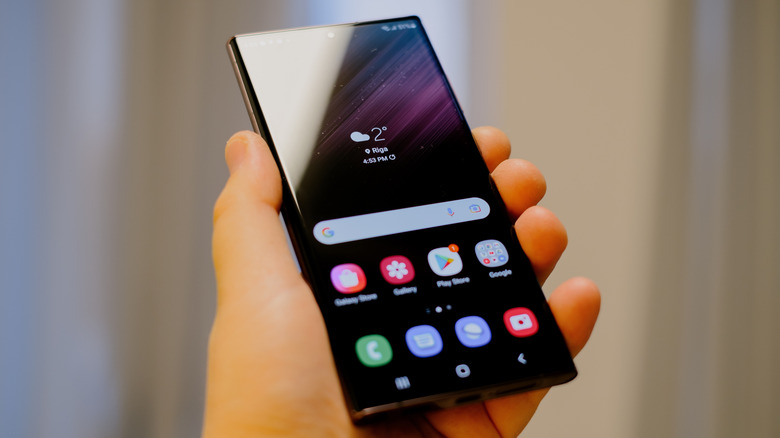
There are plenty of Samsung phone features missing from Google Pixel devices. More importantly, with each new version of its user interface layer, One UI, Samsung adds cool new features to its Galaxy phones. This is one of the reasons why Samsung is considered the best major Android phone brand in terms of customer satisfaction in the U.S. The company's phones are particularly liked for the level of customization in One UI that allows users to personalize their devices.
However, Samsung has quietly removed one of these customization options as a part of its March 2026 security update, which arrived with One UI 8.5 or One UI 8.0, depending on your device. Affected phones have lost the ability to use third-party or custom fonts. Although it's not a massive loss, Samsung users who like to use quirky or interesting fonts surely won't appreciate the change. Here's everything you need to know.
Security patch caused custom fonts to stop working
Although Samsung hasn't explicitly announced the removal of support for custom fonts from One UI, the March security bulletin makes it clear that the company never officially allowed this feature. Instead, it appears to have been a bug in the settings that enabled the installation of custom fonts. "Improper verification of cryptographic signature in Font Settings prior to SMR Mar-2026 Release 1 allows physical attackers to use a custom font. The patch adds proper verification," writes Samsung in the update.
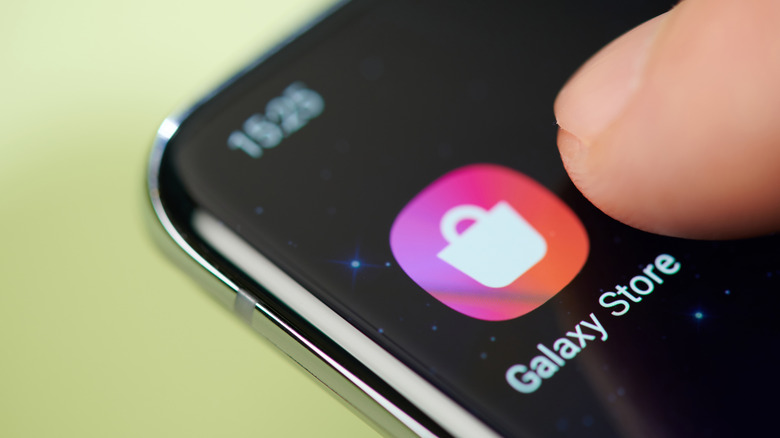
The impact was confirmed on Reddit by zFont 3, which is an app that supplies fonts and emojis for Android phones, and by an XDA Forums member. While Samsung is treating the bug as a security risk, it's unclear if any harm has resulted from it. You can still install and use third-party fonts on your Galaxy phone, but you'll have to get them from the Galaxy Store, which is the company's official marketplace for apps, games, themes, fonts, and more. Unfortunately, it is mostly paid fonts, unlike zFont 3, which is free.
Font options are limited outside the Galaxy Store
There is no easy way to sidestep the new Samsung restriction on custom phone fonts. Some folks claim that if you don't change the font that you're currently using, it will continue working, but there's no certainty of it. You can also wait for a workaround from the online Samsung community before installing the March security patch, but we can't recommend that as the closure of the font loophole is included alongside fixes for serious vulnerabilities.
If you really want to install a special font, the next best option is to find something similar to it via the Galaxy Store. Otherwise, you are left with whatever you get by default on your phone. Still, One UI has plenty more customization options — like wallpapers and color palettes — that you can leverage to make your Samsung phone match your aesthetic.