

4 Cool Things Your Nintendo Switch Joy-Con Controllers Can Do
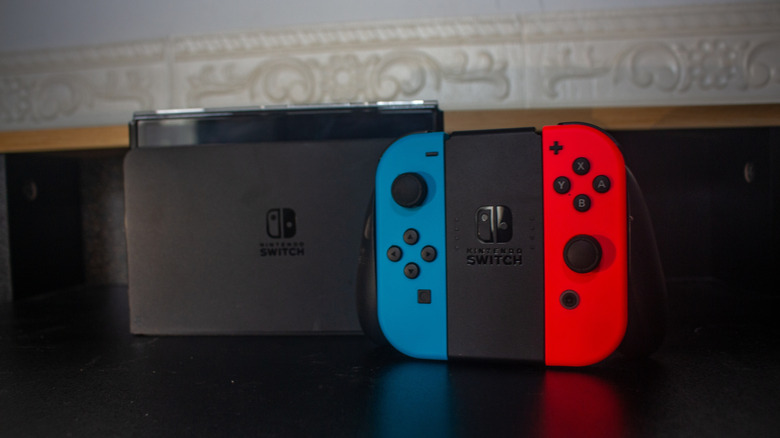
Back when it launched in 2017, the Nintendo Switch's primary gimmick was that you could pop the Joy-Con controllers on and off, playing either on your TV or on the portable screen. However, the Switch was home to all sorts of interesting features, many of which were centered on the Joy-Cons themselves, from an IR motion camera to HD rumble. Using these features, and a bit of ingenuity, you can put those Joy-Cons to a handful of nifty functions.
While the Joy-Con 2s that accompany the Switch 2 have their own interesting selling points, the original Joy-Cons still have plenty to offer a curious tech enthusiast, thanks in part to certain features that didn't make it into the Joy-Con 2s. Even if you're not using your old Joy-Cons to play games on your Switch 2, you can use their inherent tech to create household security systems, convenient peripherals for your PC and smartphone, and of course, play games elsewhere.
Detect motion with your Joy-Con's sensors
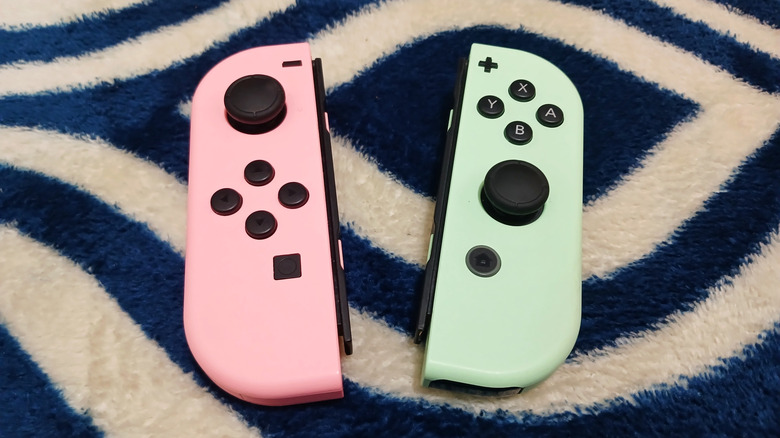
One of the most prominent features of the original Joy-Cons, and one that didn't make it over to the Joy-Con 2s, is the infrared (IR) motion camera located within the right-hand Joy-Con. This tiny camera emits invisible infrared beams, which were used in a handful of games, such as "1-2 Switch" and "WarioWare: Move It." It was also the linchpin to several of the elaborate cardboard constructions of the Nintendo Labo system, detecting the movement of reflective stickers and translating it into motion inputs.
If you still have a Joy-Con R, you can use its IR camera in a more practical way as a security sensor. If you visit the Switch eShop, you can find a $10 app called "Spy Alarm." Using this app, you can place the Joy-Con R on a flat surface and let it project its IR beam as a sort of invisible tripwire. Whenever the beam is triggered by the movement of someone passing by, your Switch will sound an alarm, warding off any potential ne'er-do-wells, as well as creating a record for each time the alarm is tripped. It's not exactly elaborate enough for full-scale home security, but it's a nice measure if you're just trying to keep a nosy sibling out of your bedroom.
Help you find a lost Joy-Con
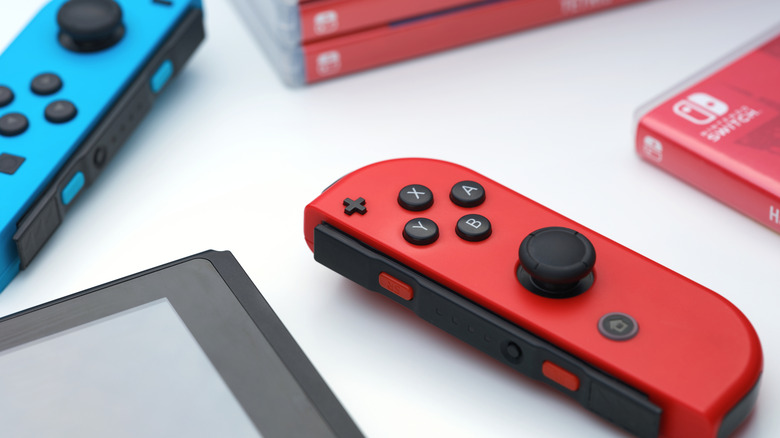
The other major hardware feature present on the Joy-Cons is dynamic HD rumble. Rumbling controllers have been a thing since the 90s, but this isn't your average vibrational feedback. HD rumble allows the Joy-Cons to deliver precise, targeted feedback across their surfaces, mimicking certain physical sensations. When performing a lockpick in "The Elder Scrolls V: Skyrim," for example, you can physically feel the lock rattling around through the Joy-Con.
What's cool about HD rumble is that the distinct vibrations are also audible from a distance. This is useful if you ever lose track of one of the Joy-Cons, as the Switch has a built-in feature for finding lost controllers. From the Switch's settings, you can have any nearby Joy-Con use its HD rumble to produce a soft tone to help find it. You could also use this feature to help you find anything you have a tendency to misplace around your house by simply keeping a Joy-Con near the object in question. It does need to be close to the Switch's main unit to receive the signal, but you can always just pick up the Switch and walk around the house with it, using the touch screen to trigger the vibration.
Sync to a smartphone
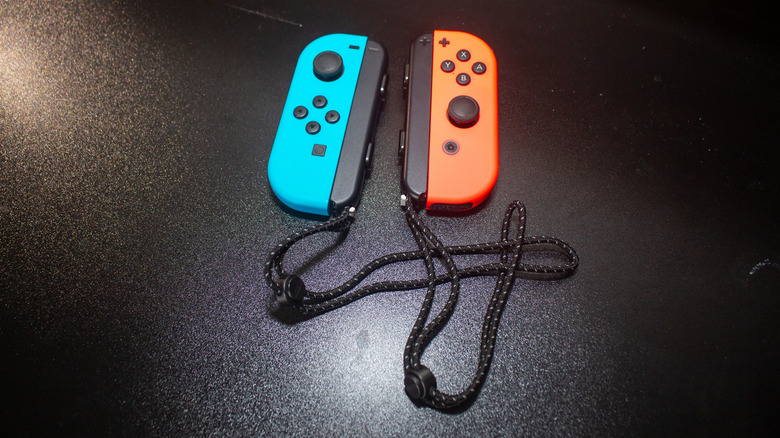
Unlike Nintendo's previous consoles, which used proprietary connections to sync with wireless controllers, the Joy-Cons connect to the Nintendo Switch via simple Bluetooth pairing. This also means that so long as the Joy-Cons aren't physically attached to the Switch, you can unpair them from your console and sync them to other Bluetooth-compatible devices.
For example, if you have an Android smartphone or iPhone, you can pair one of your Joy-Cons to it for a variety of helpful purposes. The obvious purpose is to use the Joy-Con as a controller to play games on your phone, but you can also set it up to serve as a remote shutter button for your phone's camera app. This allows you to take a photo from anywhere instead of having to awkwardly hold up your phone. The buttons on the Joy-Con can even be used to trigger additional features, such as zoom.
There are a few things to keep in mind. Joy-Cons can only be paired to a smartphone individually. Phones can't natively parse them as a cohesive pair, unlike the Switch. Secondly, only the Joy-Con R's buttons can be used for camera control, and only the Joy-Con L's analog stick can be used.
Play games and run shortcuts on a PC
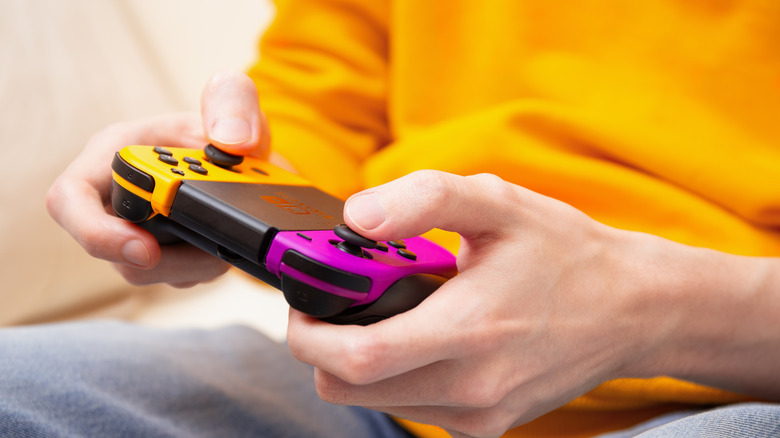
In the same vein as an Android phone, the Joy-Cons can be synced to a PC via Bluetooth. So long as the Joy-Cons aren't currently paired with your Switch and your PC has Bluetooth capabilities, you can sync one or both Joy-Cons for quick control. Not unlike playing on the Switch itself, your Joy-Cons can serve as a convenient controller for gaming, especially if you're gaming on a laptop on the go. As with an Android, a pair of Joy-Cons can't natively connect as a single controller, but there is a way to overcome that on PC. A third-party program called BetterJoy adds special drivers to your PC that allow it to parse two Joy-Cons as a single controller, which in turn allows you to use them freely together or in their plastic grip when gaming. It's a nice way to get a quick controller, especially if you don't have the Switch's best accessory, the Pro Controller, handy.
Not only can you use Joy-Cons on your PC for gaming purposes, but their inputs can also be put to practical purposes, albeit with a bit of software tinkering. On their own, the Joy-Cons are only programmed to work with compatible games, but you can use third-party software like JoyToKey to translate their button inputs into keyboard strokes and mouse movements. In this way, you can set the buttons on your Joy-Cons to quickly trigger shortcuts, which is invaluable for things like art programs.