

5 Reasons I Chose Android Over iPhone As A Power User
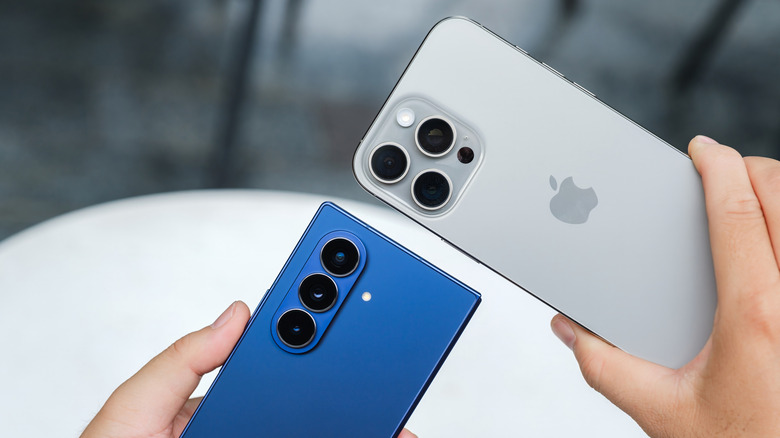
Since buying my first smartphone more than a decade ago, I've always found parts of both iOS and Android appealing. Using an iPhone feels good, and for the most part, the phone just does all the things I need it to do. However, especially in recent years, I've really come to value a lot more of the control, flexibility, and just general customization that Android offers over iOS.
Sure, the two platforms are steadily becoming closer and closer in capabilities, and there's no arguing about how good iPhone's hardware has become, especially on newer devices like the iPhone 17 Pro. But as someone who uses their phone throughout the day for both work and personal entertainment, having the additional options that Android offers have helped make it stand out far more than any iPhone ever has, and a lot of that comes down to the features that Android brings to the table for users who want more out of their phone than just the everyday convenience it offers.
More customization options
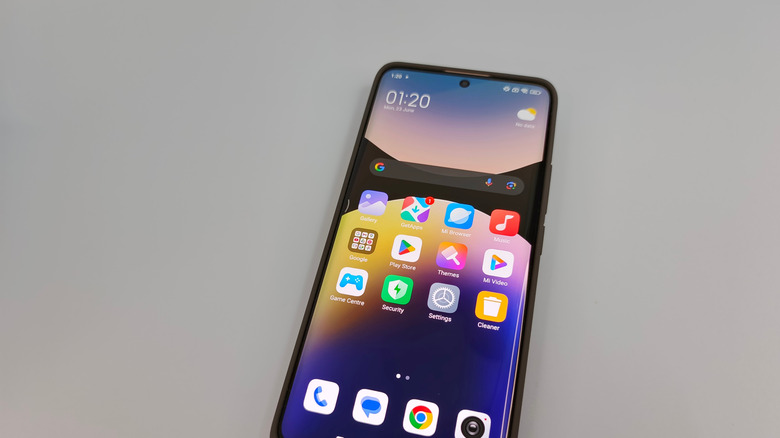
It's impossible to compare iOS and Android without talking about customization overall. While the need for this has dwindled somewhat over the past few years, depending on who you ask, the sheer amount of customization that Android phones offer compared to iPhones is almost overwhelming.
Don't get me wrong, iOS has made leaps and bounds of improvement in its customization features, even offering users the ability to change how their icons look with the release of iOS 18. But those basic customization options are nothing compared to the deeper features integrated in Android. Not only can you install entirely different launchers — these four user-recommended launchers are a good place to start — but you can also customize the default applications you use for your phone dialer, text messaging, browser, and even your default digital assistant. iOS does offer some of these capabilities, but many of them, like changing your default messaging and calling apps, are only available in specific regions like the European Union.
Android also gives you far more home screen customizability, with the ability to install entirely new themes, icon packs, and, depending on which launcher you're using, even the ability to create your own custom widgets to showcase things like weather, accessory battery levels, and more. As a power user, being able to fully customize how my Android phone looks changes how I interact with it, making it much easier to pick it up and do everything I need it to do.
Deeper system-level control
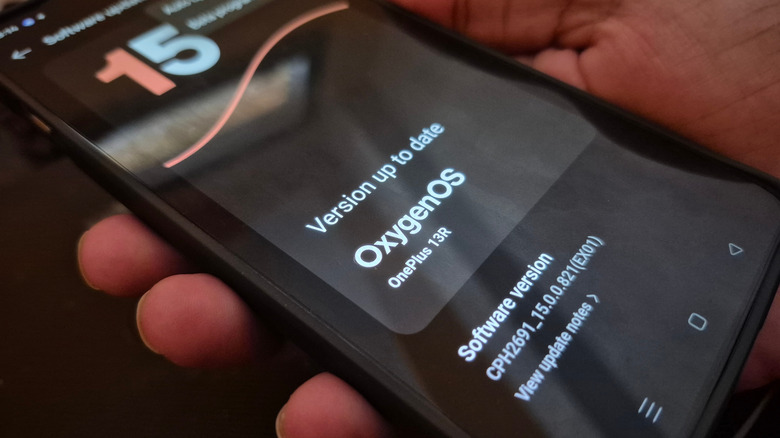
Another benefit that Android offers and iOS still lags behind in is system-level control. That's the ability to go in and take full advantage of your phone's various functions. The primary way that Android makes this possible is with its Developer options menu, which includes a plethora of different features you can tweak and enable if you want to fine-tune your phone. While iPhone does offer a developer mode, it doesn't give you nearly the same level of access that Android's does, and not directly on the device. That's because much of iPhone's developer mode is locked behind Xcode, the company's development tool suite.
On Android, though, you can use the developer mode to tweak everything from the animation speed to the background processing limit of your device, directly on the phone itself. This makes it exceptionally easy to control how your phone runs, which can be really handy for power users who want to eke out every bit of performance of their device. Considering how much smartphones cost these days, and how powerful flagships like the Galaxy S25 Ultra are supposed to be, it just makes sense to be able to tweak them to a point that you are happy with.
Built-in desktop mode
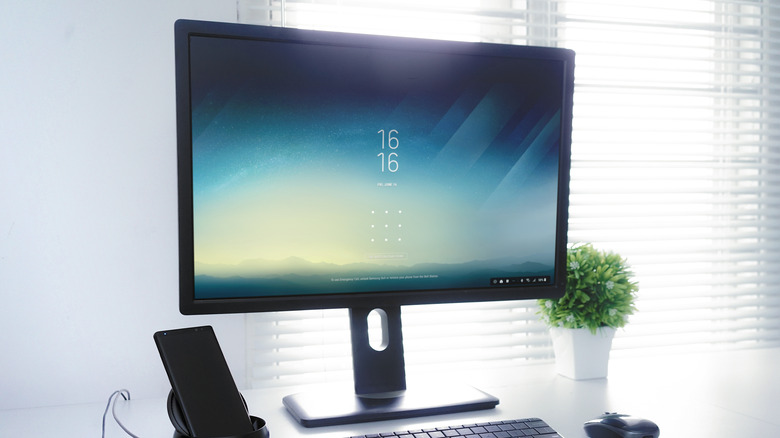
Another big plus with Android is a full-fledged desktop mode. Samsung phones have offered this for years with Samsung DeX, but recent Android updates have also brought desktop mode to Pixel devices, and it's likely going to make the jump to other Android devices as a standard feature, too. This is exceptionally useful for those of us who do a lot of work off our phones, as it lets us easily switch between browsing things on our phone and then working on a full-fledged computer setup with a monitor, mouse, and keyboard.
So far, iOS has only launched a screen mirroring option, though a full-on desktop mode is still missing. There's been plenty of talk about one potentially coming to the iPhone, as well as talk about the devices being more than powerful enough for it, but we have yet to see any signs from Apple that it could be on the way. For me, desktop mode is a must-have feature.
It makes it easy to move around and travel without missing a day of work. While there are definitely some downsides to using your phone as a full-time work machine in desktop mode, including screen resolution scaling issues, notifications not always syncing correctly or being hard to see, as well as security features that can get annoying to deal with — like your phone locking automatically due to screen timeout — the foundation is strong. It's good to have the option, should I want to take advantage of it.
Expanded hardware and software options
As power users, one of the biggest things we look at when picking up a new phone is performance and overall hardware capability. On iPhone, you're locked to the same chip, phone design, and features. However, if you go with an Android phone, then your hardware and software options open up exponentially. Not only can you take advantage of powerful flagship devices, but there are also options for those who prefer more productivity-focused devices, too, like the Samsung Galaxy Z Fold 7.
On top of hardware, Android's software capabilities are a bit more open. Sure, the need for it might have dwindled in recent years, but the fact that I can still completely root my Android device and install a custom ROM (basically a new operating system) onto it is still one of Android's biggest strengths. This unlocks a way to pick up more privacy-focused operating systems, like GrapheneOS, as well as just a way to get away from a manufacturer's software if you end up not liking something that they do with their design.
You won't find that kind of freedom on Apple devices, as the company operates more on a walled-garden approach for its software and hardware, locking users into its ecosystem. Android also plays nicely with a variety of different systems like Linux and Windows, whereas iPhones are more designed to work in tandem with macOS and iPadOS. You can connect them to other platforms like Windows, but it will take a lot more work to pull it off effectively.
More extensive notification control
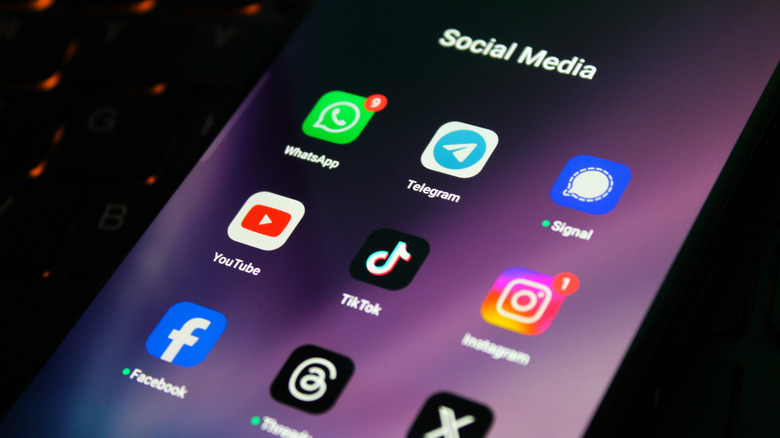
Your phone can be a really useful piece of technology, but it also has the potential to be an unlimited distraction if you aren't careful. That's because smartphone apps love to send you notifications. While iOS does offer some power to control how those notifications come through, it's nowhere near as in-depth as the options offered by Android phones (or the third-party apps like Buzzkill). Being able to manage when I receive notifications, how often they come through, and even what apps send them is a feature that's hard to give up.
On iOS, most of what you can do with notifications is tied to having them set up with scheduled summaries, turning them off completely, or running a Focus mode that helps cut them down. All of this is useful, but it lacks the nuance that Android phones typically offer, at least in my experience. There are also some reports that Android could further this lead with new notification rules, though we're waiting to hear any official information from Google on that front.