

5 3D Printer Accessories You Can Actually 3D Print Yourself
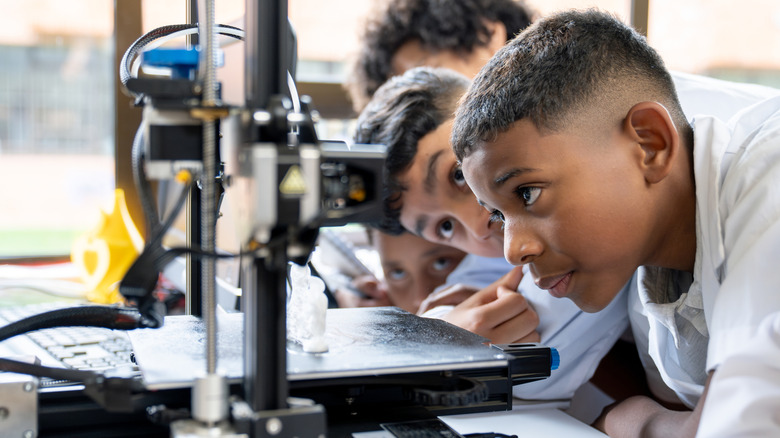
If you're thinking about buying a 3D printer, you should know that it isn't as simple as flipping a switch and watching the nozzle dispense your wildest dreams. 3D printers require a variety of tools and accessories to keep the machines properly cleaned and maintained. You could buy these accessories on Amazon if you don't mind the added expense, but since you already have a 3D printer, why not put it to use making the very accessories it needs?
With the right designs and some filament, you can use your 3D printer to make handy add-ons for your 3D printing setup, from storage racks and rewinders for your filament spools to printing bed scrapers and cleaners. With a little ingenuity, you can cook up all kinds of marvelous tools, but if you need a little inspiration, you can visit 3D printing enthusiast sites, like Printables or Maker World, to find some designs and ideas.
Universal spool rack
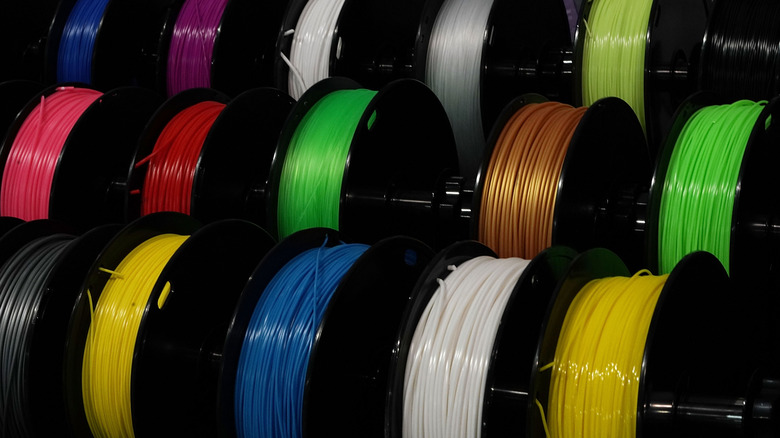
When you're starting out with 3D printing, the first thing you'll need to do is purchase various spools of printer filament, which requires an organized storage method. You definitely don't want to just leave all of those spools scattered around on the floor, with improper filament storage being one of the most common 3D printing mistakes made, but they should also be within easy grabbing distance of the printer itself. If you need a quick way to store your spools, just put the printer to work to make a universal spool rack.
To accommodate filament spools and boxes from all different brands, Maker World user Kahany designed a homemade filament rack with a universal fit. This rack consists of simple, stacking frames that can be interlinked in different configurations, locking together with printable connectors. The racks are large enough to easily accommodate most filament spools and boxes, allowing you to store all of your materials in one convenient place. If you're worried about the rack scuffing shelves or floors, you can also print an optional set of support legs, which Kahany suggests making out of TPU material.
Print bed scraper
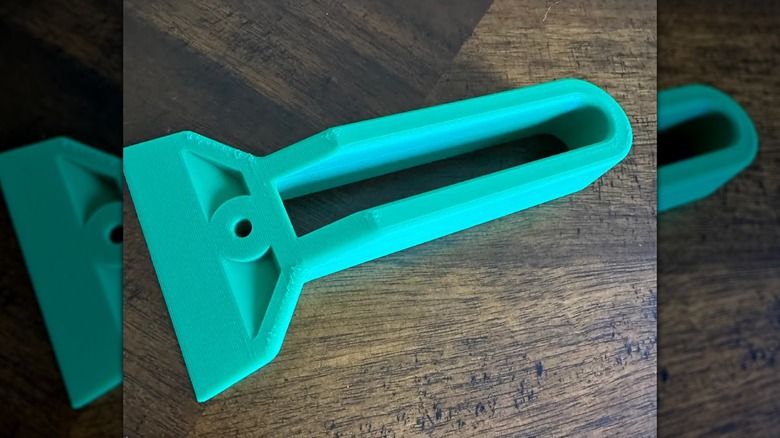
The process of 3D printing involves heating the filament and dispensing the goopy material, so it's a given that some of that material will end up getting stuck to the printer's bed. The printer operates on the assumption that there's no debris or obstructions on its bed, so if you try to run a job without getting rid of the leftovers, it's not going to end well. If you need to remove leftover material from your printer bed, a print bed scraper is an ideal tool.
Printables user xxoticlucas wanted to create a print bed scraper from scratch, specifically one that wouldn't require an excess of material itself. The resulting scraper only requires about 23 grams of material without sacrificing its efficacy. It's got a sturdy handle and a rigid edge, perfect for scraping finished projects off the printer bed, as well as removing any leftover filament blobs. Since it has such a simple design, it's also very easy to scale up or down to best fit your hands or perform detailed work.
Bed cleaning tool
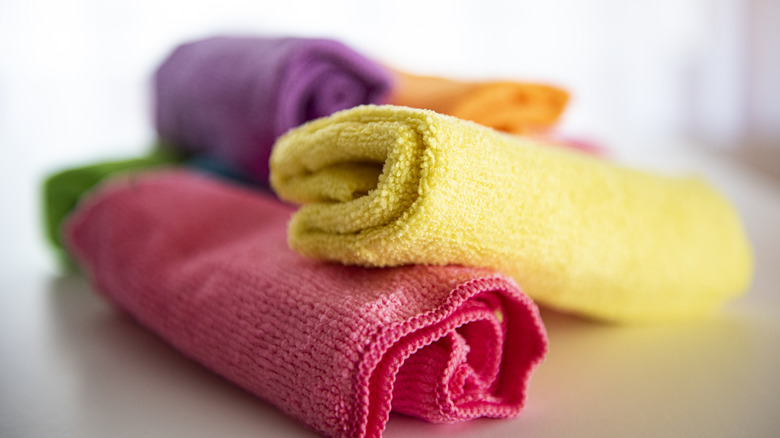
3D printer pros agree that one of the best tricks to ensure clean prints is to take care of the first layer by thoroughly clean the bed after every print. Cleaning the bed isn't just about scraping off filament blobs, though. Small bits of oil can be left behind on the bed from both the wasted filament and your own fingers, which can make it harder for subsequent prints to properly bond with the bed. To help you keep your printer bed immaculate, just print a simple bed cleaning tool.
Maker World user Poetika 3D Studio wanted a way to get their printer bed properly clean without the risk of accidentally touching it with their fingers and smudging it again. To solve this problem, they designed a cleaning tool they call the TriPad. It's a sturdy triangular grip that is used to hold a microfiber cloth, and once some isopropyl alcohol has been applied, it allows you to give the bed a good rubdown without physically touching it. The triangular shape helps you to reach the tight nooks of the bed for a comprehensive clean, and when you're done, just replace the cloth and you're ready to clean again.
Drill-powered filament spooler
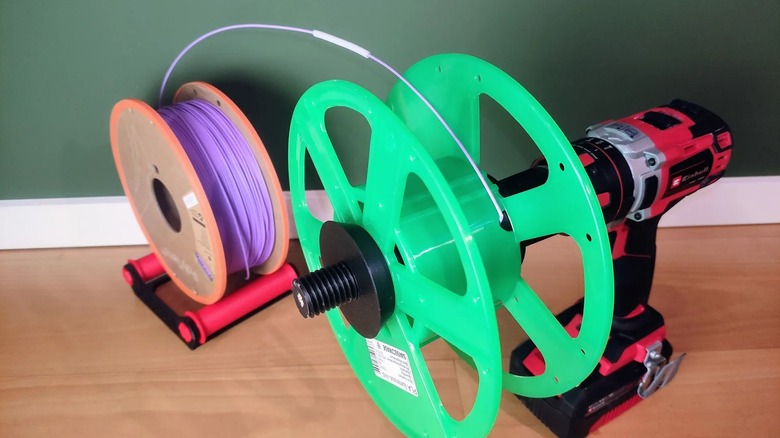
On occasion, you may need to transfer your filament to another spool to either put unused filament back on the spool or put it on a different spool entirely. Whatever the reason, re-spooling filament can be a bit of a pain without dedicated hardware. Rather than spending money on such a thing, just use your 3D printer to create a simple filament re-spooler that you can attach to a power drill.
Printables user Timon had to re-spool some filament because their printer wasn't compatible with the spool it was already on, but they didn't want to invest in the extra hardware. Instead, they designed a special hexagonal fastener that could be mounted to a typical power drill. You just plug the fastener in, mount an empty spool to it, feed the filament in, and slowly spin the drill to wind it in, guiding with a piece of tubing. This project does have a couple of quirks to it; specifically, in order to mount the fastener to a drill, you'll need to insert a pencil into it. If you're not into the idea of wasting pencils, Printables user PrintMeTreasure created a remix of this project with a built-in alignment tool that negates having to use a pencil.
Filament dust filter
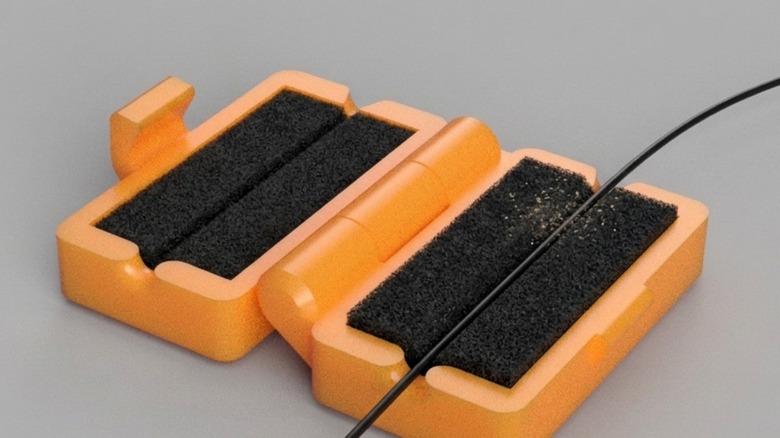
Rubbery, plasticky materials like 3D printer filament are a magnet for dust, especially if they're not stored properly. This can be a problem if the filament carries dust into the printer, as it could result in a clog, which could be a minor inconvenience or, at most, cause damage to your printer. To ensure only squeaky-clean filament enters your 3D printer, you should consider creating a filament dust filter.
Maker World user 43D PRINT designed a simple homemade dust filter, and it consists of a latching clamshell with two internal gaps, into which you can insert two pieces of foam. Before starting your printing project, just open up the filter, feed the filament in through its entry and exit gaps, and close it. As the filament passes through, the foam pads will wipe away any accumulated dust, keeping all of that unpleasant debris out of your printer. Just remember to clean the dust out of the filter between uses.