

Your Android Phone Might Have A Secret Charging Mode You Should Be Using
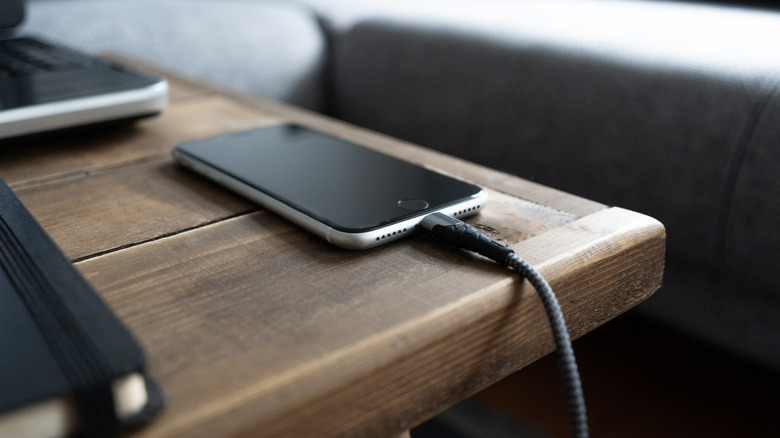
Knowing when and how much to charge your smartphone can be trickier than it sounds, but many experts recommend a simple rule of thumb: you should generally maintain a battery charge between 20% and 80%. If you have an Android phone, it may be hiding a secret feature that will make that rule much easier to follow.
Bypass charging, as the name implies, bypasses the battery in certain situations, instead running electricity right to the components of the device. This is great for when the battery is fully charged, or when it hits the charging limit you set, but when you want your phone to remain plugged in. An example of that is when you're playing a power-hungry game that would deplete the battery quickly, or watching media with your screen on for long periods. Powering up to full every time is actually a bad charging habit that can ruin your devices, and bypass charging can help you avoid that while keeping the device powered up if you're using it intensively.
Bypass charging is not to be confused with a new Android feature called priority charging that shuts down apps in the background to prioritize energy going to the battery. Priority is designed for quick bursts when you need your battery to reliably charge in a pinch. That said, not all phones support bypass charging. Phones that have it are the Google Pixel 6 series up to Pixel 9, Samsung Galaxy S24 series and above (including the Galaxy A35), the ASUS ROG Phone 3 and above (including the ROG Phone 9), the Sony Xperia line, and some others from Infinix, OnePlus, IQOO, Xiaomi, and Redmagic. Do note that, on some devices, it's a feature that requires a specific setting to be enabled.
How to enable bypass charging
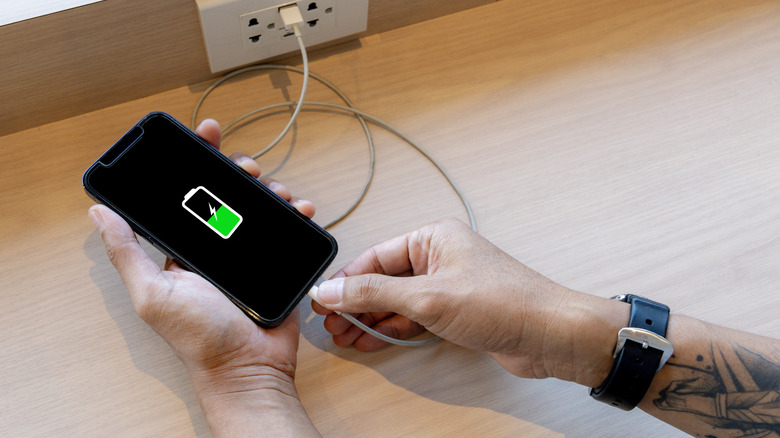
Lithium-ion batteries do some neat and convenient things. The old rule to charge the battery before doing anything else doesn't really apply anymore, for instance. But they still require proper maintenance and good care. Every time you empty a battery or charge it to full, you reduce its lifespan. That's why it's best to keep batteries charged to between 20% and 80%, and using bypass can help with that. Enabling the feature is different for every device, however, and not as straightforward as you might think.
On compatible Samsung devices, the setting is hidden away in the Game Launcher app — it's meant to be used while gaming. You can access this in two ways: through the Game Booster sidebar with a game open or by opening the Gaming Hub app, going to Menu (three dots in top right) > Game Booster, and engaging the toggle next to Pause USB PD charging when gaming. It will be greyed out unless you have a game open. You can use Game Booster in non-gaming apps, but the compatibility isn't guaranteed.
On Google Pixel devices, you need to set the charging limit to 80%, and bypass charging automatically starts when the battery reaches that threshold. To do that, open Settings > Battery > Charging optimization > and turn on Use charging optimization. Change the battery limit to 80%. On Sony Xperia devices, this feature is called H.S. power control, which stands for heat suppression power control. Again, you need to have a game or app launched and use the Game Enhancer tool to turn on or off the feature. As these cases illustrate, bypass charging is most useful in specific scenarios rather than a feature that's always on.