

3 iPhone Myths You Should Stop Believing
The iPhone is among the most iconic devices of the digital era. Thus, it's been the subject of its fair share of myths and misconceptions. Debunking these myths is essential for users. If you fall prey to certain inaccurate information about your device, it could lead to everything from reduced battery life to significant damage. Common myths about iPhones that simply aren't true include misconceptions regarding their lack of vulnerability to viruses, the way iOS handles background apps, and the extent to which an iPhone may be waterproof.
Don't let these rumors mislead you. If you own an iPhone, knowing what is and isn't true about your device will help you keep it in the best possible working condition for as long as possible. It's also critical to remember that you can reach out to the company directly if you ever have a question about your iPhone that requires an official answer. In the meantime, learning about common iPhone myths can help you better appreciate just how much "information" about your device might actually be a misrepresentation of the truth.
Myth: You should close background apps on an iPhone when not using them
You might naturally assume that failing to close an app you're not using will leave it "running" in the background on an iPhone. If you don't close the app manually, it will drain your device's battery life, right? While this is an understandable conclusion to reach, it doesn't properly account for what force closing apps on your iPhone really does to the battery.
Android devices typically let users shut down all apps at one time. There's no such function on an iPhone, but that's fine because iOS puts apps in a "suspended" or "sleeping" state when they're running in the background but not being actively used. In this state, unless there is something wrong with the app, it shouldn't be draining an iPhone's battery.
In fact, manually closing an app might do more harm than good to your iPhone's battery charge. That's because the act of closing the app itself has very little effect on an iPhone's battery life. Opening the app again, however, does have a significant impact on how much charge the device's battery has.
Myth: An iPhone can't get viruses or malware
An iPhone is arguably less vulnerable to malware and viruses than an Android device because of Apple's vetting process for third-party apps. As users on the /r/Smartphones Reddit community discuss, Android tends to make it easier to install and use third-party apps that haven't gone through proper testing. Doing so could leave an Android device vulnerable to attacks.
That said, it's a mistake to assume that iPhones and Apple devices in general can't be infected by viruses or malware. While it's true that Apple is known for taking significant steps to protect the security of its consumer devices, it's also true that attacks against Apple devices have increased in recent years. Those attacks happen because an iPhone can still technically get a virus. Also, iPhone users can be just as vulnerable to phishing scams and similar tactics as anyone else.
As such, iPhone users should still take common-sense steps to protect their devices from such threats. These include familiarizing themselves with the signs of phishing scams, never jailbreaking their devices, and being vigilant about updating to the latest version of iOS. Be aware that it's normal for your iPhone's battery to drain faster after an update, but this effect should only be temporary, so it should not deter anyone from staying current on their operating system updates.
Myth: iPhones are waterproof
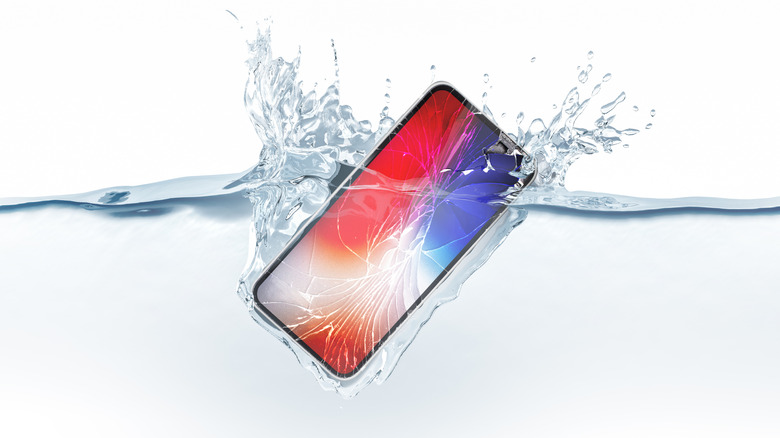
An iPhone can be a relatively durable device. That doesn't mean it's completely invulnerable to harm. For instance, some mistakenly believe that iPhones are waterproof. In truth, several models of iPhone are water-resistant to varying degrees. They may also be splash- and dust-resistant. That isn't the same as being completely immune to these hazards.
Apple itself makes it clear that a water-resistant iPhone isn't waterproof. While it may continue to function after a minor accidental spill, users shouldn't assume an iPhone will always survive after it's been fully submerged. Whether someone's an Apple devotee or they've recently made the switch, they should never assume their device will be safe to go swimming with.
Side note: If you've been using the "rice method" to address a potentially water-damaged iPhone, be aware that Apple discourages the use of rice for drying an iPhone. This approach can result in small particles of rice getting inside the device and damaging components. Instead, if a user receives a "liquid detected" alert, Apple recommends leaving the iPhone in a dry space to dry off naturally, or gently tapping the device against a user's hand to dislodge any stuck water.
These are just a few of the more prevalent iPhone myths worthy of debunking. They should help users understand that what they hear about their devices isn't always the truth. Once more, learning about these myths can also reinforce the value of contacting Apple itself when a user has a question about their device, particularly if information online seems to be conflicting or inconsistent.