

Is It Safe To Leave Your 3D Printer Running All Night?
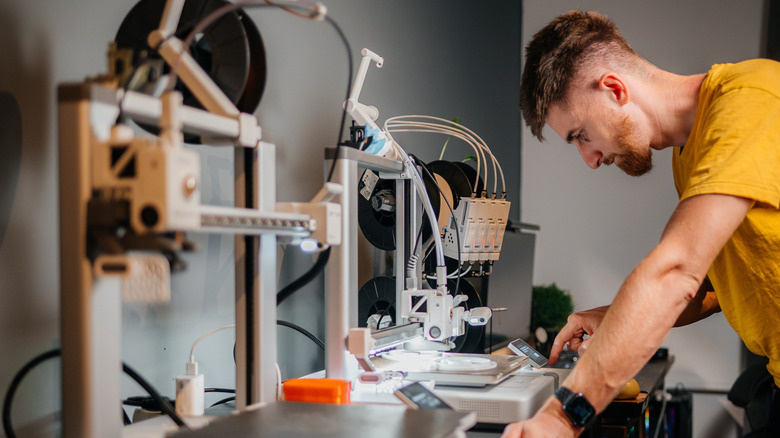
Whether you recently bought a new 3D printer or have been using one for years, the thought of leaving it running overnight may sound tempting, especially for complex prints that could take 12-24 hours. But is it safe? The short answer is no, not really. There are several reports of older 3D printer models catching fire, so you may expect the modern ones to be safer. While it's true that newer 3D printers are more reliable, with better thermal management, auto cut-off functionality, and a physical enclosure to prevent accidents, it still doesn't make them completely safe.
Many people run them overnight, even for days at a stretch. If the temperature sensors fail and the filament continues to heat up, it could damage printer components. Or worse, there's a risk of fire. Remember, a poorly maintained 3D printer can also impact print quality, often resulting in a complete mess. While these issues can usually be handled when someone is around, the risk increases during unattended, overnight printing. 3D printers are still just machines with multiple moving parts, and some of those parts get really hot. It's advised that you stay nearby while a 3D printer is in operation.
If you can't avoid overnight printing, there are smarter options and safety tips to keep things out of harm's way. Keep in mind that these won't eliminate the risks, but can significantly minimize them.
Smart tips and tricks for overnight 3D printing
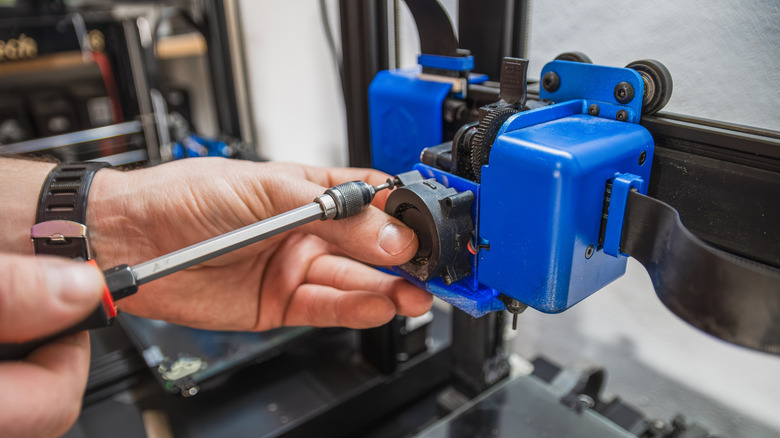
The most effective option is to split large models into smaller parts, print each separately, and then assemble them. You can also pause operations at night and resume them during the day. This approach can affect print quality in some cases, but many modern-day printers can easily resume operations after 12-18 hours. If you've yet to purchase a 3D printer or are planning an upgrade, you can also go for more efficient models that print quickly. This way, even the more complex prints can be completed during the day in 6-8 hours instead of 12-14 hours. Opting for newer machines with better safety features also makes unattended operations less risky.
When it comes to safety during extended operations, the most important step is regular checks and maintenance. Look for signs of wear and tear, tighten the screws, inspect the wiring, clear dust accumulation, and keep an eye out for any warnings or errors. Apart from that, operate the printer in a well-ventilated environment away from combustible items. Avoid staying too close for extended periods, as prolonged exposure to harmful emissions can affect your health. When you are not there, use a webcam as a security camera to monitor the 3D printer. Also, you can use a smart plug to cut power remotely if something goes wrong.
Finally, it's important to be around during the early stages of a print to make sure everything is in order. Most issues arise during the first few layers, rather than an hour or two down the line.