

4 Files You Should Never Upload To Cloud Storage

Opting for any major cloud storage service is a convenient way to store all types of files, from photos to videos, backups of your work, maybe even some personal documents. But while it's worth relying on as both a backup and when your local storage is full, there are some file types for which you should stick solely to local storage.
This is for safety and security reasons. While cloud storage servers are, by and large, secure, your information is also out there in the ether. That means it can be accessed if there's a breach. This includes files with personally identifiable details, such as confidential content (unless it's an approved work-related server provided by the company), medical details, and more. Sure, your information can be hacked from a local computer or a company's servers at any time, too, whether that's your credit card number or passwords. Even devices like fitness trackers and apps store information. But for an added layer of security, when it comes to your own personal cloud storage, steer clear of storing a few types of files.
Files with personally identifiable information
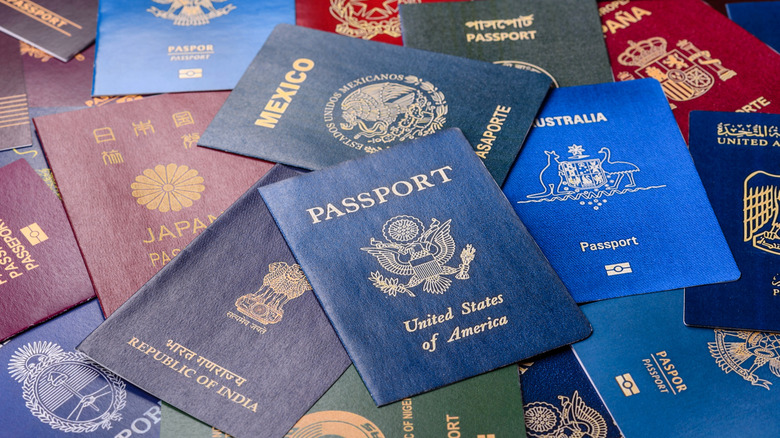
It's a good idea to keep backups of documents like your birth certificate and scans of your passport (for administrative purposes), social security number, driver's license, car ownership document, and more. But it's best to store these locally on your own hard drive and not upload them to the cloud. It might sound logical since you can access the data from anywhere if you need to book a flight, for example, or look up information for a form. But if there's a breach, giving someone access to a single document with several points of personal identification, like your full name, date of birth, address, driver's license or passport number, and more, makes identity theft incredibly easy.
From there, criminals can do things like open accounts in your name, get into your banking accounts, make purchases online, even steal your identity. This is not an easy thing to overcome, so you want to reduce the risk as much as you can to avoid the potential financial loss and legal battles you could have to face as a result.
Financial records
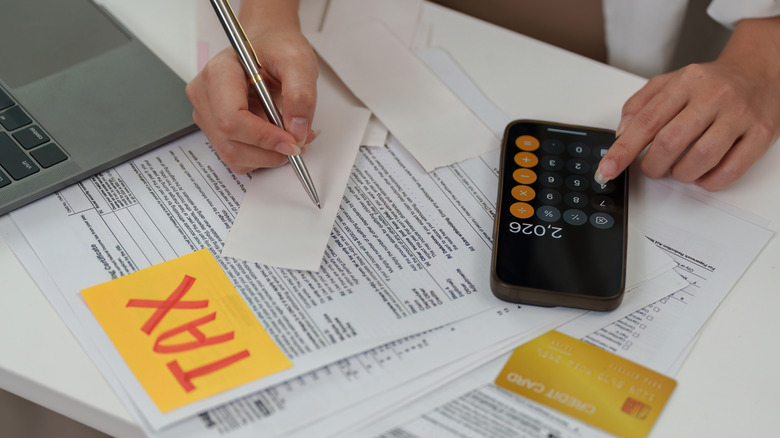
It's tempting to store a backlog of financial records in the cloud so you have a single place of access should you need them. This might include bank statements, tax filings or returns, investments, even copies of bills — but avoid doing this. Keep these documents on local backup hard drives if you need them, in labeled folders by year or category. If you want an extra layer of protection, you can also use antistatic bags to safely store your old hard drives. Or stick with the old-school method of printed papers in a filing cabinet or file folders.
If space is an issue, store them in bins in the attic of your home, or archive files after a specific duration. The IRS recommends keeping income tax filing records, for example, for at least three years, up to about seven. After that, you can shred ones you no longer need to save space. What's more, most of these files can be accessed in other places anyway. If you use mobile banking, for example, you can access a history of your statements online, or request one from the bank. Since financial records include very sensitive information about your banking accounts, financial situation, personal identifying details, and even net worth, they're a prime target for criminals.
Medical details

You probably wear a fitness tracker, smartwatch, or smart ring that captures your vitals 24/7 and work with an app in which you add details about your health and wellness. But these companies should be adhering to strict rules about accessing your data and sharing it, though your smartwatch is probably selling your personal health data, albeit anonymously. When it comes to detailed medical records, let your doctor or other medical professional handle keeping records. Or use an app or program recommended by your doctor that is deemed safe to use for keeping these records.
If you run into a situation where you have to share specific medical records with a doctor who might not have them, you should know in advance and keep this paperwork in a safe place in your home versus scanning and uploading it to the cloud. Criminals can not only use this information to impersonate you and make medical claims in your name, they might also leverage your personal medical history, name, and details to get prescription medication. Even if you want to store digital copies at home, use a secure, encrypted drive in the event that it's ever lost or stolen.
Legal filings and documents

You probably have various legal documents at home you wish you had backups of in a safe space in the event of loss, damage, or theft. This can range from your will to power of attorney documents, home ownership papers, and other contracts. Risking a breach that puts these documents in the wrong hands can be devastating. A criminal can impersonate you, use the details to blackmail you, or worse.
Legal documents are not only highly sensitive and should be retained as such, they are also very confidential, intended for only your eyes and those of your lawyer. They should never be kept electronically in the cloud. If you ever need to access them for reference, dig up the paperwork from your files, or keep electronic copies in a secure, local drive like a NAS system. So, go ahead and back up your personal photos and videos, the ones you want to keep for posterity. Upload old reports or things you're working on that you don't want to lose in the event of a laptop or hard drive failure. But leave the personal and confidential files at home, either on secure drives or old-fashioned paper.