

Is It Safe To Plug Your Phone Into A USB Wall Socket?
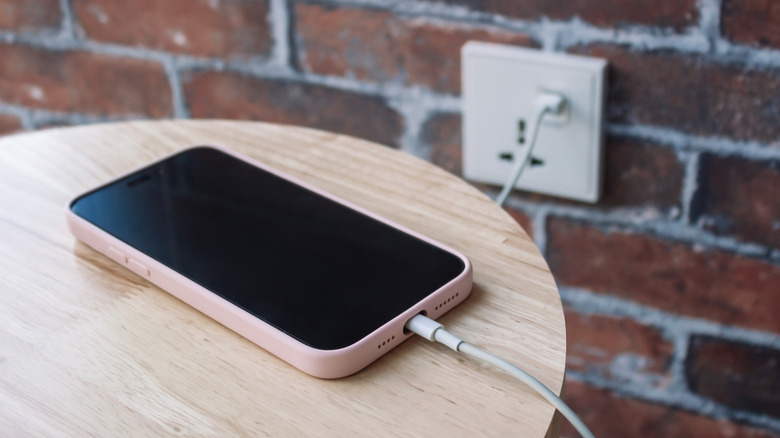
Battery anxiety remains real in a world where some iPhone 17 models offer more than a day of battery life and Android phones feature high-capacity silicon-carbon batteries. Smartphone users will always monitor battery life levels, ensuring they have charging solutions at hand. That may include topping off the device at work or in the car, and using power banks while traveling. Users will also charge phones at home and in public places, either with their own equipment or by borrowing someone else's.
Since most smartphones feature USB-C ports, it is easier than ever to find a charger or a USB wall socket that supports USB-C. Some wall outlets also have USB-A ports, and sockets can be installed at home for even easier charging access. Anyone wondering whether USB wall sockets are safe to use instead of a regular power adapter should know that the answer is yes, it's perfectly safe to connect a phone directly to the wall, as long as you're aware of a few specific requirements concerning safety and security.
When installing USB wall sockets at home, you'll want to purchase high-quality products that will ensure the safety of your devices and home. That shouldn't be a concern for USB wall sockets at the office or in public places, such as coffee shops and hotels. You'll have to trust the owner of that building or establishment that they purchased high-quality wall outlets with USB ports. But the security aspect comes into play when considering public USB wall outlets. Since USB cables can also carry data, public USB sockets may be tampered with. Some attackers may attempt to hack unsuspecting users while they charge their devices.
The USB wall socket hardware
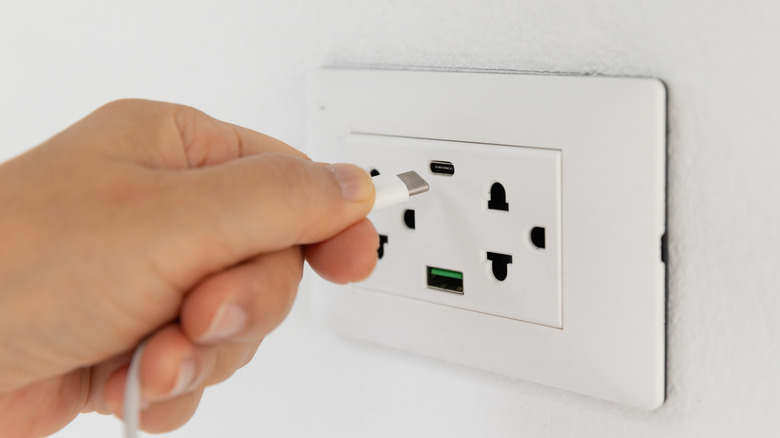
Adding USB support to the wall outlets of your home is a good idea, considering that many battery-powered devices use USB cables connected to a power adapter to recharge. USB wall sockets can also be more convenient than using power strips to accommodate multiple power adapters at the same time. That said, you'll want USB wall sockets that can provide the correct amount of power to all your devices safely.
When purchasing USB wall sockets, you'll want to look for UL certification. A "UL safety Mark means a product has been certified to meet scientific safety, quality, or security standards," according to UL Solutions. The certification shows that a product has passed electrical testing that assesses fire and electric shock risks and is safe to use. You should avoid buying cheap outlets that lack safety certifications.
Also, you should ensure that the USB wall socket offers overcurrent protection to protect your devices. Since you may charge iPhone and Android smartphones, as well as tablets and laptops in your household, you'll want to ensure that the USB ports can handle various charging speeds. The USB wall socket should support USB Power Delivery, a technology that allows devices to charge at higher speeds. It'll be up to the gadget to negotiate the power it needs. For example, the iPhone can charge at up to 40 W, while some Android phones can exceed 100 W. The same wall socket can provide the correct power as long as it supports Power Delivery and high enough wattage. However, you may want to check the specs before you purchase wall outlets with USB ports to see what the maximum USB-C charging speed is. Some devices may still need a regular power brick instead of a USB wall socket.
What about cybersecurity?
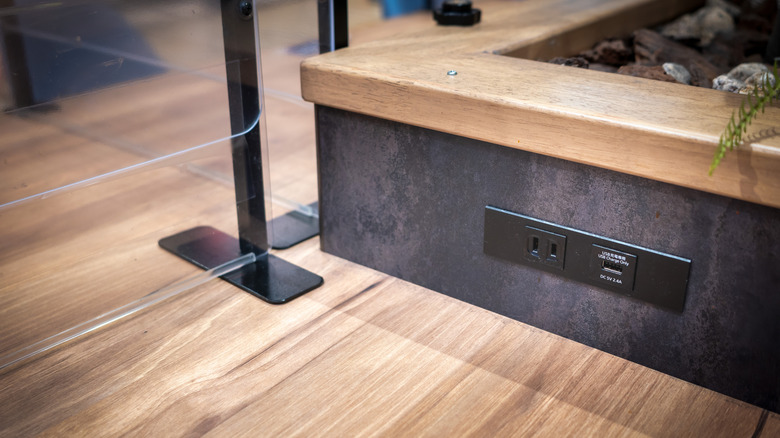
You won't have to worry about hackers when installing USB wall outlets at home, but you should be mindful about using a USB wall socket in public places. The U.S. Cybersecurity and Infrastructure Security Agency (CISA) warns against charging devices via public USB ports without using data blockers. You may not be a target of interest to hackers, but you should assume any public port can be tampered with to attempt to install malicious software on smartphones. An attack involving a public USB port modified to extract data or infect a device is known as "juice jacking." Users won't be able to tell the difference between a clean USB-C port and one modified by a hacker.
As a rule of thumb, you should use a power adapter when in public, instead of connecting your phone directly to a USB wall socket unless you have a data blocker or use a USB-C cable that can't transmit data. You're not protecting yourself and your device against electrical issues, as it's likely those USB wall sockets are safe. You're protecting against potentially malicious USB ports that do more than charge your device.