

Can You Back Up Books From Your Old Kindle?
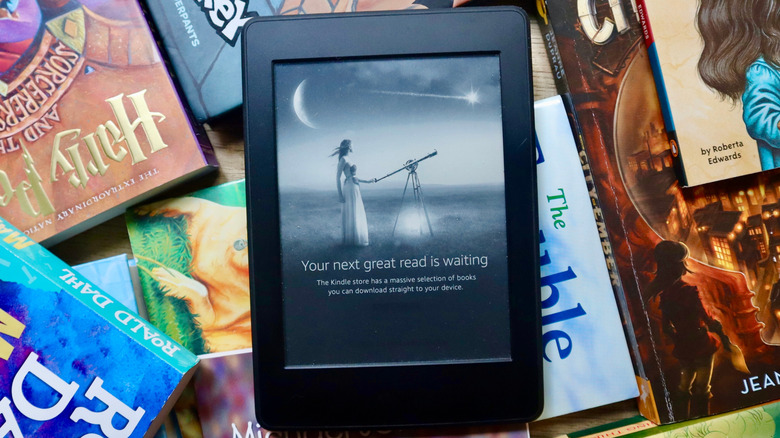
It was recently announced that Amazon is discontinuing support for older Kindle models released before 2013. Starting May 20, 2026, you will no longer be able to purchase, borrow, or download new content to affected devices via the Kindle Store. You will still be able to read books that you already have on those devices, but you won't be able to expand your collection. So, what should you do if you don't want to buy a new Kindle?
Unfortunately, there is no way to back up your Kindle books without delving into legal gray areas. On February 26, 2025, Amazon removed the "Download & Transfer via USB" option from the Kindle library, which allowed users to freely manage and move their books however they pleased. It was easy to use third-party tools like Calibre to remove Amazon's DRM restrictions and build your own digital library free from the Kindle ecosystem. Without this option, there is no straightforward way to move your books to a non-Amazon device.
DRM, which stands for Digital Rights Management, is a technology that gives copyright holders and content distributors the power to control how a product can be accessed. This is what ultimately keeps you from backing up Kindle books to other devices. People who distribute ways to circumvent DRM may face felony charges, and using those tools yourself is a violation of Amazon's terms of service.
How to get around Amazon's DRM restrictions

If you're adamant about backing up books from your old Kindle regardless of potential consequences, you do have options. Users on Reddit have discussed a complex process that entails using the Calibre software in tandem with DRM removal tools to convert your books to other file formats. Keep in mind that following this process may violate Amazon's terms of service, which can result in you permanently losing access to your Amazon account and all content purchased through the Kindle Store.
It's also worth noting that publishers have the choice of whether or not to apply DRM when formatting an eBook via Kindle Direct Publishing. If you own books that were published as DRM-free, you can download those books as EPUB or PDF files via the "Manage Your Content and Devices" page on Amazon.
If you're interested in continuing to use Amazon's devices and services, you can still access your books without the need to back them up. The books you've purchased through the Kindle Store are linked to your account, so you will be able to download them from the cloud if you buy a new Kindle. The Kindle Cloud Reader lets you log on and read your books on a web browser. You can even use the Kindle app to effectively change your iPad into a Kindle. With these alternatives, along with the fact that Amazon is enforcing DRM and rendering old models obsolete, it's easy to say that no one needs a Kindle anymore.