

You Should Use Your Phone's Low Power Mode More Often - Here's Why

We rely on our smartphones so much that, if you're on the go, your phone dying can be a major concern. Portable chargers are great, but not everyone wants to buy one or carry it around everywhere, so maximizing your phone's battery life is key. Most of us are guilty of bad habits that drain battery life faster, like leaving apps open or charging our phones to 100% every night, hurting overall battery health in the long run.
What's better is when your phone's battery lasts as long as possible, and a great way to do this is by enabling Low Power Mode. Different phones use different names — Google Pixel calls it Battery Saver, and Samsung Galaxy calls it Power saving mode — but they mostly work the same way. You've probably turned on Low Power Mode before, as your phone gives you a notification when it gets down to 20%. On an iPhone, once your battery has been charged to 80%, it turns itself off automatically.
Low Power Mode isn't just for when you have low power, though. It's actually a useful tool for keeping your phone going longer, though that does come with some costs. Still, if you don't need your phone to run at full capacity and you know you won't have access to a charger for a while, it may be worth keeping it on Low Power Mode, even if it's not at risk of dying any time soon.
What Low Power Mode actually does
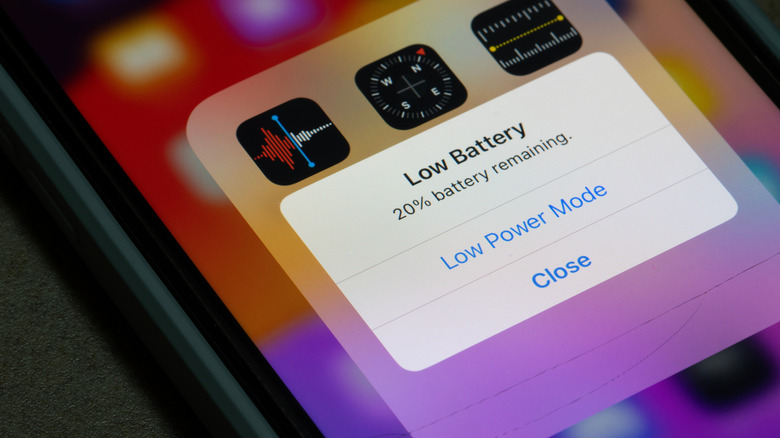
In Low Power Mode, the phone takes various measures to reduce battery drain. On an iPhone, that includes turning off background app refresh, pausing iCloud photo syncing, setting autolock to 30 seconds, and reducing CPU performance by around 40%. Pixel phones give users a couple of options to customize the experience. It also has an Extreme Battery Saver mode that limits more features like Wi-Fi and Bluetooth scanning, reduces CPU performance, and turns off notifications for most apps. Samsung offers even more options in its Power saving mode, allowing Galaxy users to toggle things like CPU speed reduction and decreased brightness when the mode is activated.
Since Low Power Mode doesn't damage the battery, it's safe to use frequently. It's also a helpful setting for those with older phones with reduced battery life, allowing you to make the most out of one charge. While the reduced performance means you don't want to use it while gaming or streaming content, you probably aren't doing those if you're really trying to save battery. With limited downsides, Low Power Mode is perfect for maximizing your phone's battery at times when efficiency is more important than performance — like when you'll be away from power sources all day but still want to know your device is available for communication when you need it. That way, maybe you can avoid the dread of figuring out what to do if your battery dies and your phone won't turn on.