

Your Old Smartphone Could Be A Fire Risk Hiding In Plain Sight
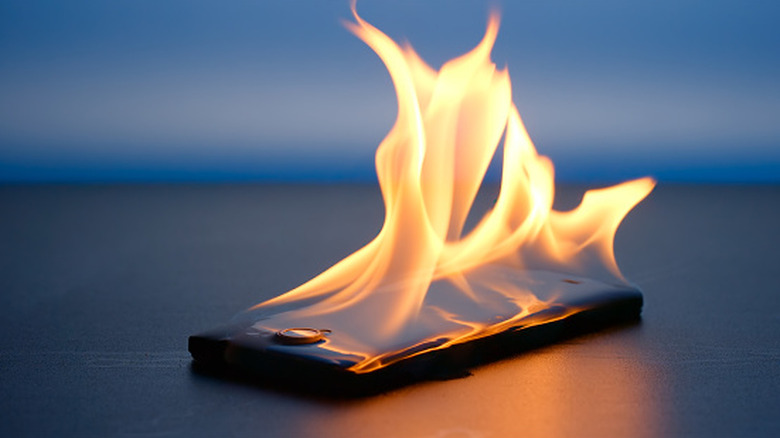
If you're holding on to your old phone, maybe out of nostalgia or you think you might need it one day, you could have a fire hazard on your hands. In 2022, a popular tech YouTuber, Marques Brownlee, who goes by the handle @mkbhd, and some of his peers noticed that the batteries of their old Samsung phones were swelling up at a much faster rate than those of other phone manufacturers. The keyword here is "faster rate," because it implies that other phone batteries also swell, but their rates are just slower.
A swollen battery is one of the biggest signs that a lithium-ion (Li-ion) battery is about to explode. Even when a phone is off, the battery continues to drain, albeit at a slower rate. Eventually, it will drain completely, going into a state where it has been deeply discharged. This is where things can get dangerous. According to Marques, what happens is that the battery's electrolytes are gradually evaporating during this period of inactivity. This creates gases, such as carbon dioxide, carbon monoxide, and hydrogen, that can build up over time and create a noticeable bulge on the phone from the resulting internal pressure.
So, it's time to pull your old phone from the drawer, closet, or cabinet where you stashed it years ago, and check on it to ensure that it's not a fire risk. Of course, the safest bet would be to sell or recycle any devices you don't see yourself using ever again.
Storing your old phone properly could prevent a future fire
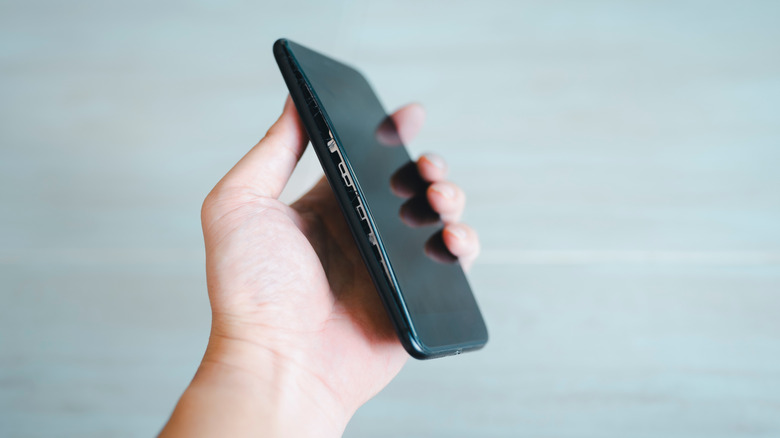
No evidence of swelling on your old phone? That's good news, but there are still some measures you can take to ensure the device stays safe for years to come: charge the battery to about 50%, power the phone down, and then store the device in a cool, dry place. Do this every six months to avoid discharging the battery completely, which also reduces its capacity and shortens its lifespan. On devices with a removable battery, perform the above steps but store the phone and battery separately, so it can self-discharge at a slower rate without the phone's internal components drawing power to keep background processes running.
If the battery is swollen, however, do not attempt to charge it. For a phone with a built-in battery, power off the device and call in a professional repair technician to come take it off your hands. They will know how to properly handle the phone and replace its battery. If the battery is removable, you can easily take it out and replace it but never throw old batteries in the trash. According to the Environmental Protection Agency (EPA), apply tape over the terminals, put the battery in a plastic bag, and take it to your nearest recycling center for hazardous waste.