

Your Mechanical Keyboard's Switches Need To Be Lubed – Here's How Often To Do It
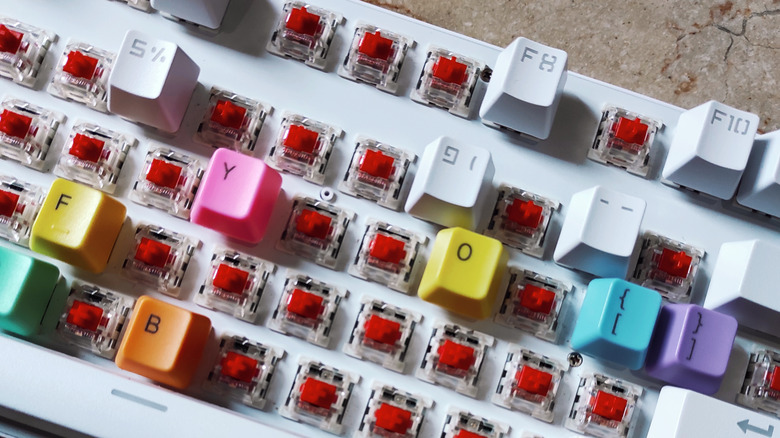
If you own a mechanical keyboard, you may have seen online talk about lubricating the switches. This can be a great way to improve the smoothness of the switches, while also helping increase the keyboard's longevity by reducing the friction each switch has to endure during daily use. In fact, hot-swappable mechanical keyboards are one of the best buy-it-for-life tech products, purely because of how easily you can customize them. And if you plan to upgrade it with new keyboard switches, you should definitely take a look at adding some lube, too, or even buying pre-lubed switches for extra smoothness. But whatever type of switch you buy, you'll also need to keep in mind how often you should reapply the lube.
Most people recommend lubricating your keyboard switches depending on how often and how extensively you use your keyboard. Daily users who spend hours tapping away at the keys will likely want to re-lubricate their switches every three to six months; 12 months at the longest. This will help prevent the lube from wearing off too much, which could lead to stiff, uneven keystrokes, additional unwanted noise, and even ghosting issues with key presses.
You can do it more often, but if you aren't experiencing any of the issues noted above, then there is no real reason to take your keyboard apart and risk potentially damaging something in the process. Lubing your keyboard switches also means taking the switch apart, cleaning out the old lube and any dirt or dust that might have made its way inside, which can take longer depending on how adept you are at the process.
Some tips to keep in mind when lubing your keyboard
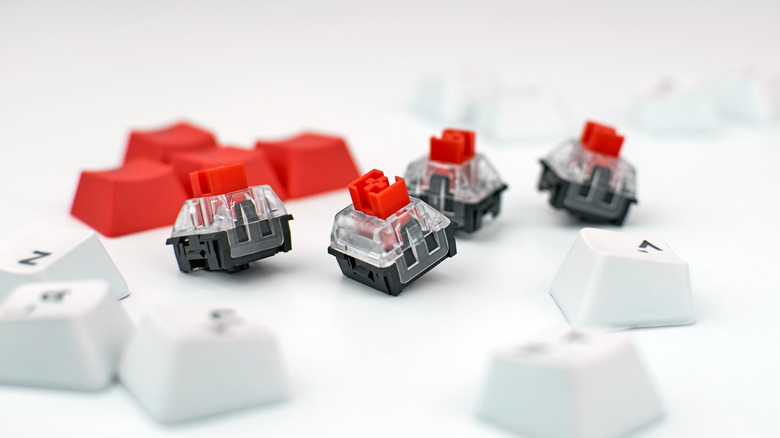
If you're planning to reapply lube to your keyboard soon, then you'll want to keep some handy tips in mind. First, be mindful of what lubricant you're using. This is because lower-quality lubrication may wear out more quickly, requiring you to reapply it more often. This is also one of the downsides of purchasing pre-lubed switches, as it's harder to know what kind of lube was used if you don't put it on yourself. There are a few different recommendations online, though those will vary depending on who you ask. Brands such as Krytox 205g0 have a good number of reviews online, with an average rating of 4.9 stars on Google Search.
When preparing to lube your switches, make sure you have all the tools you need and a clear workspace. You don't want to end up with dirt or dust inside the switch after you clean it, as this can lead to degradation and issues pressing down the switch once you've reinstalled it. If you've never lubed your keyboard switches before, then there are plenty of guides to be found online, including a number of YouTube videos from content creators who focus heavily on custom keyboard creation.
If you're looking for other ways to upgrade your keyboard, then installing new keycaps can also breathe new life into your setup.