

5 Clever Things Your AirPods Can Do (Besides Play Music)

Apple's AirPods are full of great features. First introduced in 2016 with the iPhone 7, these earbuds have come a long way and are now available in three models: AirPods, AirPods Pro, and AirPods Max. Depending on which AirPods you have, there's a lot you can do with them besides listening to music. For example, you can use them for live translations, to track your workouts, and even to protect your ears in loud environments. While some of the features require specific hardware, like Apple's H2 audio chip or a heart rate sensor, most of the functions are spread across the AirPods lineup.
Even though AirPods are pretty great for listening to music, they have some extra audio features that make them stand out. You can take advantage of Active Noise Cancelling, Transparency Mode, and Spatial Audio with Dolby Atmos. What's more, there are other nice-to-have features like instant pairing and the ability to nod your head to answer or dismiss notifications. Here's what else you can do with your AirPods.
Live Listen
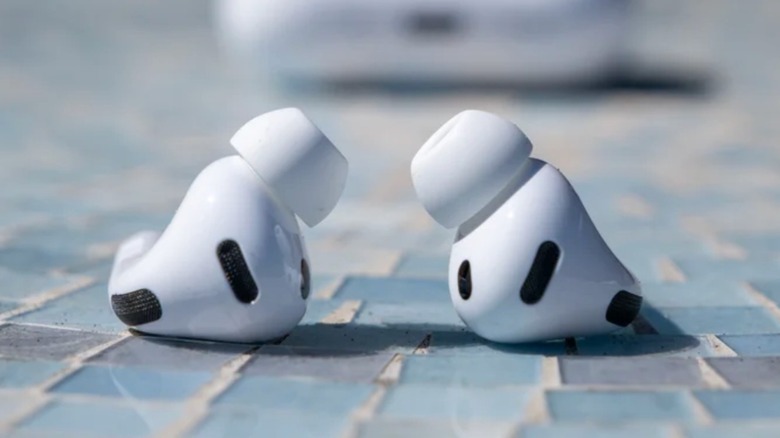
Live Listen almost feels like a James Bond gadget, but it's actually a great accessibility feature. With this functionality switched on, you can turn your iPhone or iPad into a microphone, so you can listen to what another person is saying through your AirPods. Whether you have hearing issues or you're in a noisy environment and the other person can't get louder, you can add Live Listen to hear what others are saying.
The step-by-step to enable this feature is really straightforward. In the Control Center on your iPhone or iPad, long press an empty space and then tap the Add Controls button. There, search for Live Listen, which is under Hearing Accessibility. You can place Live Listen wherever you like in the Control Center, and you can then tap it to turn it on at any time.
Place your iPhone in front of the person you want to listen to, and as they start talking, you'll hear them more clearly. Apple says you can place your iPhone or iPad closer to that person to hear them more loudly. The tech giant also offers the ability for you to see decibel-level information, so you can quickly understand if the audio will be too loud.
Hearing Aid
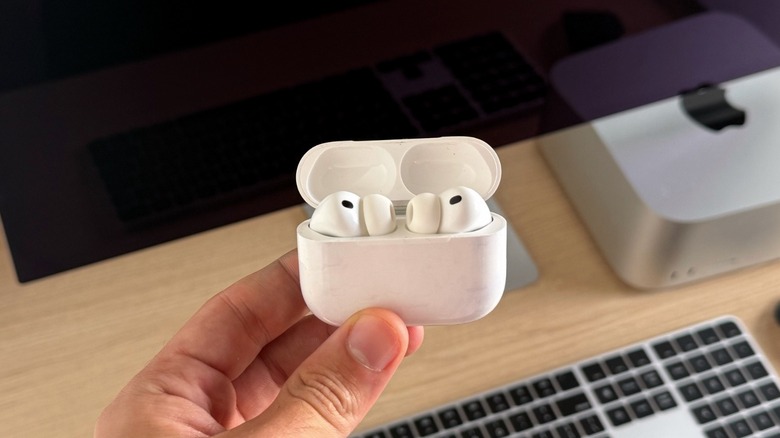
If you own AirPods Pro 2 or AirPods Pro 3, these earbuds offer a clinical-grade hearing aid feature approved by the FDA. It's aimed at those with mild to moderate hearing loss as long as they're older than 18. You may need to update your AirPods and iPhone to the latest software and check which countries and regions support this feature. Once you do that, you're ready to take a hearing test with your AirPods.
The hearing test is available in your AirPods settings — you'll see this in the Settings app, but only when you have them in your ears. You'll see the option to start the hearing test, and your iPhone will walk you through the steps. After taking the test, you can set up your AirPods as a hearing aid by tapping Hearing Assistance and then Set Up Hearing Assistance.
Depending on the results of your hearing test, your iPhone might prompt you to turn on Media Assist instead of Hearing Aid. You can also enable Conversation Boost to adjust amplification level, balance, and more. A variety of options become available not only in your iPhone, but across your Apple devices so you can listen to music but also get this boost when others start to speak with you, or if you need help to hear your surroundings.
Live Translation
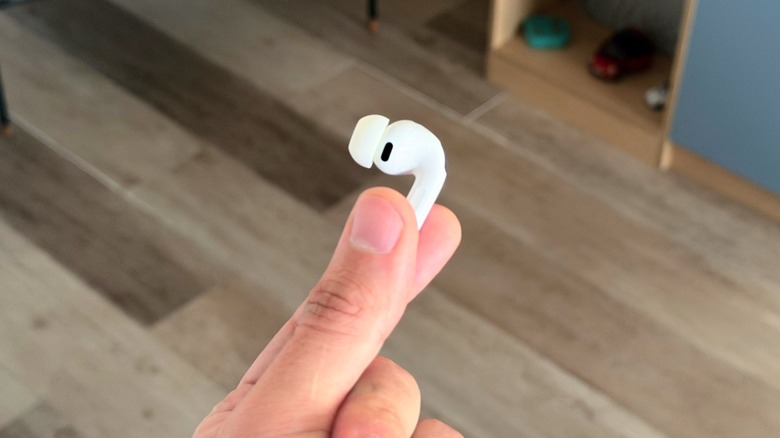
Introduced in iOS 26, Live Translation is available to AirPods with the H2 chip, which includes the AirPods 4 (ANC), AirPods Pro 2, and AirPods Pro 3. To use the Live Translation feature, you need to press and hold the stem of both AirPods in your ears to start getting a real-life translation of a conversation. You can also use your iPhone to show the other person a real-time translation of what you're saying in their language.
Live Translation is available in Chinese (simplified and traditional), English (UK and U.S.), French, German, Italian, Japanese, Korean, Portuguese (Brazil), and Spanish (Spain). Before you start using the feature, you need to download languages to your device. Once you do that, you can use Live Translation even without a cellular connection.
What's good about this feature is that Live Translation works pretty much in real time. Once someone starts to speak, you'll hear an AI-generated voice translating what they said. You can also use the Live tab in the Translate app to show the transcription of the conversation. If the other person is also using AirPods, they can also take advantage of Live Translation in their own earbuds.
Track your heart rate on workouts
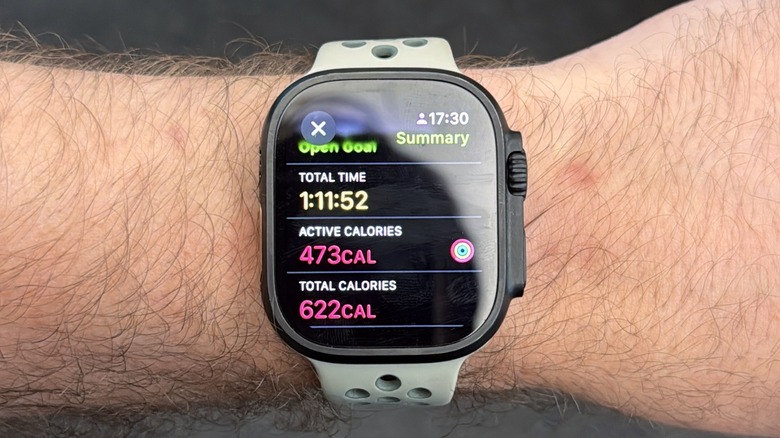
Apple added a heart-rate sensor to the AirPods Pro 3. With it, you can track more workout data than by just using your iPhone. For example, if you go for an outdoor run, your iPhone will track your route while the AirPods will register your heart rate, which is vital to understanding your effort. Even if you don't have an Apple Watch, this heart rate data will give you more information about how many calories you burned during a workout and so on.
After you give permission to the Fitness app or a third-party workout app to register your heart rate, every time you start a workout through them, AirPods Pro 3 will start to register your heart rate automatically. Once your workout is finished, your AirPods will register that information for an extra two minutes, and then they'll go back to their regular use. That way it'll keep monitoring your heart rate while you cool down.
Even though I've used an Apple Watch for years now, I've always had issues with missing heart rate data during some workouts. Now, with AirPods Pro 3, I have another method to measure my heart rate. Apple says it combines this data so I can get a better picture of how my body behaved during the exercise. Besides that, I never had issues with missing heart rate on my practices after I started using the AirPods and Apple Watch combo.
Protect your ears in loud environments
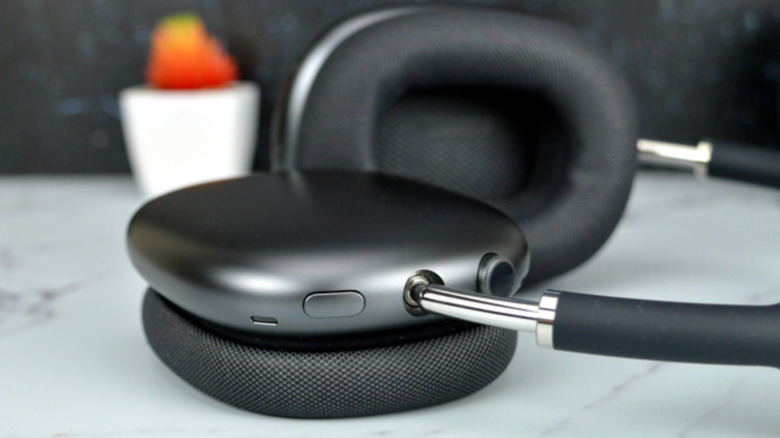
Do you know that feeling of going to a concert where the music is too loud and your ears keep ringing after a few hours of speakers blasting music into your ears? If you use AirPods Pro 2, AirPods Pro 3, or even AirPods Max 2, you can turn on Adaptive Transparency. With this feature, your headphones will remove background noise so you can only hear the live music.
Over the years, I've attended several concerts with my AirPods Pro 2, and every time it was too loud, I'd just put in the earbuds. They'd instantly remove all that noise so I could just focus on the live music. This ear protection feature precedes the hearing aid function, and it can make concerts feel like I'm listening to a live version of a song on Apple Music.
While you can just squeeze one stem of your AirPods Pro to switch between listening modes, you can also open the Control Center, long tap the AirPods volume button, and choose Adaptive Transparency. You can even check on your Apple Watch the decibel levels. The smartwatch will show the current levels using your AirPods and what the environment would sound like if you weren't wearing them.