

5 Clever Uses For Your Phone When In Airplane Mode
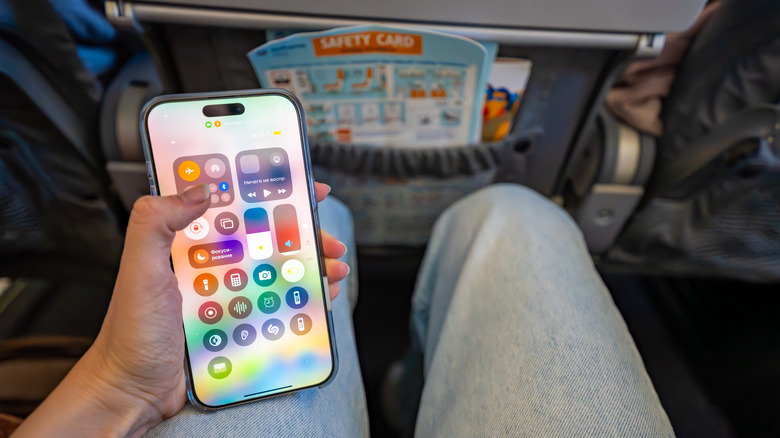
Airplane Mode is quite the fascinating feature on modern phones. It was created to prevent communication issues, but actually had nothing to do with the airplane itself. Instituted in 1991, the reason Airplane Mode exists is due to cell towers on the ground. Back in those days, the towers couldn't handle the traffic of a plane-load of phones switching from one tower to the next at hundreds of miles an hour.
Today, the feature is still in use and helps keep audio noise out of cockpit communication systems to avoid distracting pilots. It turns out Airplane Mode can get you a stronger phone signal too. But for those long trips, what can you do on your phone while in Airplane Mode? Not even a handful of travel gadgets for easing your next flight will save you from the boredom of not being able to operate your device normally. Thankfully, there are a number of clever uses for your phone while in Airplane Mode, like playing games, watching downloaded movies, and reading books.
Play games

While mobile gaming may have once been seen by some as a novelty, things have changed. Many high-quality video games have been released on major mobile platforms, and some don't require an internet connection to play. Popular games such as "Stardew Valley", "GRID Autosport", and "Castlevania: Symphony of the Night" don't require you to be connected online in order to play. You simply purchase the game and download it to your device before a trip, and you're set to go.
Many of these titles can take over a dozen hours to complete, like "Alien: Isolation", while others are essentially never-ending, such as "Minecraft". If you consider that it takes, on average, 30 hours to beat "Grand Theft Auto: San Andreas", you could fly from New York to Los Angeles five times before finishing it. And with many Android phones more powerful than the Nintendo Switch on the market, serious gaming is now possible in the air.
Listen to your music collection
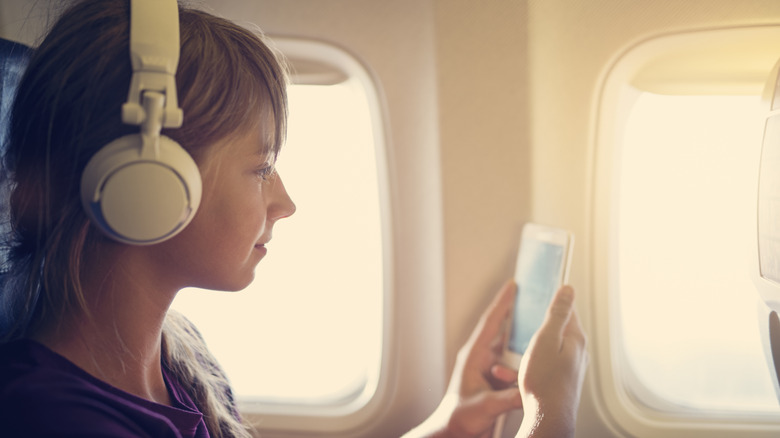
The music world has changed a lot over the last few decades, moving from buying physical media like CDs to online songs in MP3 format. But the current trend is streaming music. Many of us listen to tunes on platforms like Spotify, YouTube Music, and Amazon Music. It's certainly convenient to access the music you want, whenever you want, with an internet connection. But what about when you turn on Airplane Mode and lose that connection?
Before traveling, you can download tracks and save them to your phone for offline listening. An app like Auxio is a great way to control local media on an Android device. It's private, offline, and can read files saved on a micro SD card. Both Spotify and Apple Music also offer downloads for offline music listening. So if you use those subscription-based platforms, this clever use for your phone when in Airplane Mode is built in.
Watch video content

Much in the same way as it works with offline music, you can download video content to your phone and watch it when Airplane Mode is activated. The Samsung Galaxy S26 Ultra is loaded with cool features and up to 1TB of storage space, making it an ideal device for downloading shows to watch while flying. Netflix, Hulu, HBO and other streaming platforms allow you to download certain types of content to enjoy offline.
This is perfect for the traveler who wants to watch their favorite show and not have to worry about what the airline is offering, or whether the plane you're on has a seatback entertainment system. If you don't use streaming services with a download feature, VLC for Android is an app that will allow you to play downloaded video content on your device, or from a Micro SD card, for enjoying while in the air.
Read a book or catch up on news
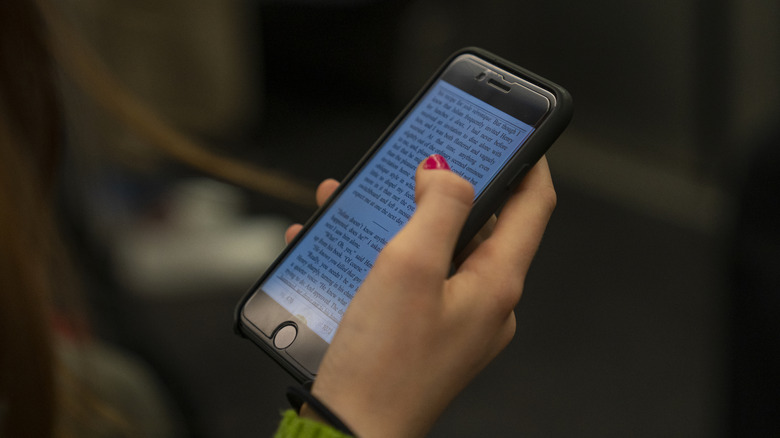
It seems as if phones are getting larger screens with every generation, especially with the rise of foldable phones that are hitting the market. With an app like Readwise Reader for Android and iOS, you can take advantage of both books and news all inside one simple app. Readwise Reader is interesting because it's designed to work offline. While it does require a subscription, the app allows you to save articles you find online for later reading, entire X threads, newsletters, RSS feeds, and it can transcribe videos for you.
It's an impressive feature set that is tailored toward power readers. There are dedicated book app options, like ReadEra, that will load digital book formats, but Readwise Reader also supports PDFs, EPUBs, and other book formats. This makes it a great all-in-one app for on-the-go readers who may be limited in their content options, especially with regards to news, when using Airplane Mode.
Enjoy a digital detox
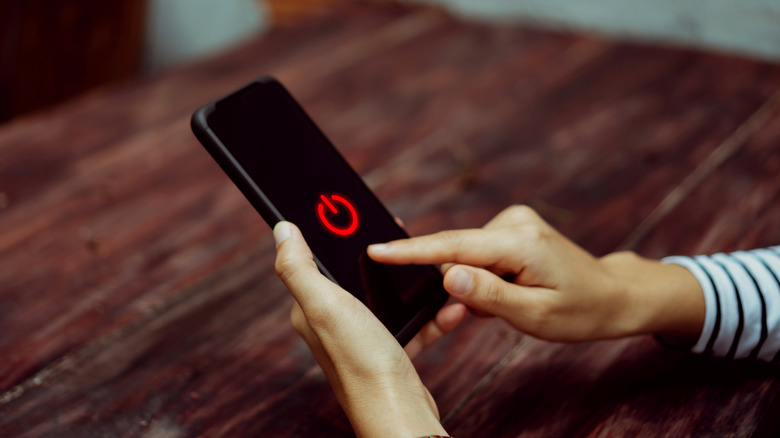
Airplane Mode can be a bit of a hassle for those of who are in a constant loop of connectivity. Surely you don't have to respond to every single notification, alert, and update on your phone. Really, you could probably ignore a fair number of them, though that might feel easier said than done. But, when you consider that a typical commercial flight usually lasts less than three hours, it's not a lot of time in the grand scheme of things and those notifications will likely be there when you land.
So, one decidedly low-tech, but still clever, use of your phone on a plane is to just turn it off completely and take advantage of a digital detox at 30,000 feet. Take a nap, try some meditation, enjoy the time with your friends and family, strike up a conversation with your fellow passengers, or simply escape from endless notifications.
Methodology
When looking for clever ways to use your phone when in Airplane Mode, we turned to Reddit, YouTube, and various social media platforms for inspiration. We researched what people were actually doing on their phones when forced to activate Airplane Mode, finding a pretty wide range of tips and tricks. Several of the selected options allow users to keep using their devices as if the internet was still active, without losing complete functionality. The writer also relied on their real-world experience of traveling and using these options.