

3 Common Mistakes People Make When Buying A Monitor
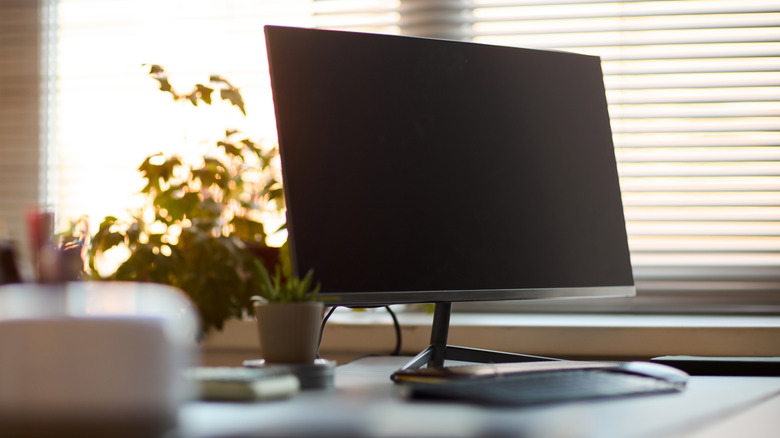
Whether you're in the market for a new computer monitor because your old monitor died or simply because you're looking to make an upgrade, it's important to do your research. The idea is to avoid spending your money on a unit that doesn't properly serve your needs. Researching monitor options isn't just about familiarizing yourself with the various types and models on the market, it's also vital to avoid the common mistakes that people make when buying computer monitors.
You can probably think of a few monitor-buying missteps that you may encounter along the way, such as not setting a budget or buying the wrong size monitor. Understanding your specific needs will help you find a new monitor that is ideal for your workspace. However, if you're not careful, there are easy-to-overlook mistakes that could cause you to make a poor investment. Learning about these mistakes, and considering them when shopping for a monitor, will help you guard against buying a piece of tech you end up regretting.
Not considering how far away you sit from the monitor
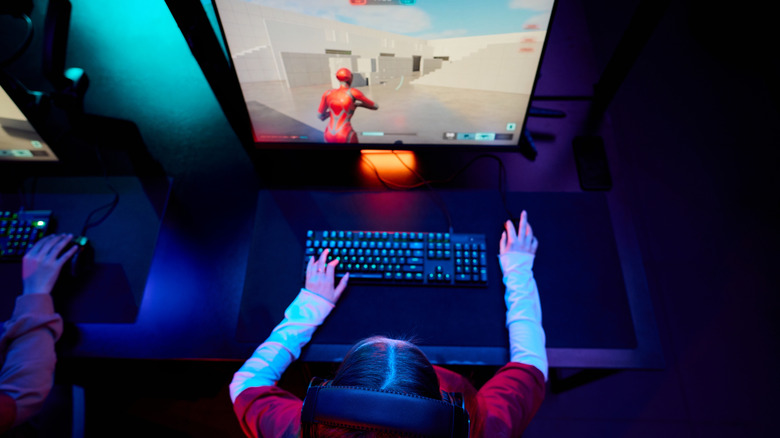
Some people shop for computer monitors the same way they shop for TVs. In other words, they assume that a larger screen always offers a superior experience; That's definitely not the case. With a computer monitor, you're generally sitting closer to the screen than you would a television, so a monitor that's too big or small for your workspace can actually make it more difficult to work or game efficiently and be harder on your eyes.
You also have to account for how you primarily use your monitor. For example, if you mainly use your computer for work, a reasonably large screen may be ideal as it lets you easily view multiple windows on the same screen. If you're leaning in the direction of a dual monitor setup, you might even consider an ultrawide monitor as a better alternative.
On the other hand, maybe you're planning to buy a gaming monitor. Keep in mind that some users find that very large monitors can make gaming somewhat difficult if they tend to sit close to the screen. Sitting close to a large monitor while gaming can make it difficult to see all the vital information and details on the screen at once. If your setup allows you to sit on the other side of the room from your monitor, that's fine, but otherwise, you shouldn't assume a particularly large screen is always what you need. Choose a monitor you can look at comfortably based on how far back you tend to sit.
Overlooking the performance of your other hardware
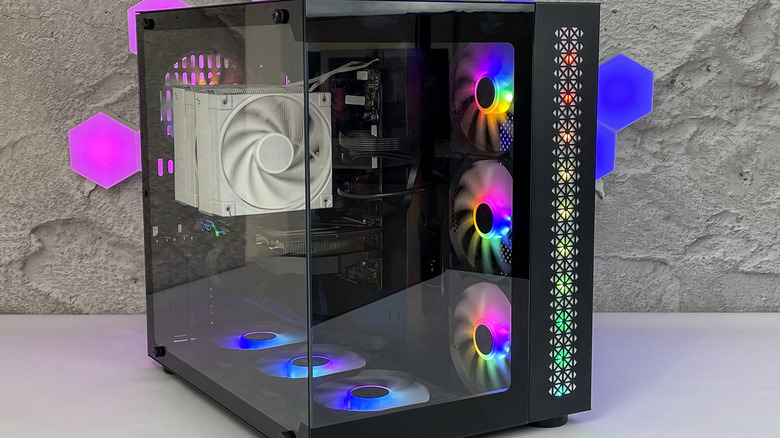
Just as bigger doesn't always mean better when it comes to monitors, a higher price tag doesn't guarantee a worthwhile investment. For many users, a more affordable model is perfectly sufficient. Even if you're looking for something a little more high-end, you still need to account for the capabilities of your other hardware to ensure you're not wasting money.
For instance, maybe you're buying a gaming monitor. Maybe you think a 1440p monitor is necessary if you want truly impressive image quality. However, ignoring the fact that a 1080p monitor is probably good enough for most users, you have to account for whether your PC's graphics card can deliver on the promise of a 1440p monitor.
That's just one example. If you're not sure how to identify mismatches between the technical capabilities of your PC and that of a monitor you're considering buying, discuss this with a sales associate or an expert whose opinion you trust. Even discussing the topic on communities like the /r/Monitors subreddit is an option, if you're confident you can separate the valuable feedback from the less-helpful advice. Your goal is to provide a qualified person with information about your PC and related hardware, as well as information about the monitors you're thinking of buying, to increase your chances of picking a monitor that aligns with the performance of your other tech.
Not considering the monitor's stand or mounting capabilities
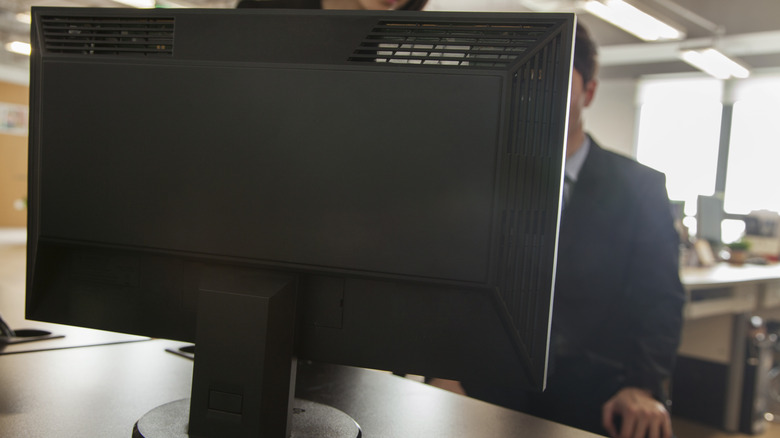
Don't assume you'll keep your monitor in the same exact position it's in when you install it. You may want to adjust the height at various times to maximize your comfort. It's also helpful if your monitor can mount on a swivel stand.
Many monitors these days have mounting holes that will technically allow you to mount them onto your preferred stand or monitor arm. However, this is another instance in which the size of the monitor can be an important factor to consider. If you choose a large monitor for a relatively small desk or room, you might be unable to swivel the monitor or adjust its height due to lack of space.
Keep these points in mind when shopping for your next computer monitor. Although the process can seem overwhelming, it doesn't have to be. If you're familiar with these common monitor-buying mistakes, you'll have a better chance of purchasing something you're happy with for years to come.