

4 Common Mistakes You Might Make When Installing A Smart Thermostat
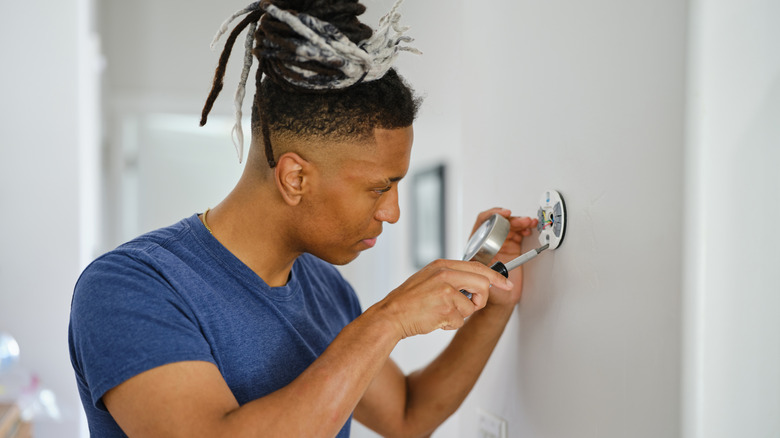
If you are getting a smart thermostat for better temperature control, to automate heating and cooling, or to save on power bills, you may not see any of those benefits if you make some common mistakes during installation. Simply replacing an old thermostat with one that's marketed as smart, has Wi-Fi connectivity, and can be controlled through an app isn't enough. It needs to be properly set up too. Common mistakes people make while installing a smart thermostat include using it with the default settings, not connecting it to Wi-Fi and other smart devices, ignoring updates that improve functionality or patch security issues, and not fully utilizing advanced features.
Your thermostat's position and the availability of a C-wire, or common wire, also play a critical role. If it's incorrectly placed, say near a heat source, the thermostat won't be able to accurately measure the temperature, leading to inefficient operation. Similarly, in the absence of a C-wire, the thermostat's display may turn off automatically, you may have to deal with a smart thermostat when the battery dies, or you may face connectivity issues. If you are planning to get a smart thermostat or have already installed one that isn't working right, make sure you are not making mistakes that could defeat the purpose of using one.
Not verifying HVAC compatibility
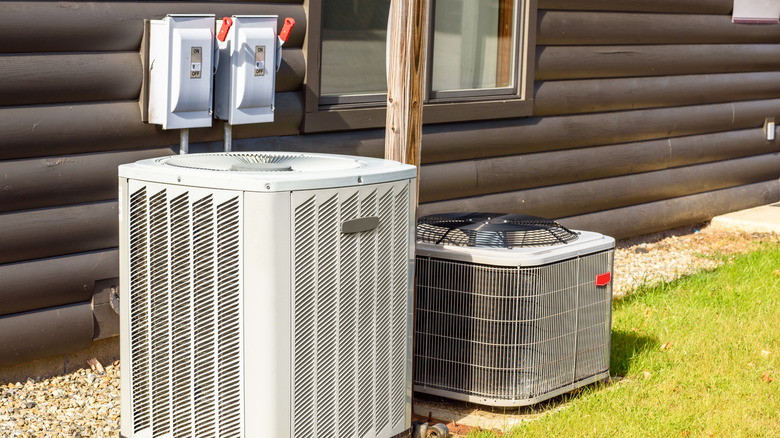
One of the biggest mistakes people make even before they get to the installation part is not checking if the smart thermostat is compatible with HVAC systems, which can result in problems during installation. Not every smart thermostat is compatible with your existing HVAC system. Some systems are high-voltage, others are low-voltage, and it's important to check that before you get a smart thermostat. Additionally, you need to verify whether you have a single-stage or multi-stage system. All these aspects are critical to your thermostat functioning as intended. If you get a thermostat that's incompatible with your existing HVAC system, you run the risk of inaccurate temperature readings, damaging the thermostat, or even total system failure.
If you can't figure out if a smart thermostat is compatible, it's best to capture photos of your existing setup and ask the seller for one that's compatible with your HVAC system. A trained professional will be able to help identify the right smart thermostat. This simple check will save you from hours of frustration and trouble.
Using the thermostat with default settings
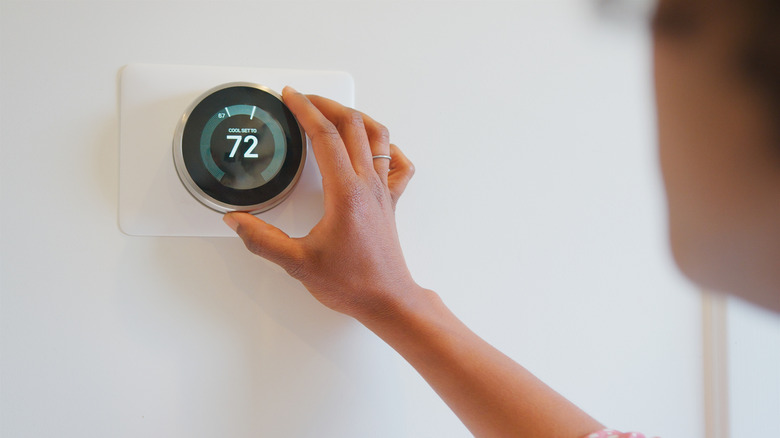
Many people start using the smart thermostat with its default settings immediately after installation. It feels like a convenient option because everything just works, but it's not the right approach. Thermostats sometimes require calibration post-installation and even after prolonged use. Without doing so, you might unknowingly be getting incorrect readings. To calibrate the thermostat, bring a reliable thermometer near it and verify whether both show the same temperature. If not, recalibrating your thermostat will help. Calibration is an effective way to get the most out of a smart thermostat.
The most popular smart thermostats offer a wide range of capabilities that can simplify your life. You'll find features from learning your schedule and automating functions to turning off the heating when no one is around. If you are still using your smart thermostat like a regular one and manually managing everything, you are unlikely to save on power bills. Keep in mind that you shouldn't constantly tinker with the thermostat's settings or schedule. Smart thermostats rely on algorithms to identify and follow patterns. Frequent changes to these settings can prevent the thermostat from doing so, which may again result in below-par performance, and the thermostat may not save you money.
Not ensuring seamless Wi-Fi connectivity
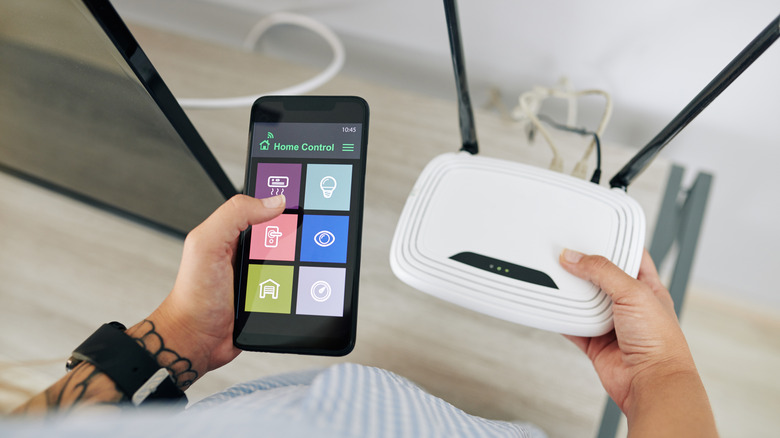
Without Wi-Fi connectivity, your smart thermostat will lose many of its smart features, like the ability to remotely operate, view energy reports, and receive important alerts. It's not just about connecting your smart thermostat to a router. You also need to ensure seamless connectivity.
Find out whether your thermostat supports 5 GHz connections, if you are using a dual-band router, and check the signal strength. People often connect their smart thermostat to the router during installation, but then move the router elsewhere. They end up with reduced signal strength and, in turn, frequent issues. Even if it supports the 5 GHz band, connecting the thermostat to the 2.4 GHz band is the smarter choice, given the thermostat's lower bandwidth requirements and the band's reliability. If needed, get a Wi-Fi extender or a mesh network set up to improve connectivity.
If you ever update your network settings or Wi-Fi password later on, make sure you reconfigure the smart thermostat as well. If you don't, it may no longer connect to your network.
Ignoring firmware updates and patches
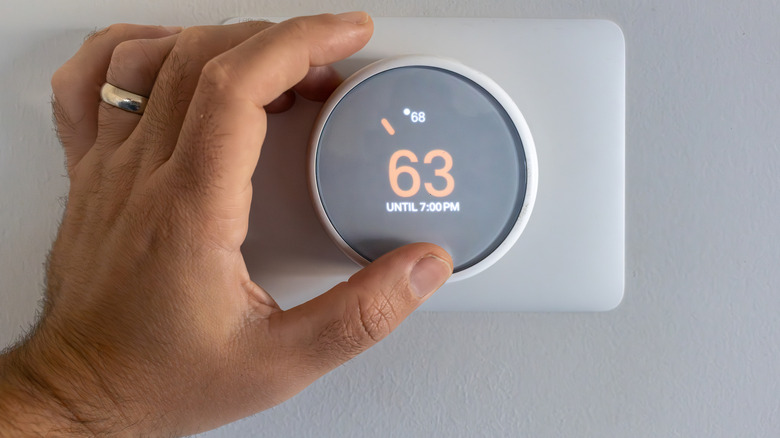
While everyone updates their smartphones and computers from time to time, they often ignore software updates on their smart home devices. This approach negatively impacts your smart thermostat in many ways. When you install the thermostat, check for any pending updates and install them. This way, you will get all the updates that were released after the device was manufactured. Also, install the latest version of the thermostat's companion app.
Not updating your thermostat can result in poor performance, frequent issues, or even missing out on new features and critical security patches. Besides, with the rise in cyberattacks, it's important to secure every device that connects to the network. These devices can act as entry points, and if left unpatched, it increases the risk of your network and home being compromised.
You should regularly update your smart thermostat. And if the companion app has an auto-update feature, use that to automatically install updates as soon as they are released. Doing this early can prevent a lot of issues, boost security, and streamline your experience.