

You Should Replace Your Starlink Router - Here's Why
We may receive a commission on purchases made from links.
Despite its promises of speedy internet, your real world experience with Starlink may have been challenging. However, for many people living in rural areas, satellite internet is the only choice. While it may not deliver the blazing speeds you'd expect from cable or fiber, satellite internet (Starlink included) has improved significantly in recent years. It's certainly better than a compulsory off-the-grid lifestyle.
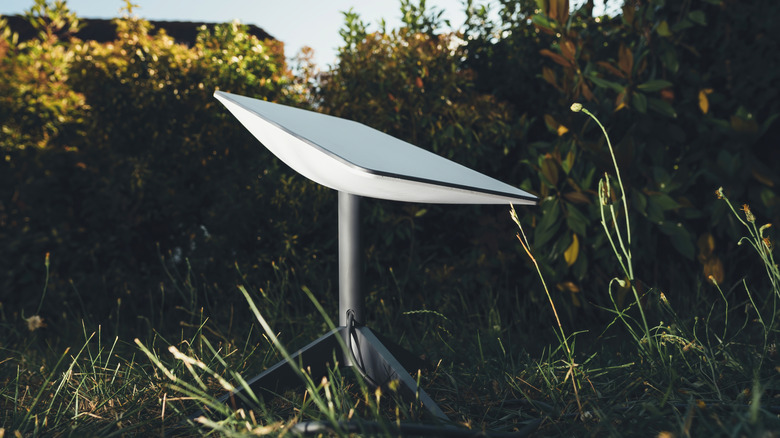
Operated by SpaceX, Starlink utilizes a constellation of thousands of satellites hanging around in low earth orbit to deliver internet to us terrestrials. Those satellites beam signals directly to the dish mounted on your home to ensure you've got uninterrupted access to all your favorite cat gifs and hauntingly depressing breaking news.
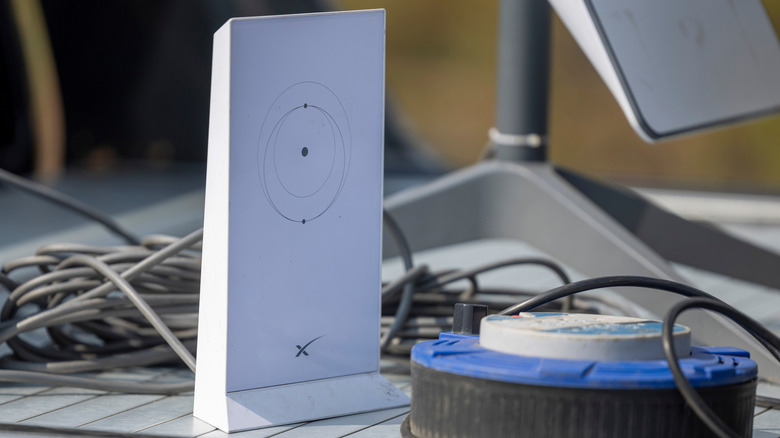
While Starlink may be sluggish compared to more traditional cable or fiber options, there are ways to improve performance. One of the easiest and most impactful is to replace the generic router the company packages with your order, and switch to an upgraded model (the original router may be obsolete anyway).
Why you should immediately replace your Starlink router
Like most internet service providers (ISPs), the default equipment Starlink sent you likely isn't top of the line. While it'll supply the basic functionality you need to get connected, Starlink typically provides an older Gen 2 or Gen 3 model. That means it tops out at Wi-Fi 5/6 with dual/tri-band limits around 1.8-4Gbps, theoretically (with real-world tests showing drops to 100-200Mbps under load).
A new Wi-Fi 7 router, by contrast, can reach up to a blistering 30Gbps throughput, meaning you'll be able to take advantage of every drop of bandwidth Starlink beams your way. They're also much more adept at managing multiple connections, with overhead for 50 devices or more.
There's also the question of range. Your default router probably only extends Wi-Fi to somewhere around 2,000-2,500 square feet. It also probably struggles mightily when attempting to connect to a device through walls, or if you're hooking up multiple devices simultaneously. Compare this with a proper mesh setup, which can reach 8,000+ square feet with seamless handoff.
Security is also a factor. If you're unlucky enough to be stuck with a Gen 1 router, you're especially at risk: Support for Gen 1 routers ended in 2025, meaning a growing list of vulnerabilities because no new updates are forthcoming. Even newer routers may suffer from buggy firmware drops and lack advanced security features.
The best upgrade options
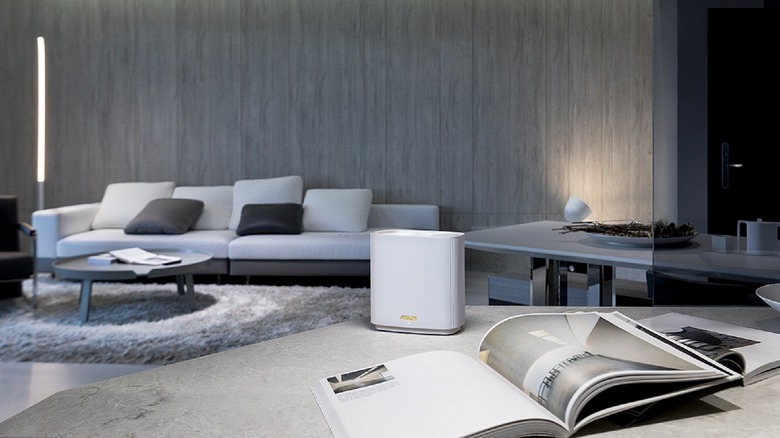
To avoid issues with Starlink's standard equipment, start with a proper modern router and mesh setup. Consider something along the lines of a Netgear Orbi Wi-Fi 7 kit or TP-Link Deco which can blanket your home in speedy coverage, free of dead zones.
The Netgear Orbi 970 Series is a Wi-Fi 7 option and one of the best currently available mesh setups. It comes with a primary router and two satellite nodes; together, they can expand network coverage to more than 10,000 square feet. It also boasts quad-band speeds at up to 27Gbps, more than enough even for a blistering fiber connection, and absolute overkill for the kinds of transfer speeds Starlink provides.
That said, the Orbi 970 isn't cheap; a complete system including router and satellites can retail for $1,700 or more. For a more wallet-friendly option, go with the TP-Link Deco XE75 or equivalent, which you can often find for $250 or less. It's a tri-band Wi-Fi 6E mesh system capable of delivering up to 5,400Mbps total speeds across 2.4GHz, 5GHz, and 6GHz bands. The XE75 three pack should provide plenty of coverage for homes around 7,200 square feet or smaller.
Of course, if you're dealing with a studio or smaller apartment, even more affordable options are available. Consider the Eero 7 if you've only got 4,000 square feet or smaller to cover, but still want reliable Wi-Fi 7.