

Microsoft Says You Don't Need A Third-Party Antivirus App Anymore
The operating system (OS) on your device is responsible for quite a number of tasks under the hood. One of the core functions of an OS is security, and companies do invest a lot of effort to ensure your devices are secure at all times. Microsoft's Windows isn't considered the most secure OS on the market, and it has, in fact, had a poor reputation due to its weak security for the longest time. To address this, the American tech company has been trying to improve that with Microsoft Defender (previously known as Windows Defender) antivirus software that comes bundled with the Windows OS. Years later, the company is so confident about the built-in antivirus that it's recommending users to stick to it, as it provides enough security.
According to an article published in the Windows Learning Center, Microsoft notes that "for many Windows 11 users, Microsoft Defender Antivirus covers everyday risk without requiring additional software." So if you were still wondering which is the most secure Windows antivirus for your laptop or desktop PC, Microsoft claims you already have it installed on your system, and it's "active by default, deeply integrated into the OS, and updated continuously." Despite recommending the built-in solution as more than enough, the company adds that "the choice to add third‑party antivirus depends on how you use your PC and which features you value."
Windows 11 security features that protect your device
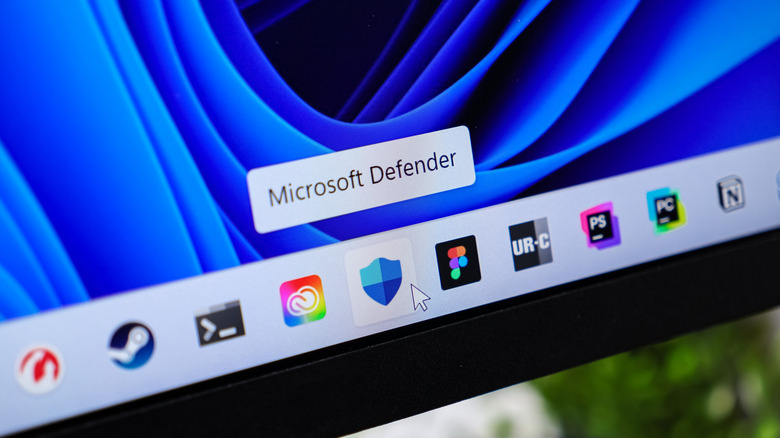
In Microsoft's Learning Center article, the company dives into the various features that Windows 11 offers, which make it the most secure OS that they've ever made. At the core of its security system is Microsoft Defender Antivirus, which works together with other Windows security features to protect against common hacking techniques. These built-in systems protect your device against unsafe links and untrusted apps, as well as running files and unauthorized data modification. Microsoft Defender continuously runs in the background, scanning files that you open and constantly monitoring your system's processes for threats. It also checks in Microsoft's cloud for any emerging threats that might put your device and its data at risk.
Another tool in Microsoft's security arsenal on Windows 11 is Microsoft Defender SmartScreen, which warns you when it detects something suspicious, whether it's an app you want to open, a downloaded file, or a site you'd like to visit. Other security tools include Smart App Control and Controlled Folder. Smart App Control blocks malicious apps, while Controlled Folder prevents your data from being modified without permission. While these built-in security features are handy, you need to ensure they're all enabled in your Windows Security settings. Additionally, you should always update your device as soon as there's a new software release available, as Microsoft bundles Defender Antivirus security features into Windows 11 updates.
Experts think most people don't need an antivirus for Windows 11
To some, Microsoft's claims that you don't need a third-party antivirus solution to keep your Windows device secure might seem like a ploy to boost the public perception of the security of its OS. However, it's become increasingly common to find users who swear by Microsoft's free built-in security tools and haven't used a third-party antivirus for years. Several experts have put Defender to the test, and the general consensus appears to be that it offers good enough security for most people. However, as of this writing, it isn't perfect for every person and doesn't rival paid alternatives yet, especially for enterprise use.
PC Mag's review of Microsoft Defender Antivirus revealed it has a poor phishing detection score, fails to protect against ransomware, and generally scored poorly in their tests. SE Labs, a cybersecurity testing agency, gave Microsoft's Defender Antivirus a protection accuracy rating of 93 percent, lower than some paid alternatives that scored 100 percent. While Windows Security may be good enough for a personal computer, experts say you still need a third-party antivirus program on your Windows 11 device if you're dealing with sensitive work.