

4 Devices That Can Stream Your PlayStation 5 Games
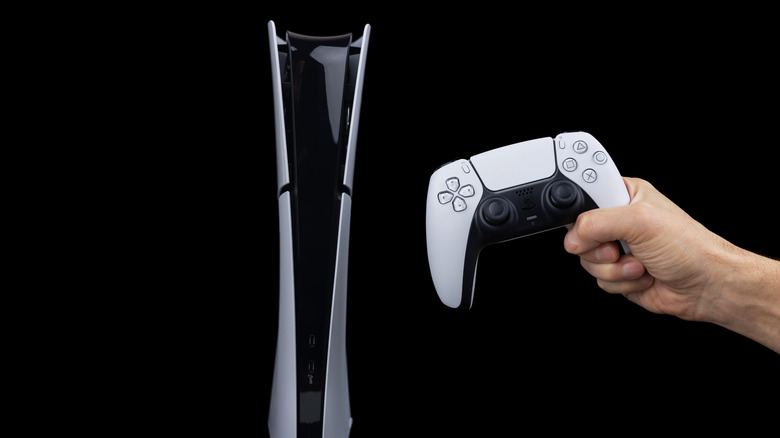
The PlayStation 5, especially in its Pro iteration, can deliver a lot of mind-blowing performance. In fact, at launch, even PC gamers found that the dollar-to-performance value was very comparable to similarly-priced PCs. Plus, with the PlayStation catalog featuring some of the best titles and franchises out there, it's really a worthwhile console to have in your collection.
However, one of the better ways to play a modern console in 2026 is actually to not play on your console directly at all. As is the case with Xbox, that allows streaming games in pretty crazy places, including car screens. Similarly, PlayStation games can also be played on multiple devices. PS Remote Play is one of the best ways to use your PS5 as a dedicated, remote-play machine. This lets you play across a ton of devices, including your handheld PC, your smartphone or tablet, or even the dedicated PlayStation Portal.
The best part is that Remote Play not only works on high-end PCs or modern smartphones, but also underpowered devices like smart TVs or budget tablets. You only need to have a stable, high-speed internet connection. Let's explore the best devices that can stream your PlayStation games.
Your PC or PC handheld
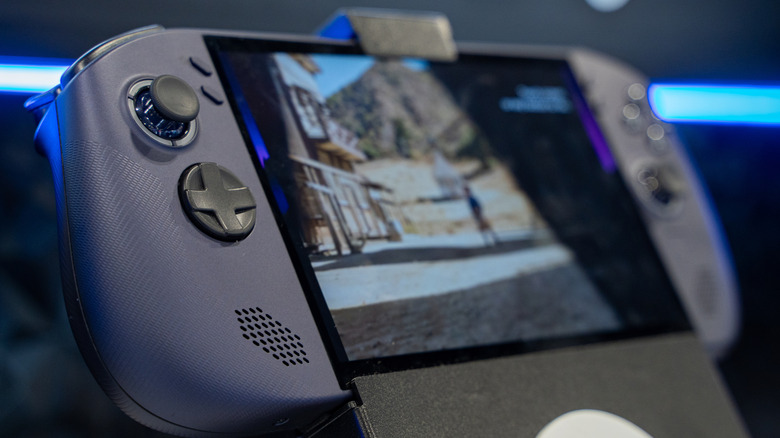
It may seem like overkill to use a high-end gaming PC to remote into your PS5, but this is one of the most reliable ways to get access to your PlayStation. Windows and Mac are both supported platforms for the service, though PlayStation does require you to use a DualShock 4 or later first-party controller to officially play games. That said, there is third-party software called PXPlay that will allow you to "trick" your PC into thinking that a different controller is an official PlayStation controller, but it's important to note that this isn't officially sanctioned by PlayStation.
Where this use-case really starts to come in handy is when you consider a handheld PC. With so many people loving their Steam Deck, ROG Ally, or Lenovo Legion Go, it's natural to want to use it in conjunction with the PS5. While the DualShock or DualSense controller restrictions still apply here, using that PXPlay app we mentioned will allow the PC to consider the attached controllers compatible. This means you can get access to your PS5 just like you would on an officially compatible system. It's truly a refreshing merger between the PC and console gaming worlds.
Your mobile phone or tablet
If you're looking for an even more travel-friendly setup than the PC handheld, consider the device you already have in your pocket or in your backpack. That's right, your mobile phone is perfectly capable of streaming games from the PlayStation 5 anywhere with a solid internet connection. As we've mentioned before, you need a sanctioned PlayStation controller to get this to work. Thankfully, there are officially licensed grip controllers such as the PlayStation-supported Backbone that will work just fine, turning your phone into a powerful little gaming machine.
A tablet is another great place to stream games from your console. PlayStation officially supports iPads running iOS 14.5 or later and Android devices running 10 or higher, provided (you guessed it) that you can connect a PlayStation controller. But once you get this setup, you have a truly impressive mobile gaming setup. iPad screens in particular are frequently considered some of the best displays around, and the PS5 gameplay looks particularly excellent in this format.
The PlayStation Portal
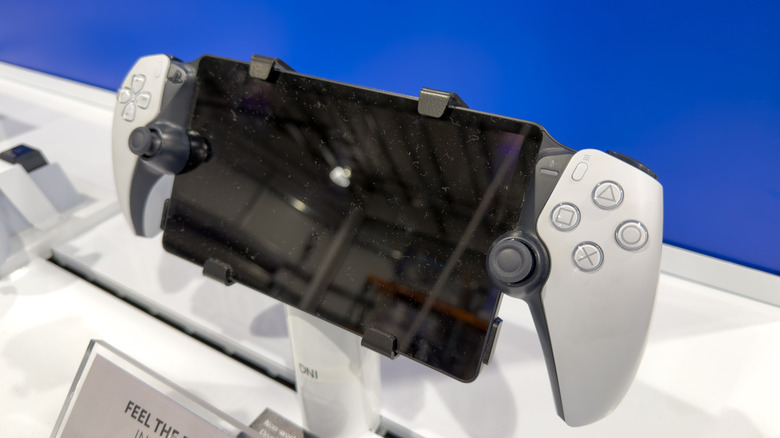
Since we're on the topic of portable gameplay for the PlayStation, we really shouldn't forget to mention the PS Portal. While it only recently got support to stream cloud games from the PlayStation network, it's always been a truly excellent way to "portal" into the PlayStation 5 already sitting in your entertainment center. Its display delivers a crisp, vibrant experience that's tuned well for the PS5 visuals. The included controller also features all the goodies you'll find in a first-party DualSense controller, such as good haptics and adaptive triggers.
The simple software and the philosophy at play here is probably one of the most interesting aspects of this device. When it was launched, many people scoffed at its value proposition. You can't play games locally, and you can't even really store anything on it. It is just a game-streaming device. While this seems limited, it actually means in practice that the device really just focuses on getting you access to your PlayStation. No other apps to distract you, no bloatware to slow things down. It's a single-use-case device that isn't for everyone, but if you really want a top-tier remote-play experience, you could give this a try.
Some Android TVs and streaming devices
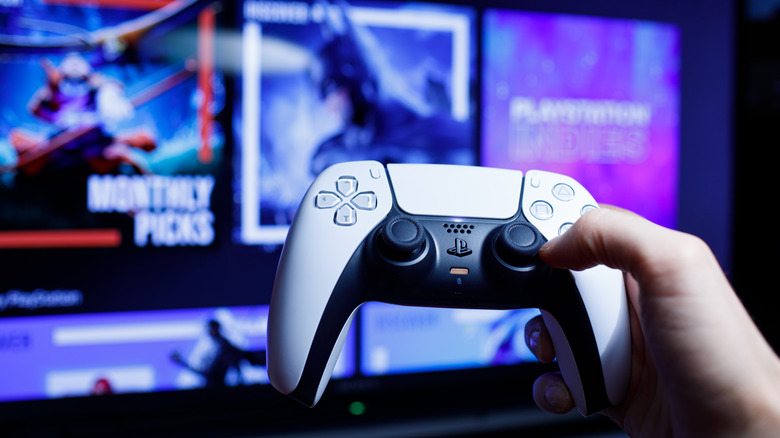
Remote play for any console might be most naturally accomplished in a mobile format, because it gives you the ability to play your PS5 on the go. That said, there's actually a strong case to be made for opening up remote play to another couch-based device. Let's say your PlayStation 5 is down in your basement gaming room, because you don't want this massive device sitting in your main living space. If you have a TV somewhere else in the house that either features an Android OS 12 or later operating system, then you can turn it into a PS5 streaming device.
The latest smart TVs from most major brands should be able to run remote play, as long as your operating system is Android TV OS 12 or later. Moreover, streaming devices, including the Google Chromecast with Google TV can also stream games. It's also important to make sure that the TV features Bluetooth connectivity and compatibility with your DualSense or DualShock 4 controller, because as with the rest of the devices on this list, that's the key to unlocking compatibility.