

4 Bluetooth Myths You Should Stop Falling For
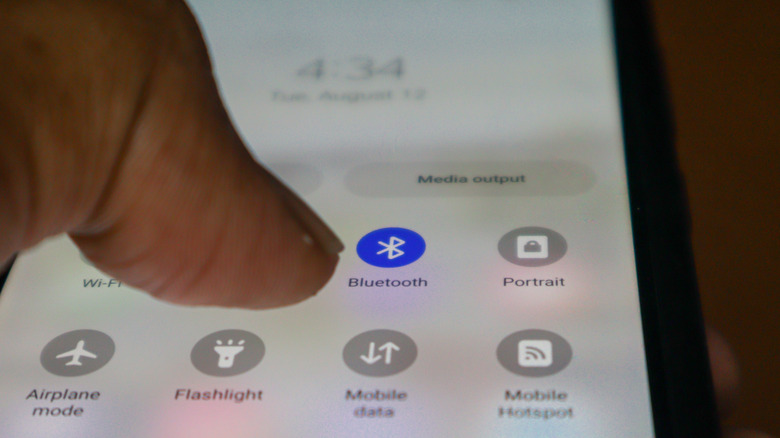
We are well past the days of needing an AUX cable to connect headphones or earbuds to our smartphones and computers. Controllers no longer need to be physically connected to our consoles, forcing us to sit close to the screen. Even though wired connections are usually superior, these examples show how Bluetooth has made our devices more connected than ever. Bluetooth may have its share of problems, but with it you don't need to worry if you have the right cable or if the device you're trying to connect to has the correct port.
Like all technology, there are common Bluetooth misconceptions that can make you use it incorrectly or want to avoid it. For instance, people believe that Bluetooth causes cancer or significantly drains your phone's battery. Some suggest it can only be used at short distances or that it cannot travel through walls. These myths sound plausible at face value, but they quickly fall apart once you look at the facts.
Bluetooth earbuds cause brain cancer
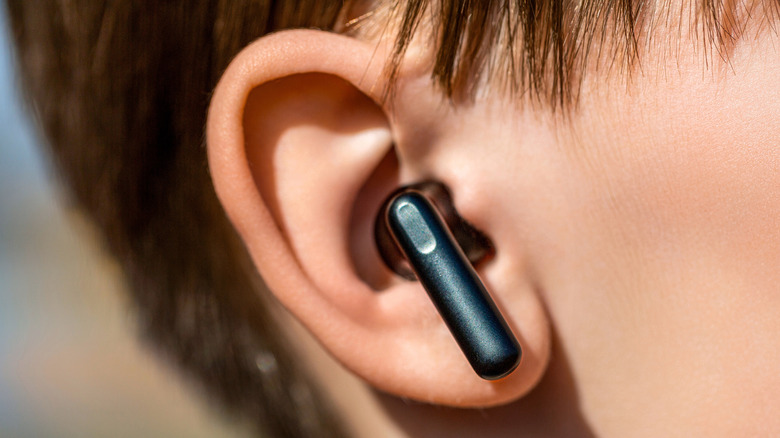
Bluetooth devices emit a type of radiation, which is why some are concerned about earbuds causing cancer. Some types of radiation have cumulative effects on the body, meaning once you've been exposed to them enough times, they can start to damage your cells. Luckily, earbuds emit a weak type of radiation called non-ionizing radiation, which is non-cumulative and doesn't cause any damage to your brain cells.
Ionizing radiation is the cumulative type. It has enough energy to ionize the atoms and molecules in human cells. This means it can disrupt cells and strip atoms of their electrons. Prolonged exposure to ionizing radiation can eventually start damaging your tissue and DNA, which can lead to cancer. You've probably been exposed to small amounts of ionizing radiation before if you've ever had an X-ray or CT scan. This is why doctors don't order these tests without careful consideration.
Non-ionizing radiation, on the other hand, is too weak to have ionizing effects. While it does disrupt atoms, it doesn't strip them of their electrons. Non-ionizing radiation is emitted by radio waves, Wi-Fi, and, yes, Bluetooth. However, there's no evidence that it can cause adverse effects on your health.
Leaving Bluetooth enabled will kill your phone's battery
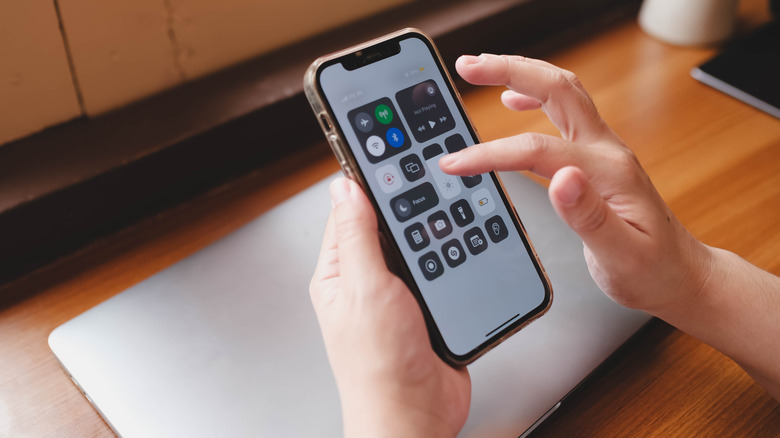
If you believe that Bluetooth drains your device's battery significantly, even when idle, it can be concerning to always have it on. The truth, however, is that the amount of battery it drains when it's not performing any tasks is negligible. According to tests done by Android Authority, leaving Bluetooth enabled for 26 hours only drained the battery by 1.8%. These tests were carried out with classic Bluetooth rather than Bluetooth Low Energy (LE).
With the advent of Bluetooth 4.0 came the Bluetooth LE protocol. It was designed to consume less power when carrying out tasks, such as transferring data or audio, on devices with smaller batteries. This comes with trade-offs, with the biggest being lower data transfer speeds — up to 1 Mbps versus 2.1 Mbps on classic Bluetooth. Smartphones switch between the two depending on the tasks, but when idle, they normally use Bluetooth LE to update things in the background, like smartwatches and fitness trackers.
There are minor security risks to always keeping Bluetooth on. For instance, there's bluejacking, where hackers send you unsolicited messages via your Bluetooth connection. It can be annoying at best, but dangerous if it's a phishing attack. Bluesnarfing is when they hack your phone using Bluetooth and steal your personal information (thankfully, it's rare). Both are easily avoidable by making your phone undiscoverable in Bluetooth settings and ensuring your phone is updated with the latest security patch available.
Bluetooth is only for short-range applications
Smartphones, headphones, and wearables use Bluetooth Class 2. It's the standard type of Bluetooth with an effective range of up to 33 feet. The range is short to reduce power consumption, meaning it's more of a trade-off that makes it ideal for smaller devices than a technical limitation of the Bluetooth technology as a whole. There's also Bluetooth Class 1, which is more powerful and can reach up to 333 feet. It can be found in high-end headphones, industrial laptops, robotics systems, heavy machinery, and ECG monitors.
There are also Bluetooth Class 3 devices, and these have an even lower range of up to 3.28 feet. Consumer devices in this class include wireless mice and keyboards, smartwatches, fitness trackers, and wearables.
Bluetooth 5.0 and higher can theoretically reach distances greater than 0.62 miles (1 kilometer). This is known as Long Range BLE, and it achieves this through Coded PHY. This feature increases its distance for long-range applications, resilience against other radio frequencies, and obstacle penetration power — all without drastically increasing its power consumption. However, data transmission rates are about 125 Kbps or 500 Kbps, making them very low. You're unlikely to find Long Range BLE in consumer products, but it does have applications in fields like advertising, asset tracking, and environmental monitoring.
Bluetooth cannot travel through walls
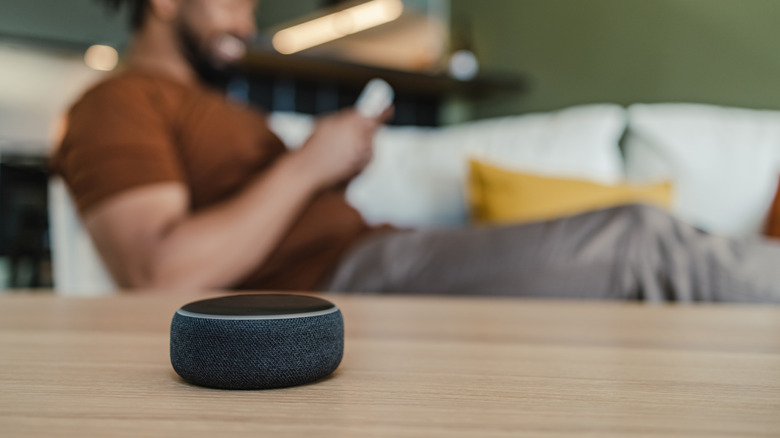
It happens all the time: You're listening to music using a pair of the best Bluetooth earbuds and then decide to switch rooms. You leave your phone or computer in the first room, but when you enter the other room, the audio cuts. Situations like this are what have perpetuated the myth that Bluetooth cannot pass through walls. But it can. Radio signals, including such as Bluetooth and Wi-Fi, can pass through walls. How effectively it can do so depends on factors like the material they're made of and their thickness. For instance, Bluetooth will have an easier time penetrating sheetrock or glass windows than it would concrete.
When a Bluetooth signal is traveling from the transmitter to the receiver, it will naturally lose strength the further it travels. This phenomenon is called path loss. As a Bluetooth signal passes through barriers (e.g., walls, windows, and even humans), the signal becomes even weaker instead of being blocked. Other things that can interfere with a Bluetooth signal are other signal-emitting devices, especially those that operate on the same 2.4 GHz band. These include routers, microwave ovens, baby monitors, and wireless cameras.