

Why Some USB-C Cables Charge Faster Than Others
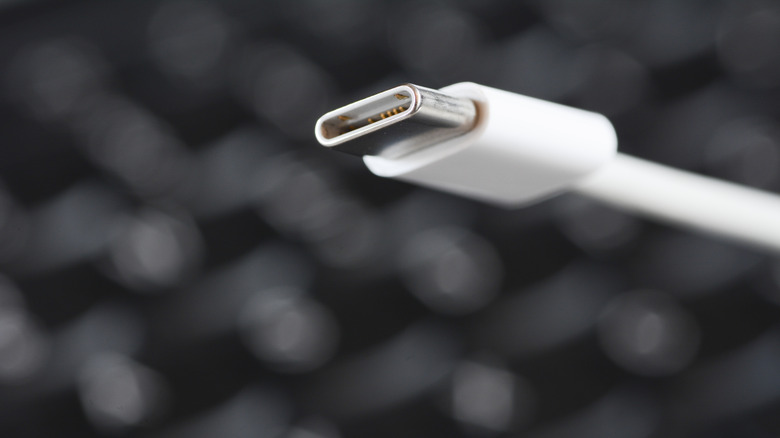
Have you ever plugged a fast-charging-capable device, like a smartphone, into a USB-C cable that only charges slowly? It happens to the best of us. It's because, although the USB Type-C standard ensures most connectors are similar, it doesn't necessarily standardize the technology inside the cable. Not all USB-C cables are created equal. If you're wondering why the USB-C standard matters so much then — and that's a valid question — it's because it makes device ports and connectors on cables and attachments fundamentally more versatile.
You still need to be aware of a cable's power output. USB-C is actually spread across several variants, where standardization exists for the connector. It starts with USB-C 2.0, the entry-level version, capable of data transfer rates up to 480Mbps. From there, you have USB 3.2 Gen 1, Gen 2, Gen 2x2, and USB 4, which has PD (power delivery) support, and Thunderbolt. USB-C PD supports fast-charging with power delivery up to 100-watts in some cables and with a maximum of 240-watts in newer cables.
Because it can be confusing, the best explanation is that each version of USB-C is capable of delivering different power outputs. You need at least 18-watts or higher to facilitate fast-charging. Ideally, for modern devices, you want a 40-watt to 65-watt charger and cable, depending on the device's power requirements. If you use a cable that's not rated for higher power output, it doesn't matter what the power adapter delivers, your devices won't be able to fast-charge. The cable limits the amount of power supplied. Moreover, there are specialized cables for data, video, audio, and power over other options.
What changes the charging performance of a USB Type-C cable?
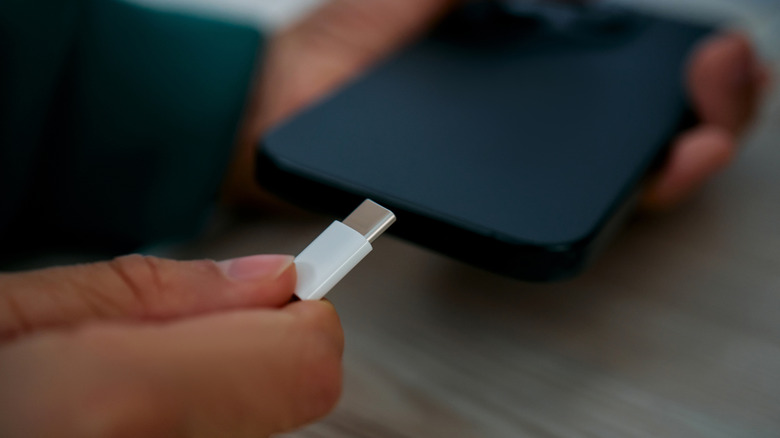
The connector for USB Type-C is the standardized piece you'll recognize that makes it easy to link modern charging cables and data cables between compatible devices. It's reversible and shares the same design across platforms. But it's what's inside the cable that truly influences the power capabilities of the entire connection.
The cable "gauge" or the thickness of the wires inside determines data or power limits. A lower gauge number means a thicker design while a higher gauge number means thinner. Higher gauges can interfere with efficient power delivery, resulting in less power flow and slower charging times. The cable length can also change the performance of the cable. Longer cables must deal with more resistance, which means more power or voltage loss and decreased charging rates.
The final piece of the puzzle is general compatibility. For example, the PD or power delivery standard is necessary for high power output. If the cable in question doesn't support PD over USB-C, you won't be able to get the high wattage necessary for fast-charging. Moreover, because some cables are specialized, if you opt for a data cable over one that prioritizes power delivery, you might see slower charging speeds.
How do I tell which USB-C cable is the right one to use?
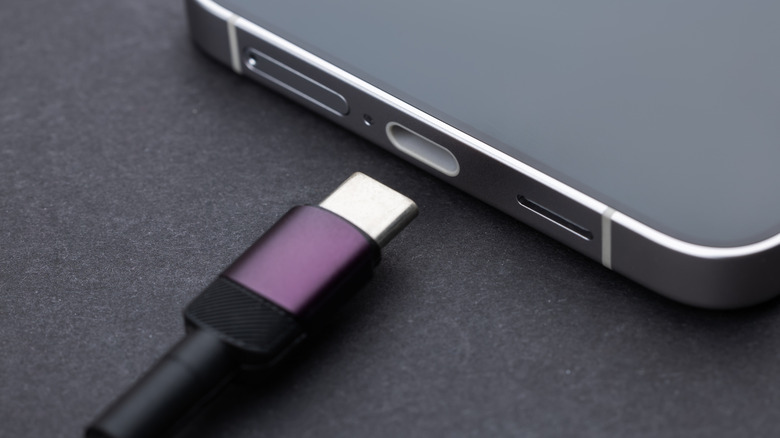
USB-C cables are manufactured in various ways — that's exactly why they're not all the same. The easiest way to identify a cable's specifications is to read and follow the manufacturer's product information, whether on the brand's site or the retail listing. That may not always be available, in which case you can look for a certification logo from the USB Implementers Forum (USB-IF). It should appear on the original cable's packaging and sometimes, very rarely, on the cable itself. Certified cables have passed the necessary tests for high-performance.
You can also consider features like the thickness and feel of the cable, whether it's braided or made of premium materials, and whether or not the e-marker chip is present in high-power cables. That chip, which stands for Electronically Marked, exists in cables rated for 60-watts and above and acts as a safety controller preventing more power from flowing than the cable can handle. If the chip isn't present, and the cable advertises 60-watts or above, it's a safety hazard.
Ultimately, if you have trouble finding information about the cable's PD support or specs, cannot identify any USB-IF logos on the packaging, or if it seems cheap, you'll want to steer clear. There is a lot of confusion around USB-C, beyond just the cables. If your device isn't fast-charging, there is a chance that it's not because of the cable. For instance, a common myth about USB-C ports is that the ports themselves are all the same — they're not. Some ports may support high power delivery and fast-charging while others don't.