

New iPhone Battery Flaw Is Leaving Users Stuck On Black Screen — Here's How To Fix It

If you have one of Apple's newest iPhone models, like the iPhone 17, iPhone 17 Pro, or iPhone Air, you should be aware that some users have reported being unable to turn their phones back on after their battery ran out. The issue, recently highlighted by 9to5Mac, may be affecting other iPhone models as well, and the reason behind it is unclear. Reports suggest the issue does not happen every time an iPhone 17 or iPhone Air fully runs out of battery, but letting the battery hit 0% appears to be the main trigger.
While Apple has a proper support page for what to do when your iPhone won't turn on or the screen is black, the method it outlines — forcing the iPhone to restart with a button combination — doesn't seem to make affected iPhones properly charge. So far, the most reliable fix reported by users is to charge your iPhone through MagSafe or Qi wireless charging instead of a wired connection.
In an iFixit forum post about the issue, one user tested their device with a USB power meter while it was experiencing this issue. When connected to a wired charger in this unresponsive state, the power meter gave readings that oscillated between 0 W and 2.1 W seemingly at random — or as the user put it, "It's like it's trying to charge, but can't for some reason." So far, Apple hasn't publicly addressed the issue, but it doesn't seem to have been caused by a recent software update, as early reports of the battery flaw date to at least November 2025.
How to make your iPhone 17 or iPhone Air turn back on after the battery drops to 0%
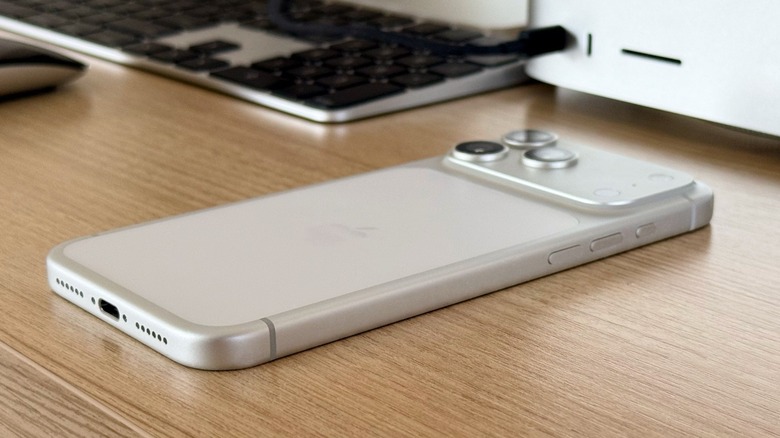
If your iPhone's screen is black and the device won't turn on, Apple's official recommendation is to force restart your iPhone. This is done by pressing and quickly releasing the volume up button, then the volume down button, then holding the side button until the Apple logo appears. If the iPhone doesn't turn on after doing so, Apple recommends charging the device for one hour and then trying again.
However, these steps have not cleanly resolved the issue for all users. In a post on Apple's support forum, several customers have reported that they were only able to get their iPhone to turn on again after placing the device on a wireless charger for a period of time. After doing so, the Apple logo appeared, and the iPhone booted up again. 9to5Mac's Benjamin Mayo also reported that this method worked when his iPhone was experiencing the issue.
Other users, according to Mayo, have said they took their devices to Apple, and the support agent solved the issue by placing the iPhone on a MagSafe charger. So people working for the company might be aware of the issue, but again, an official statement has yet to be released. Fortunately, it seems this issue isn't corrupting users' data, so if your iPhone won't turn on after its battery drops to zero, a wireless charger might be all you need to get things back to normal.