

5 Reasons To Avoid Buying An Ultrawide Monitor
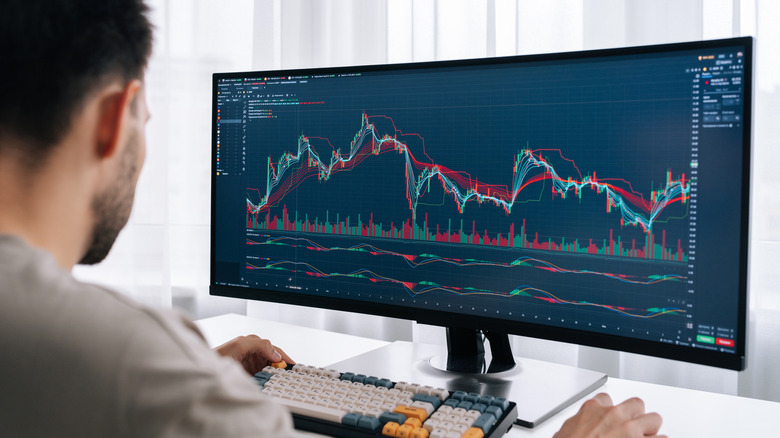
Ultrawide monitors can be useful, but even so there are some reasons to avoid buying these displays. For users who mainly multitask or edit, the extra screen space can be really useful, especially on larger models like Samsung's Odyssey OLED gaming monitors. Due to the larger real estate, an ultrawide display can also do the same job of two smaller monitors, but even this comes with a few trade-offs.
While ultrawide monitors have some advantages over using smaller screens, they are also not the ideal choice for every audience. For example, not every game supports this bigger resolution, and will work better in 16:9 instead of 21:9. Another thing, especially if you're interested in gaming, is that many games will need more powerful hardware to be played in ultrawide.
So, if you think any of these points are enough for you to avoid an ultrawide monitor, these screens may not be worth the extra money that you need to pay to get one. Even though they help with many tasks, sometimes it is better to stay with the traditional 16:9 resolution than to pay more for features that you will not be able to use.
Ultrawide monitors require a large amount of desk space
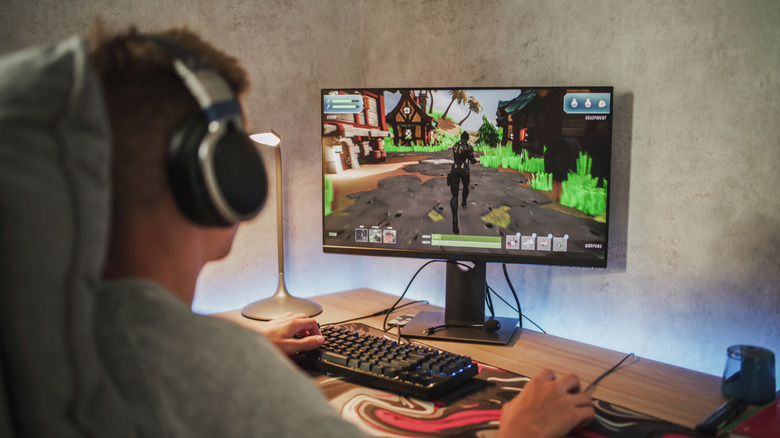
But before purchasing an ultrawide monitor, one should always bear in mind that such a screen takes a lot of space. If your desk does not offer enough space for installing a 34-inch monitor, you might find yourself uncomfortable when using it. A cramped ultrawide monitor might only worsen the situation if your desk isn't set up properly to prevent back and neck pain.
In addition to the above-mentioned horizontal space required for installation, the same issue arises if your screen is curved. This is because curved ultrawide monitors must be placed on your desk at an adequate distance to allow you to use them comfortably without any additional effort. This is because your eyes shouldn't move around much to be able to catch what you are looking at.
The other thing to mention is the increased weight of ultrawide monitors compared to regular monitors with a 16:9 ratio. It means that your existing holder or wall mount may not be suitable for placing an ultrawide monitor.
Many games and apps lack native ultrawide compatibility

Even though this is not a very strong reason for those interested in multitasking, since ultrawide screens are made to keep multiple apps open at once, compatibility can be an issue. Not every game fully supports this resolution when in full-screen. "Red Dead Redemption 2," for example, is one of the big games that does not fully come with ultrawide support.
While this Rockstar game does offer ultrawide compatibility during gameplay segments, cutscenes are a different story. The game adds black bars on the screen during cutscenes, which can break your immersion. Other games such as "Elden Ring" also show this lack of compatibility.
If you choose PC gaming over consoles, the community has made a few mods that help fix some of these problems. However, console gamers do not have the same luck and must stay limited to the standard settings that each dev puts in their games. With that in mind, it is worth checking this compatibility before you spend a fortune buying an ultrawide monitor.
Ultrawide screens demand more performance from your PC
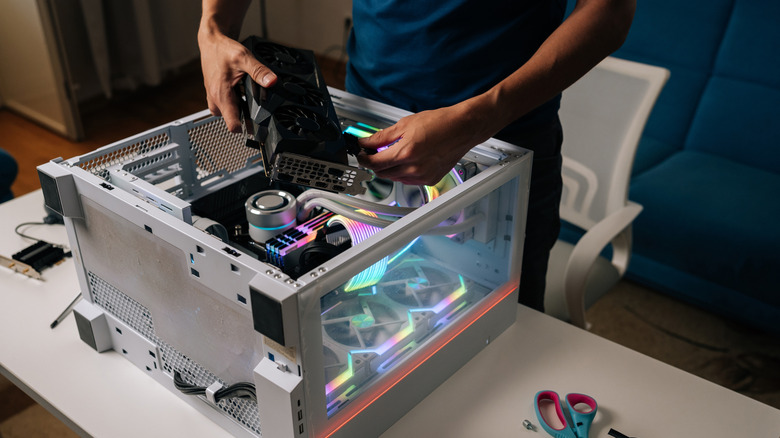
Jumping from 16:9 resolution to 21:9 looks small at first, but it creates a significant increase in the number of pixels that your graphics card needs to process when playing games. That means your hardware needs to work harder to keep the same performance you had in games before upgrading your screen, which might lead to fewer FPS when playing on the same graphics settings.
So, if your graphics card and processor already work at their limit to run games in good quality on conventional monitors, the chance of choking on an ultrawide resolution is high. RTX 4060 models, for example, already show considerable drops in games such as "Cyberpunk 2077" or "Hogwarts Legacy" when this resolution increases.
This does not only affect games, though, as video and image editing tools also feel this impact. Rendering properly on larger screens requires more memory and processing power from your setup, which can make performance slower than normal. So, before you invest in an ultrawide monitor, it is important to see whether your PC will have enough headroom to keep up with these changes without hurting the overall experience.
A dual monitor setup offers more flexibility than an ultrawide
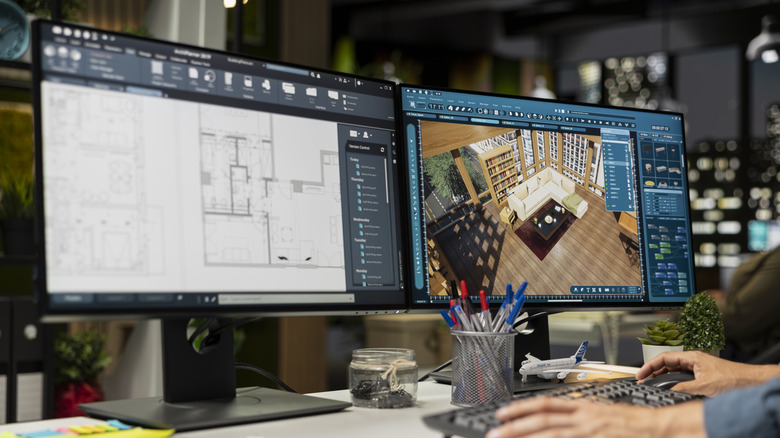
For many people, buying an ultrawide monitor instead of two displays makes sense, since the larger area lets you open more programs and windows on your screen. However, despite this advantage, an ultrawide screen does not offer the same flexibility as a dual monitor setup on your computer. This matters most when each screen needs to handle different tasks.
For example, two monitors make it easier to separate tasks in a more natural way. You can set a game to run on one dedicated screen, while the other stays open for Discord, research, or even other tools. On an ultrawide, everything stays on the same panel, so it can feel less practical depending on what you want to do.
Also, two monitors running separately give you more layout flexibility on each screen. One can stay vertical, while the other stays horizontal, and you can also place one above the other. If you have a console, you can even dedicate one screen to a console. The ultrawide, even with more space, does not offer that versatility.
The premium price of an ultrawide monitor may not be worth it
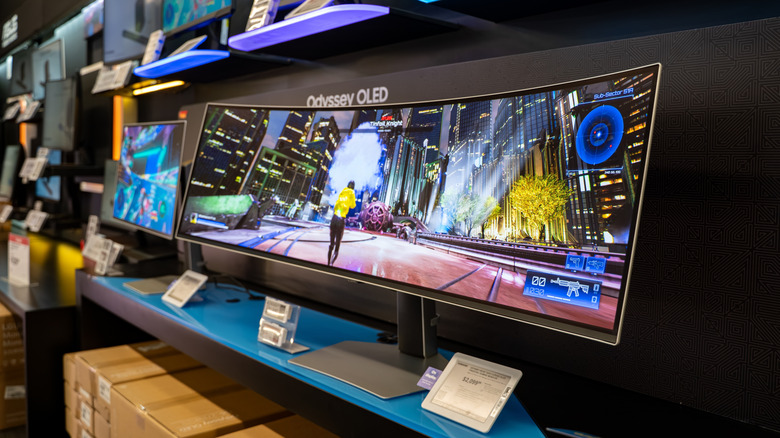
If you have been in the market for ultrawide monitors, you must be aware of how pricey they become when compared to 16:9 models. Currently, you can find 24-inch FHD monitors like Acer KA242Y, Samsung S3, and Dell S2425H for around $100 to $120. In contrast to this, a 34-inch ultrawide from Acer costs $309.99, while the Samsung ViewFinity S65TC 34-inch model costs $799.99.
You might just be better off opting for a budget monitor under $200 and spending the extra cash on better hardware than opting for an ultrawide. That said, some budget ultrawide monitors are present in the market, but come with fewer features to offer a lower price. However, as the manufacturers improve their panels or introduce some new features on them, their cost can quickly skyrocket.
So, getting an ultrawide monitor is a wise decision for those who require it. For others, there is little justification in buying such expensive screens, especially if the larger real estate doesn't guarantee many benefits for your use case. If saving money is your priority, then getting a 16:9 monitor is more appropriate for you.