

What Is The 'Pause Break' Key On Your Keyboard Actually For?
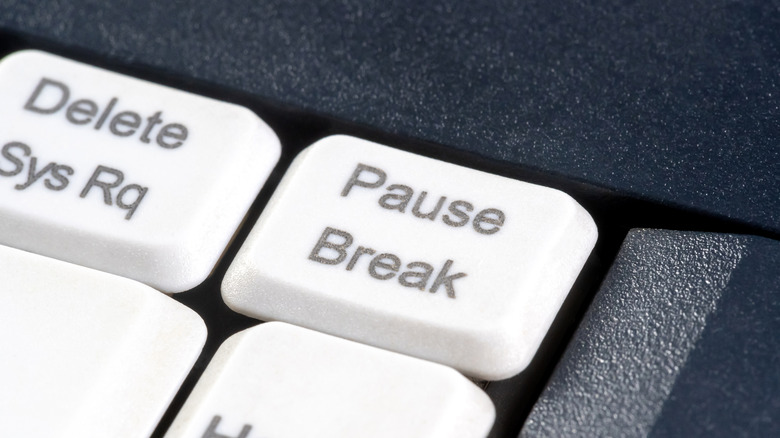
Ever looked down at your keyboard and wondered what all the buttons on it do? While some are pretty easy to understand — like Backspace or Page Down — there are some keys that you might not immediately recognize the benefit of, like the Pause Break key. This key is usually found on the top-right portion of the keyboard, and can sometimes be labeled with Pause, Pause Break, or just an abbreviation like PSE. Like all elements of the keyboard, including the bumps on the F and J keys, the Pause Break key has a reason for existing. It has just changed slightly over time.
This key originates from the mid-19th century, when telegraphs were used for long-distance communication. The original Break key could be used to break the circuit, allowing one side of the telegraph conversation to let the other know they needed to send a message. This has evolved over the years, especially with the move to computers, and the reason you might not immediately know why this key exists is that its functionality has mostly been moved to other keys in recent years.
For example, many apps now use the spacebar to activate their pause functionality instead of the Pause Break key. However, in older systems, the key was used to send a specific signal to the computer's mainframe, allowing it to break off and interrupt certain functions. It can still be used as part of the debugging process, especially in Windows, when using the Command Prompt and other terminal-like applications that allow more granular access to the system.
Here's what the Pause Break key can do on modern systems
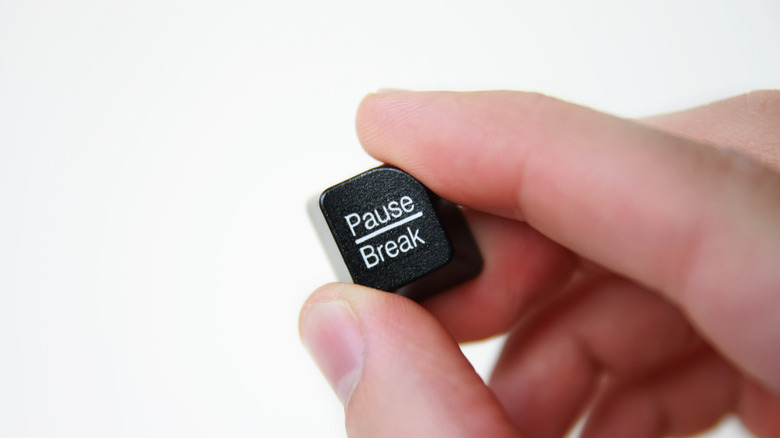
While the use of the Pause side of the Pause Break key has mostly been replaced, the key can still be used for a myriad of things. For example, you can disable or remap the key entirely if you so choose. However, there are also a few easy hotkey setups you can use with the Pause Break key. Pressing the Windows Key + Pause Break opens the System Properties window (or System settings, depending on your version of Windows), allowing you easy access to information about your PC. You can also press Control + Pause Break to stop long-running console commands in Command Prompt or PowerShell, especially if there are legacy utilities or scripts involved.
Another use for the Pause Break key is during boot up, typically called Post, of your PC. When you have all the boot-up text displayed on your screen, you can press the Pause Break key to pause the text, allowing you to pause the information as it scrolls so you can check for any errors. It doesn't work on every PC, but you can test it easily to see if it does on yours. It's also possible that your keyboard doesn't have the Pause Break key, as modern keyboards can vary widely, especially between countries, as seen in the differences between American and British keyboards.