

5 Password Myths You Should Stop Believing Immediately
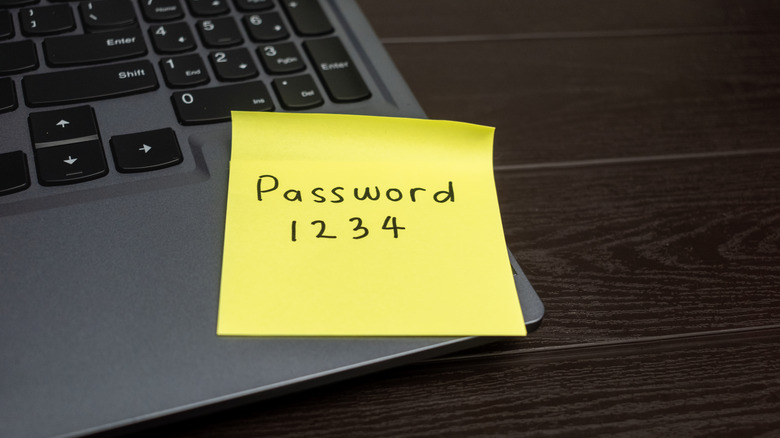
In the digital age, it's not uncommon to have multiple online accounts. Each one of these has multiple barriers designed to prevent hackers from gaining unauthorized access and stealing your personal and financial information, then using that information to commit fraud and other cyber crimes. Of these barriers, passwords remain one of the most important protections, often serving as the primary defense. Even with how important passwords are, though, myths about them have become so prevalent that those who believe them are essentially sitting ducks for determined hackers.
For example, you may have heard someone say that you need to change your passwords regularly. Many online accounts, especially from financial services or work, even force you to do it every couple of months. Some think passwords are irrelevant these days, while others say that less important accounts can safely use the same credentials. You might have even been told that you need to keep passwords short and complex, and that you should never write down your passwords.
But what if we told you that all these are myths? The sooner you stop believing them, the better your online security will be, because a hacked account can lead to serious losses that you cannot recover from, at least not easily or quickly, including credibility and maybe even thousands of dollars.
Password complexity matters more than length
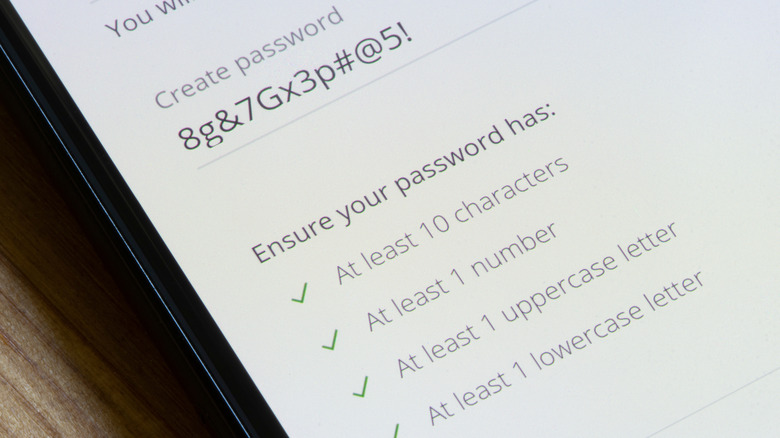
When you're creating a password on some websites or applications, you'll be told to use a combination of uppercase letters, lowercase letters, numbers, and symbols. The minimum number of characters is usually eight, and many of us stick to the minimum, thinking that as long as the password is complex enough, the length doesn't matter. But it does. With the sophisticated tools that hackers use, these passwords are easier to crack compared to longer, simpler ones.
A hacker can usually crack an eight-character password within minutes, especially if you use common words and phrases. That is because it takes about 200 billion guesses to crack a password of that length, something a modern computer can do in seconds. The math is simple. It would take a maximum of 26 guesses to crack a single-character password (since there are 26 letters in the alphabet), 676 (26 x 26) guesses when it's two characters, 17,576 (26 x 26 x 26) when it's three, and so on. Each character you add to the password's length increases the number of guesses exponentially. And, of course, the number goes up if you also use characters other than letters, but that added heft won't matter much to a decent cracking algorithm on a fast computer.
Bump that up to 16 characters, though, and it will take thousands of years for that same computer, making 100 billion guesses per second, to complete a brute-force attack (as long as you're not using common words in your password). This is where the computer will try every possible combination until it finds the right one. This is not to say that complexity doesn't matter, but you can see how length is powerful, even without mixing up the characters.
You should change your passwords regularly
The longer you use a password, the more you increase the likelihood that hackers will figure it out. To keep them guessing, you need to change it regularly (e.g., every 90 days). This myth sounds like sage advice, considering a brute-force attack can take months or even years to succeed if you have created a strong password. Also, if you've been hacked, eventually the password will become useless once you change it. But security experts advise against changing your password regularly, with the UK's National Cyber Security Centre (NCSC) advising against forced password changes, saying that users who find it inconvenient will just end up creating a password similar to the old one. That means hackers can easily figure it out, leading to more hacked accounts if the user has reused the password elsewhere.
Essentially, the more you reset your password, the weaker it tends to become as you seek something memorable (to you), which is why the NCSC and other security experts don't recommend organizations force employees to change passwords regularly. What you can do instead is come up with a strong password. As mentioned earlier, length and complexity are key, so make it nice, long, and unique to each of your accounts. Yes, this sounds like a chore, but we have random password generators these days, and you can easily store all of them in a password manager instead of having to memorize them.
Two-factor authentication is useless if you have a strong password
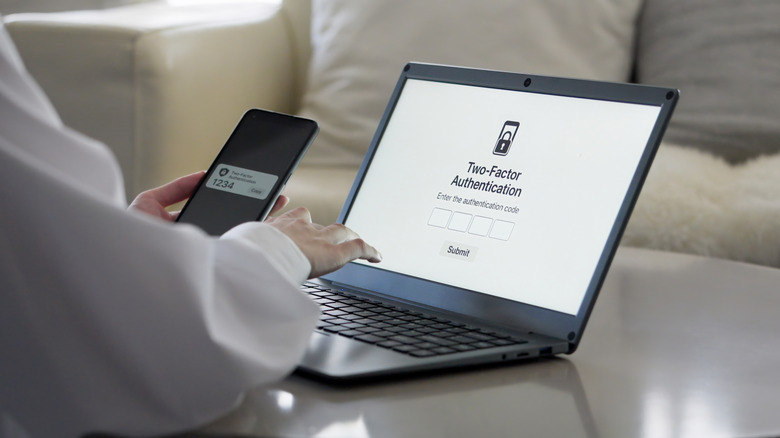
A strong password might be resilient against brute-force attacks, but it can still be tricked out of you using social engineering techniques like phishing. You still need two-factor authentication (2FA) to effectively prevent unauthorized access to your account when your password is stolen. Two-factor authentication is a strong barrier because it requires you to complete two steps for successful authentication. The first one uses information you know, with a password being the most common form. It's the second factor, something you own, that trips hackers up because it could be a phone or other device where you receive a login code or push notification, or a security key you need to insert into your computer or phone.
Two-factor authentication is not foolproof, though. A hacker can still get the code sent to your phone through advanced social engineering techniques or SIM swapping. For push notifications, they can carry out a push attack, which overwhelms you with tons of notifications in the hope that you will accidentally approve one. A security key is much harder because it requires the hacker to physically get hold of it.
However, it's better to have 2FA than not. Also, when you get requests to authenticate access when you didn't trigger them, it can be a useful alert. This will give you a chance to change your password on that affected account and any other place you've used it (this is why security experts advise that you use a unique password for each account).
You should never write down your password
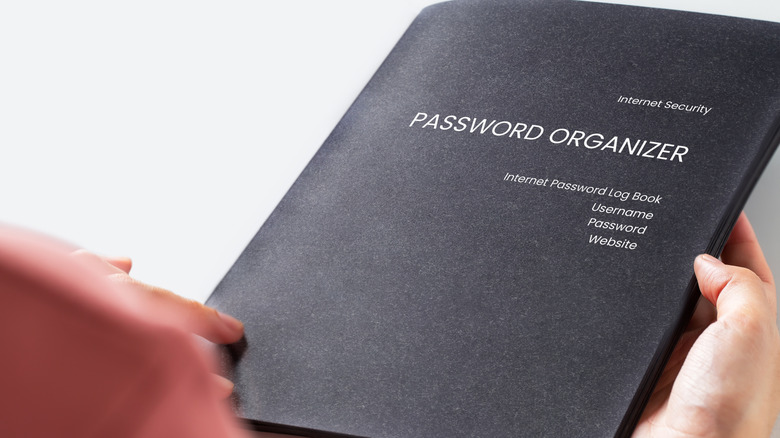
Password managers have removed the need to remember every single one of your passwords, but you're not always going to have access to them. We all know this to a certain degree and end up using weak, simple, and easy-to-remember passwords for convenience. This can be even riskier than simply writing down the password in a book and storing it somewhere secure, which most experts agree can be acceptable for some people in some situations. That's the biggest caveat of a physical password book — where you keep it. You obviously shouldn't be carrying it around with you, so good locations include a locked drawer, a safe, or somewhere that is less obvious.
What you shouldn't do is write the passwords down on your computer (e.g., on Sticky Notes or in Microsoft Excel). Also, try to only write down the passwords of less important accounts. For the more critical ones, try to memorize them, even if they're 16 characters long. There are several tricks available for creating strong passwords that you can easily remember. For example, you could take an idea from What3Words, which is a mapping system that creates a unique three-word address that corresponds to a three-by-three-meter square somewhere in the world. You might get something like "camps.sling.hiker" for a national park. Those three words are called an ordered triple, and you could either use the generated phrase in your password, or come up with your own ordered triple to use as a password — just make the words meaningful to you and remember their order.
Reusing passwords isn't a big deal if the account isn't important
You might have heard that it's okay to reuse passwords if the account is less important, since your more important accounts are protected by strong, unique passwords. But if hackers get into the less important accounts, they can use those credentials to hack the other accounts you've reused them on. According to Cloudflare, password reuse is rampant, with 41% of logins it blocked between September and November 2024 coming from credentials identified in data breaches. That means reusing passwords is quite common and dangerous. Of those blocked login attempts, 91% came from bots, indicating a cyber attack known as credential stuffing. This is when credentials stolen from a data breach on one site are tried on various other unrelated sites.
Those less critical accounts also might contain information like emails, phone numbers, and addresses. Hackers can use these, for instance, in a phishing attack to obtain the credentials of your more critical accounts. So a strong, unique password is essential for social media, retail, news, gaming, and other sites that people deem of low importance. Thinking up passwords and remembering them is hard, but as we have shown while debunking the other myths, there are many tools at your disposal that can help, including random password generators, password managers, and even notebooks.