

Can You Use HDMI To Daisy Chain Monitors?
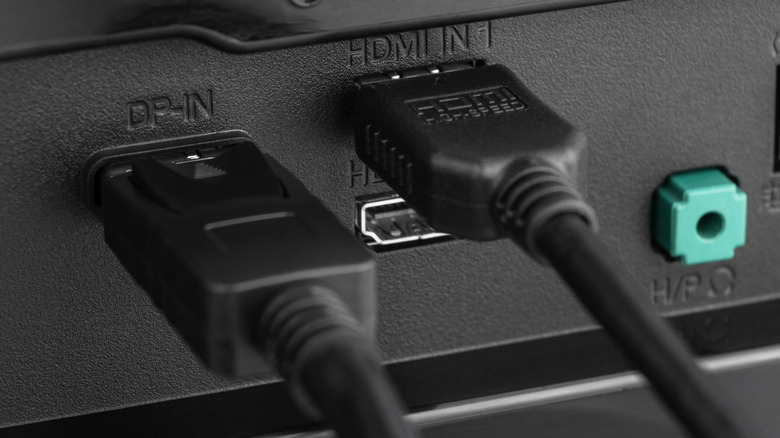
Daisy-chaining monitors together is pretty easy once you have the right equipment, and a great solution if you don't have enough ports or a long enough cable. Unfortunately, if you want to do this with your standard HDMI cable, you're a little out of luck. Without the necessary onboard protocols, HDMI lacks the additional features of its counterpart, DisplayPort. There's no real route to daisy-chaining monitors via HDMI, so you'll have to opt for alternatives.
Daisy-chaining monitors via DisplayPort isn't widely available on most modern monitors, with few brands still equipping them with the necessary ports. USB-C and Thunderbolt have taken this role instead, with brands like ViewSonic opting for the multifaceted cable over DisplayPort.
HDMI might be the easiest cable to connect a PC to a monitor, but it lacks key features that other cables offer. Namely, HDMI doesn't support Multi-Stream Transport (MST), which is exclusive to cables that support the DisplayPort 1.2 standard or higher, including USB-C and Thunderbolt. Since 2014, USB-C has supported DisplayPort, and with it, MST. However, some modern computers, like Apple Silicon devices, don't support MST. If that's the case, it's best to use Thunderbolt 4 or USB4-equipped docks to connect multiple monitors.
Thunderbolt is how to daisy chain in 2026
Docks exist that convert DisplayPort into HDMI, but this isn't "daisy chaining" in the same capacity. These dongles and docks simply convert the MST signal into two video outputs, extending a single cable into multiple. Actual daisy chaining involves plugging cables into two separate ports, then into the next monitor, with a single output from the laptop or PC.
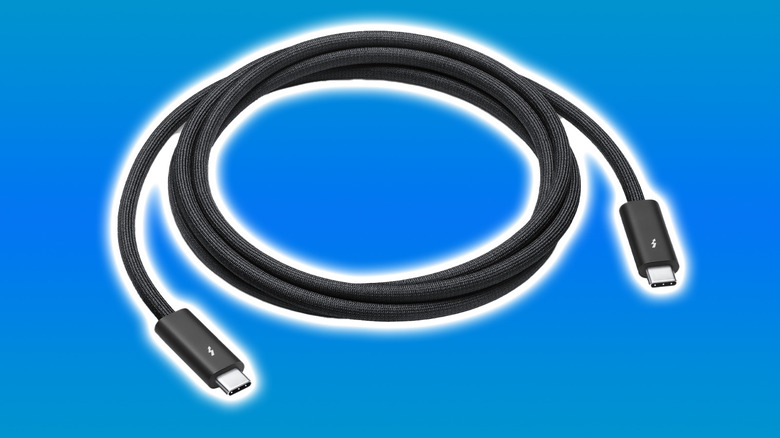
If you do want to daisy chain monitors in 2026, your best bet is Thunderbolt. While the USB4 specification can go toe-to-toe with Thunderbolt in many ways, including maximum transfer speeds, it still lags behind Thunderbolt. However, Thunderbolt is also expensive to buy into, with short cables running from $20 to $129 if you go through Apple for the 1.2m-long version.
Monitors that support daisy-chaining will feature different USB-C ports: one for input and the other for your daisy-chain connection. Thunderbolt can support up to two 4K screens or a singular 8K monitor. If you've managed to find a DisplayPort-equipped daisy chain monitor, you'll be able to get four 1080p monitors off of one source.