

Why Almost No One Needs A Laptop Cooling Pad Anymore
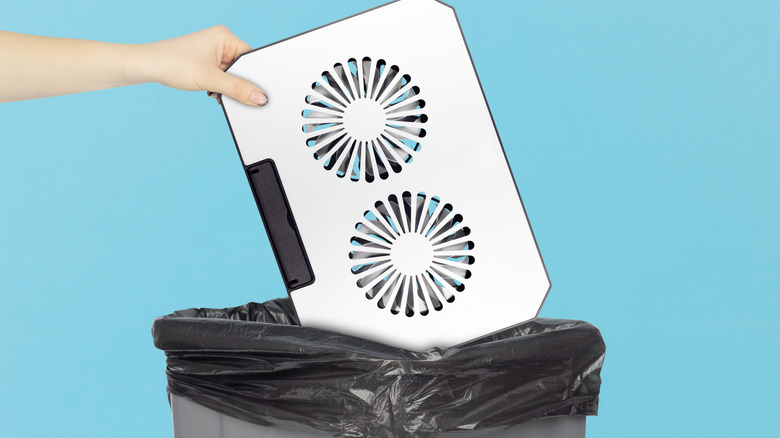
Laptops make for a versatile and convenient way to complete tasks, play games, or get some work done. They're portable and can be used just about anywhere, be it a desk, a coffee shop table, or even a bed or couch. However, they can run hot if used for gaming, video editing, or other high-performance tasks, or even if they're older. There are many ways a laptop could overheat and cooling pads are often touted as a solution — but most people are probably using them wrong.
The idea behind a cooling pad is to blow cool air onto the laptop to bring down its temperature and subsequently boost performance. However, real-world tests show there's only a marginal improvement in performance in most cases — certainly not enough to load the entire third act of "Baldur's Gate 3" any quicker. At best, the cooling pad will cool the laptop to prevent it from overheating, but it's not a guarantee.
That said, cooling pads can be useful in some situations. While they may not make that much of a performance difference, they can be useful for older devices and some gaming laptops.
Is a laptop cooling pad ever necessary?

One of the biggest reasons not to have a laptop cooling pad is if you just do day-to-day tasks on it. Checking email, updating documents, writing, and web-browsing aren't going to be all that taxing for your laptop. As long as you stick to less demanding projects, you don't need to invest in a cooling pad.
If you're into more challenging tasks such as video editing, gaming, or work-related projects that require increased GPU and CPU power, a cooling pad may be necessary, but most high-end gaming laptops have internal software that can help. Nitro Sense is one such program that allows you to control the speed of the internal fans.
Cooling pads may provide cool air that can lower the temperature of your laptop, but they aren't going to magically dissipate the high heat. Nor will they improve performance dramatically, leading to better graphics or frame rates. That said, if you have an old laptop with weak fans or bad airflow, a cooling pad might provide a noticeable boost in performance. If you are a casual user and even a cooling pad isn't helping, you may try replacing your laptop with an Android tablet.
Alternatives to using a cooling pad
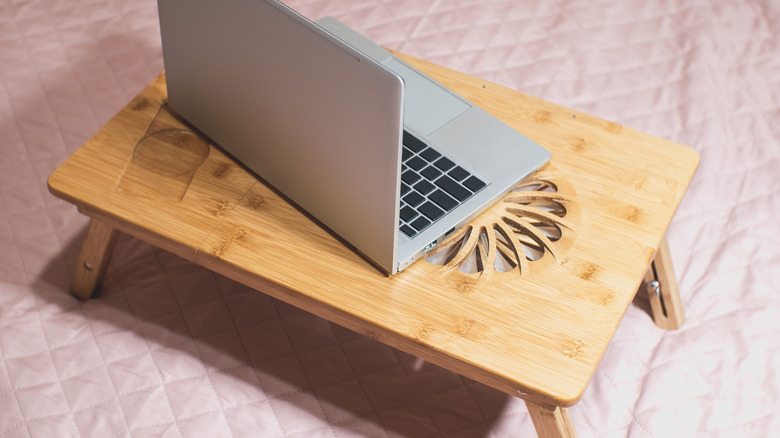
A cooling pad acts like a mat that is placed between the laptop and the surface it is resting on. They work for tabletops, couches, floors, and even your lap, which can help prevent toasted skin syndrome caused by contact with a hot laptop over a long period. If your laptop gets too hot, a cooling pad can help, but there are other options available that provide similar results.
Many laptops have fans that blow air out of the rear or bottom air vents of the case. With time, a laptop can collect dust and dirt if it is near a wall, pressed against cushions, or even set on top of a table. This can clog up the air vents, leaving the fans unable to properly cool the laptop. One such alternative is using what is known as a laptop stand.
A laptop stand elevates the laptop so it is off of the surface, freeing up the air vents. This allows the interior fans to blow out air without being blocked, thus better reducing the amount of dust and dirt that could get trapped inside. Moreover, using an ergonomic laptop stand can also keep your posture correct while you work.