

Megapixels Aren't The Most Important Feature Of A Camera - Here's Why
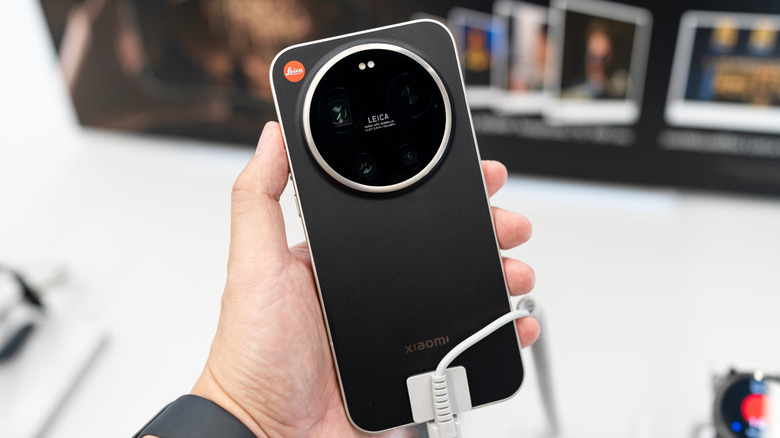
Megapixels aren't always the be-all, end-all metric for camera quality that many manufacturers and marketing types make them out to be, even at the largest extremes. In fact, counterintuitive as it may be, too many megapixels can actually be somewhat of a hindrance, leading to large file sizes, slow transfers, and less space on your device for other media. This is especially true at the consumer level, where phones have eliminated the need for a budget digital camera, and most of the pics taken with them aren't intended to be the centerpiece of a magazine feature or need to capture a subject in exacting, microscopic detail.
There are also cases where more megapixels can actually lead to a lower final image quality. This is especially true if you're outputting an image to another device, like a printer or a website. Many of these destination outputs will automatically resize an image. Depending on how intelligent the downsizing algorithm is, key pixels may get trimmed out if there's an abundance, leading to a loss of detail.
How many megapixels do you need?
First, consider what a megapixel actually is, and what it means for your image. A megapixel is an indication of the resolution of a digital camera sensor or image, with each megapixel equaling 1 million individual pixels (pixels being the tiny dots of color that together make up a digital image). If your camera takes photos that are 4,000 pixels wide and 3,000 pixels tall, for instance, it's producing 12 megapixel images (12,000,000 pixels).
The math is important because megapixel counts can be somewhat misleading. Say you double the count from 50 megapixels to 100 megapixels in an image. The reality is that you're only actually doubling either width or height, or only increasing both by 50% — you're not actually doubling the total size of your image. The other important thing to remember is that megapixels are purely a representation of an image's resolution, how many pixels it's built from. While resolution is important for fine visual clarity, it's only one of a huge number of variables that contribute to the actual quality of an image.
The other factors that are key to image quality
I don't want to completely brush aside the importance of resolution (and by extension, megapixel count) for image quality. More pixels means finer textures, edges, and small features. For example, hair strands, text, or distant objects tend to look clearer in a higher-resolution image than one shot with a lower-res sensor.
However, resolution is only one of myriad factors that determine the final quality of an image, including some common settings you can change on your phone. Another huge contributor is focus: regardless of how high-res your lens is, if an image is out of focus due to motion or other issues, it can still look blurry and low quality. Lens quality is another crucial consideration; a good lens can improve sharpness, color, and edge-to-edge clarity.
Another is lighting. Cameras work by capturing light, so it's no surprise that it's vital to the final quality of an image. If a scene is well-lit, providing more light to the sensor, the result is sharper details, more accurate colors, and better contrast between dark and bright areas. Low light may mean higher (sensor sensitivity), which can introduce grain/noise, or a slower shutter speed, which increases motion blur. How well a camera captures the available light (which can be dramatically affected by things like sensor size) and how it reacts in low-light situations can be much more important than a variation in megapixel count.