

One Of The Mac Mini's Biggest Flaws Has Finally Been Fixed
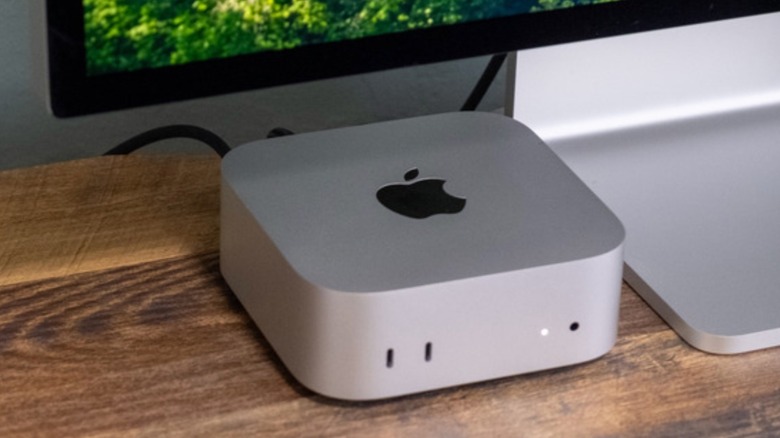
One of the top questions M4 Mac mini users have is why its power button is located on the bottom of the computer. While Apple itself justifies this design change by saying users shouldn't need to worry about turning off their Macs every time they finish a session, the company also addressed the issue with their latest macOS 26.5 update.
As spotted by 9to5Mac, Apple published a new support document to help users turn on a Mac mini, Mac Studio, or iMac without pressing its power button. While with MacBooks, users just need to open the display, this doesn't work with the other Mac offerings. This is why the company is now adding a quick solution for "when you don't have easy access to the computer's power button," which means, when you don't want to lift up your M4 Mac mini or put your hand below the Mac Studio or iMac.
However, Apple imposes a few requirements before allowing users to seamlessly power on their Mac without pressing the power button. Besides updating to macOS Tahoe 26.5 or later, users should have a 2024 Mac mini or iMac, or a Mac Studio introduced in 2025 or later to take advantage of this functionality. If users meet these requirements, they can get access to this feature.
Here's how to turn on your Mac mini without pressing the power button
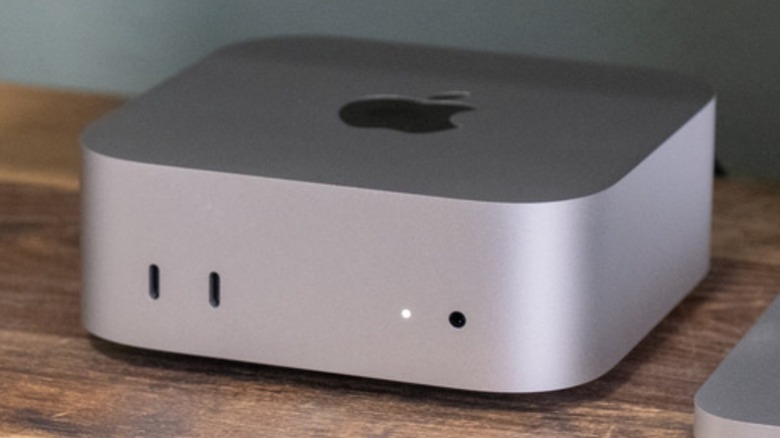
If you have macOS Tahoe 26.5 or later installed and a M4 Mac mini or newer device, you need to open the Apple menu in the top left corner and choose System Settings. On the Energy option in the sidebar, you can tap "Start up when power is connected" and choose Always.
Once you choose this option, the Mac can turn on automatically whenever it's connected to power. Apple says it's possible to choose between plugging the Mac into a power outlet or using an external power switch to restore power. If there's a power outage in your home, the Mac will also turn back on once the power comes back. With that in mind, Apple also offers another important tip about connecting and disconnecting Macs from power.
For example, if your Mac has been connected to power since it was shut down, the company recommends a 30-second delay between disconnecting and reconnecting the computer to power, as it gives the Mac power supply enough time to discharge, and then understand the command it should be turned on again. While one could expect that Apple might tweak the design of the M5 Mac mini or future Macs to improve the power button location, this is the solution available at this moment.
Should you actually turn off your Mac computer?
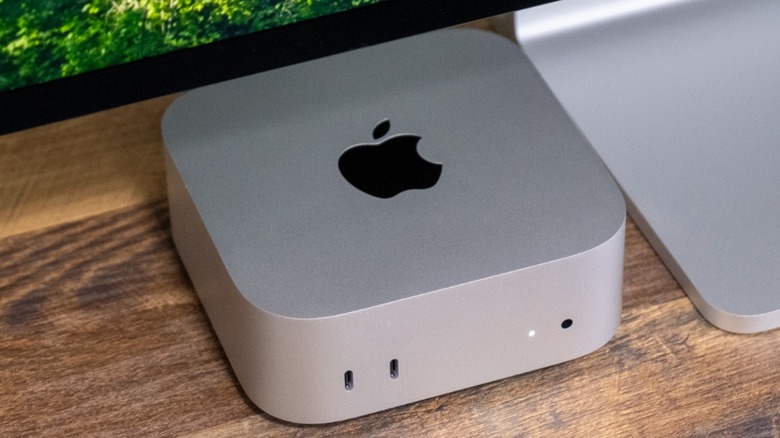
Apple's Senior Vice President of Marketing Greg Joswiak said in an interview that he can't recall the last time he shut down his Mac. He talked about that when questioned about the weird placement of the M4 Mac mini power button. However, more than PR language, this is actually an indicator of how power efficient the Mac is, and also that the computer can go through days turned on without making it slow down. With that in mind, Mac users in general can follow Joswiak's routine and also never turn off their Mac.
The golden rule most people have been applying, and it's one I've been using myself, is that I only turn off my MacBook if I'm staying more than a day away from my computer. Otherwise, if I have to work the following day, or if I'm just going away for a few hours, then I'll leave my Mac in sleep mode, because it's easier to just log back into work then having to turn the MacBook on and authenticate with a password instead of Face ID.
That said, the next time you face a dilemma on whether or not you should turn off your Mac, don't stress about it. And, if you do, now there's an easier way to quickly power it on without needing to look for the power button of your Mac mini, iMac, or Mac Studio.