

Your TV Antenna Might Be Set Up Wrong - Here's Why
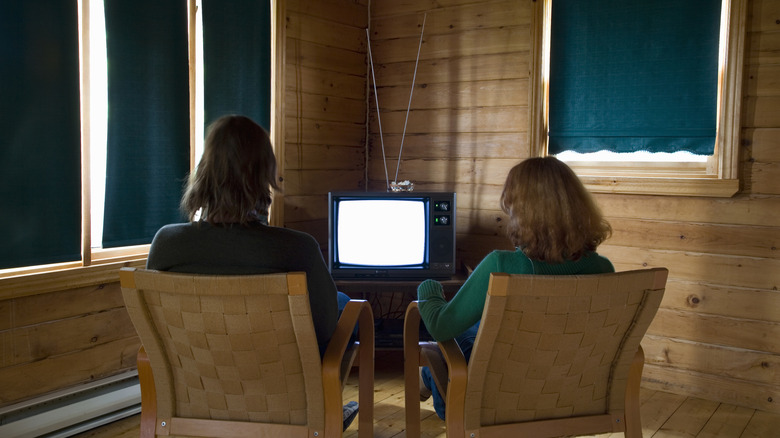
When you cut the cord, you can maximize your access to free content by leveraging the internet, streaming services, and a traditional antenna. Taking that to the next level is the new NextGen TV standard or ATSC 3.0. With a NextGen-capable TV and an over-the-air antenna, you'll now be able to access features that used to be digital-exclusive, like HDR content, interactive features, enhanced audio, and more. In case that's not clear, it will be available via over-the-air broadcasts. But unlike the internet, which requires capable hardware, cables, and a solid connection on the other end for high-speed access, the quality of an OTA broadcast depends more on how and where you place the antenna.
Yes, you need a capable antenna first — there are a lot of great TV antennas for cord cutters — but it's totally possible to set up your system wrong, or rather, install your antenna wrong. It needs to be pointing in the right direction, for starters. Typically, you want to aim your antenna towards your local broadcast centers (more on how you can figure out where they are later). But you'll also want to reduce local area interference as much as possible. There are a few other tricks you should know; if you don't, you might have your TV antenna set up incorrectly.
Poor antenna placement won't just interfere with the signal; it might also put the device in a prime spot for interference from everything else. Physical obstructions such as walls, trees, and other buildings, as well as electronics like routers, can degrade signal quality. Poor weather and faulty cables can also degrade signal quality. That may prevent you from accessing some channels or enjoying content that should be readily available.
Choosing and placing your TV antenna
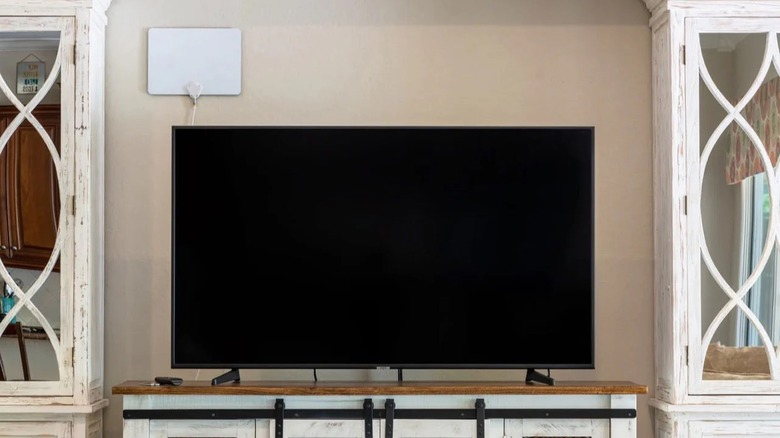
Before anything else, choose a viable antenna. Most modern smart TVs do not come with a built-in antenna; you have to buy one separately for OTA broadcasts. You have the conventional outdoor options, installed high up outside; meanwhile, some of the best indoor TV antennas, according to Amazon reviewers, are just as capable. Outdoor, roof-mounted antennas will always have a higher performance ceiling with better range and signal stability, but indoor models are still a solid choice for OTA signals. You will need to know whether the antenna you choose is directional and needs to be pointed at a tower, or multi-directional and can receive signals from all sides.
While shopping, you may see ATSC 3.0-ready labels. The ATSC 3.0 (NextGen TV) broadcast frequency is the same as older versions. While you'll still need an ATSC 3.0 tuner, you don't have to buy a 'special' or over-priced antenna. Moreover, in the antenna world, a high price doesn't always correlate with better viewing experiences, as some cheap antennas work really well, better than expensive models in some cases.
The placement height of your antenna is also critical. If it's an outdoor antenna, mount it as high up on your roof as possible. If it's an indoor antenna, you want to keep it out of the basement and mount it as high as possible in your house — an attic would work great. If you must place it in the same room as your TV, the same rule applies. Use shelves, mounts, or other smart fixtures to put it up as high as possible.
How to set up your antenna (the right way)
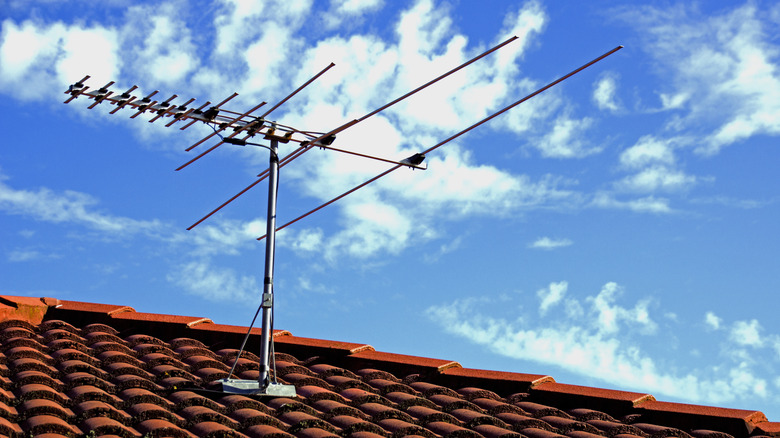
After installing the antenna or choosing a proper placement, you'll need to point it in the right direction if it's a unidirectional model. Multi-directional models receive signals from many or all sides, so this is less of a concern. You can use the Federal Communications Commission's DTV reception maps to find towers in your area and check signal strength. Enter your address or zip code, and once the information loads, you'll see a list of local broadcast networks by call letters. Click on one, and the main antenna will be highlighted. All green stations can be easily picked up with your antenna. However, yellow stations may experience some interference, and orange stations may be difficult to tune in.
Take note of the tower's directions relative to your home and aim your antenna towards them. If you want to pick up multiple channels, you won't be able to point at all towers. Instead, do your best to optimize placement by choosing a reliable midpoint. You can run channel scans at each potential location. The placement that offers the most channels with the highest signal quality should be your top choice.
Some other quick tips: Keep the front of the antenna away from dense furniture, decorations, and big trees or outdoor objects, if you can help it. Try to place your antenna near a window or an open area. You may need a longer coaxial cable to run the antenna to a better location. Also, some antennas, certainly many newer models, come with an amplifier to boost signal strength. Amps can be hit or miss, occasionally causing more distortion. Try alternating between the amp on and off to find the optimal operating mode.