

What's The Average Lifespan Of An Apple Pencil Tip?
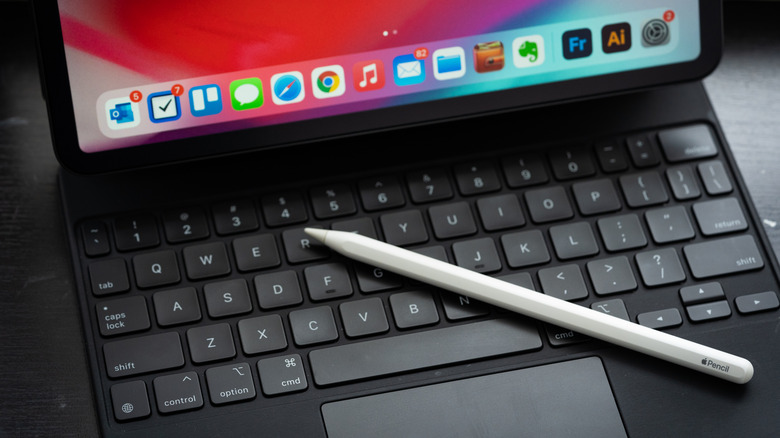
The Apple Pencil is one of the best iPad accessories, being essential for any artists who use their tablet for digital projects. While the Apple Pencil is expensive and there are smart money alternative iPad styluses that accomplish the basics for free, the device's pressure sensitivity is unmatched, emulating the feeling of writing on paper better than any other digital pen. However, a worn out Apple Pencil tip will impact your experience, which is why it's important to replace them when necessary.
The lifespan of an Apple Pencil tip varies greatly based on how frequently you're using it and how hard you press down. Those who use their Pencil hours a day for art or notetaking shouldn't have to replace theirs super often, though, with tips generally lasting at least six months or a year even with heavy usage. Keep in mind that screen protectors can cause your Apple Pencil tip to wear out much faster, especially if you're using a rough matte one. One user reported their Pencil tip wore out after just a month of using it with a paper-like protector, so that's something to keep in mind when choosing a screen protector.
When to replace your Apple Pencil tip
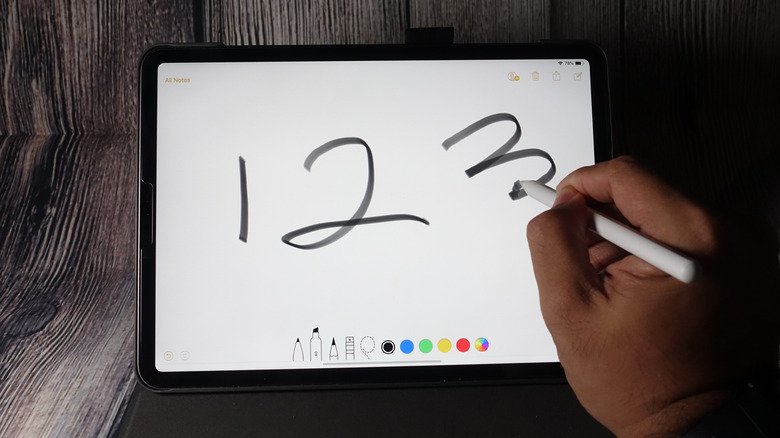
If you're not sure whether or not it's time to replace your Apple Pencil tip, there are some things to consider. First, if you can see the metal poking out, it's definitely time for a replacement. You'll likely notice it visibly wearing out before it gets that far, and while a little wear is probably fine, continued use will eventually impact the user experience. In addition to not feeling smooth on the screen, your Apple Pencil may lag or not respond as well, which is a clear sign that it's time for a new tip.
Fortunately, Apple Pencil tips are incredibly easy to replace, taking just seconds. All you need to do is unscrew the current tip counter-clockwise to remove it, then screw the new one in until it's secure. While the first-generation Apple Pencil came with a replacement tip, newer ones don't, so you'll need to purchase them separately. Apple sells a four-pack for $19, but you can get third-party ones that work just as well for much cheaper.