

5 New Features Added To Apple Home In iOS 26
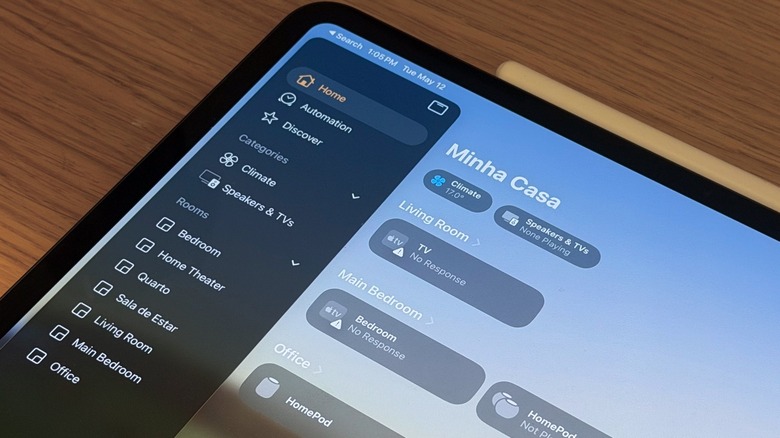
In 2026, Apple is expected to unveil several new smart home devices. While they've allegedly been postponed because Apple Intelligence is bad and the current iteration of Siri can't even keep up with basic conversations, the company continues to improve what will be the hub of the experience, the Apple Home app. With iOS 26, released in September 2025, Apple added an all-new Liquid Glass design, Adaptive Temperature for compatible thermostats, and a few other perks that make this software more useful.
Even though Apple recently released iOS 26.5, the company hasn't focused too much on its Home app since the launch of iOS 26 last fall. Still, those who rely on the Home app to control their home and smart devices got a few improvements, including one that directly affects HomePod speakers.
According to rumors, Apple is currently preparing to release an all-new Apple TV 4K, new HomePod models, a HomePad, which will be a combo of a HomePod with an iPad display, security cameras, and even a locker with Face ID. Since we might have to wait for the iOS 27 announcement or even later to learn more about these upcoming products, these are some of the notable changes Apple added to the Home app in iOS 26.
Adaptive Temperature
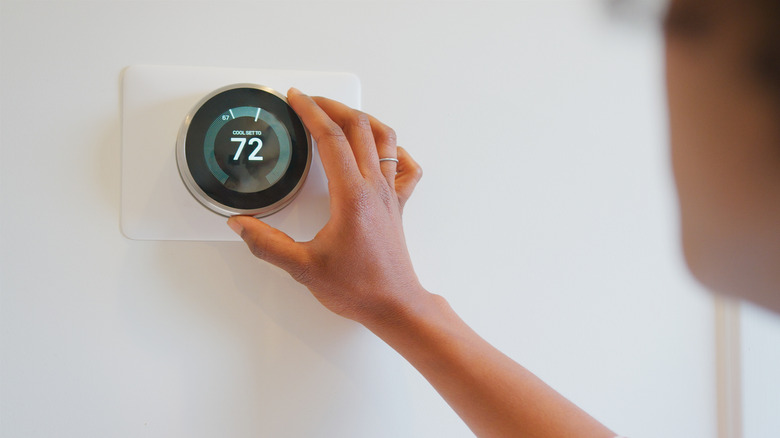
One of the main features with iOS 26 regarding the Home app is Adaptive Temperature. After all, thermostats are only useful if you don't have to think about them all the time. With the latest software update, you can let your iPhone do the hard work to predict when you're getting home and then offer you the perfect temperature. So whenever you get home from work, take your kids to school, or you're just experiencing a terribly hot or cold day, the temperature in your house will be exactly how you enjoy it.
More than just adjusting the temperature for your likes, this functionality is also great to help you save energy when you're away from home, as the house doesn't need to be as warm or cold if there's nobody there. Using on-device intelligence, Apple says that this feature gets information from your routine by understanding your sleep schedule created on the iPhone, and it leaves the perfect temperature for whenever you're hitting the bed or waking up.
To take advantage of that functionality, Apple says that users need to have an Apple TV or HomePod, in addition to a compatible Matter thermostat. Users also need to follow a few requirements, including having the latest software update on their smart home device and activating location services for Home app and Home Accessories.
A new Liquid Glass experience
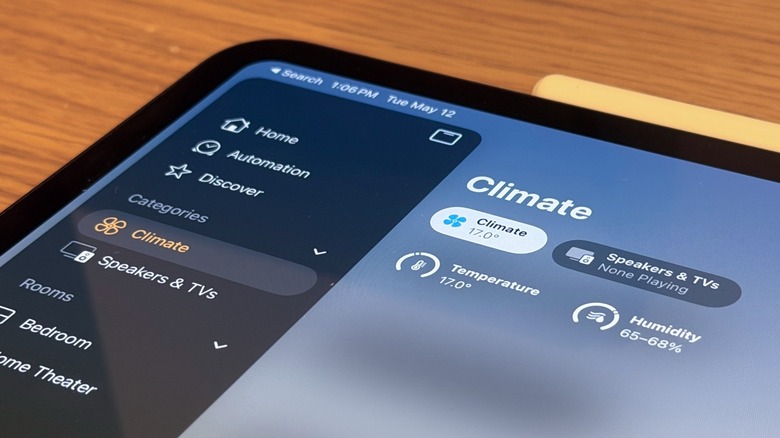
The second biggest change available on the Apple Home app with iOS 26 is the introduction of the Liquid Glass design language. When the company unveiled iOS 26, it said that Liquid Glass "makes apps and system experiences more expressive and delightful, while keeping iOS instantly familiar." With this change, Apple says it wants content to be what users are always looking at when interacting with their phone, so app icons, widgets, and how people navigate with their devices will just be more seamless as everything blends in.
Despite a revamped app icon for the Home app, Apple also offers a new Clear icon and updated Default, Dark, and Tinted options. Once users open the Home app in iOS 26, for example, they'll utilize the new Liquid Glass UI for navigation, as the bottom tabs are now in a hover bar.
By sliding their finger through the "Home," "Automation," and "Discover" tabs, users can understand a bit more of the Liquid Glass experience on the app, and how Apple focused on prioritizing content. Finally, the company also updated the toggles and how the interaction happens when you tap the products paired in the Home app.
AirPlay enhancements and enroll multiple accessories
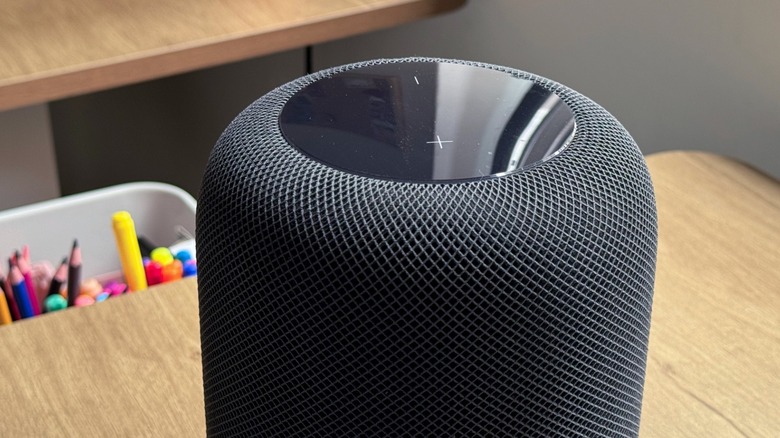
Also related to the Home app, the third feature introduced with iOS 26 has been AirPlay improvements. AirPlay is Apple's proprietary technology of how users can stream video and audio on speakers, TVs, soundbars, and more.
With the latest software update, when you have your HomePod playing songs using AirPlay, everyone added to the Home app can see what's playing, control the music, and even control which HomePod speakers are playing the song. This gives more freedom for everyone to enjoy a collaborative sound experience. Apple also improved AirPlay with Siri on AirPlay, as you can ask Siri to play to other HomePod speakers in your home.
The fourth change came a little later with iOS 26.2. With this update, Apple added muli-ipack accessory pairing. Basically, if you need to enroll several accessories from the same manufacturer, like light bulbs, light strips, or anything else that support the latest Matter standard, you can use the same setup code, making it a more straightforward experience to pair them all to your Home app and then control them with your iPhone, iPad, or smart home hub. Previously, you would have to pair one by one, making the entire process take a lot longer than it should.
Aqara Smart Lock integration

Ahead of Apple's secretive smart lock with Face ID support, Aqara released during CES 2026 possibly the best smart lock available on the market currently. With the Aqara U400 smart lock, it's the first device of its kind to support Apple's ultra-wideband (UWB) chip, meaning that you don't need to hold your iPhone or Apple Watch to unlock your door. By approaching the door, Apple's ultra-wideband tech will unlock the door for you, which is especially useful if you have your hands full.
The ultrawide-band technology has been recently improved with a second-generation chip in the iPhone 16 or newer, but all main iPhone models since the iPhone 11 and Apple Watch Series 6 feature ultra-wideband technology. What's most interesting about this smart lock is that you can also share access with guests, so even if you're not at home, you can send a temporary digital key to a friend or family member. Other authentication methods include a password or fingerprint.
Unlike other smart lockers that use Bluetooth, the ultra-wideband chip is a lot more precise, enabling it to identify your device even if it's in your pocket or on your wrist, so you don't have to worry about picking it up or approaching your door with your device in hand.