

How To Tell If Your USB Charging Port Is Broken
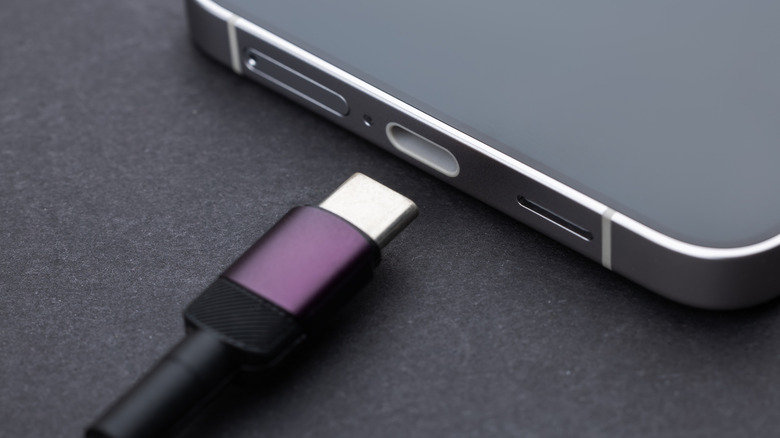
As one of the most important devices in our lives, our phone failing to charge at inopportune times can be nothing short of a nightmare. So, how do you tell if the USB charging port is broken? Is it something simple, like pocket lint accumulating in the opening, or will you have to shell out for professional repairs?
A short visual inspection should come first. If you see bent or broken connections, the charging port is toast and will require a replacement. Likewise, a wobbly connection can also indicate that a repair is needed.
Yet, if none of these apply to you, you may still have a chance to save the evening and get your phone up and running. In fact, the USB cable or the charger could be broken, or the port itself could be blocked by something. Regardless of the underlying cause, prepare for "rigorous" testing, and if everything turns out well, a quick DIY port-cleaning session that could save you a trip to a local service tech.
Why isn't your phone charging?
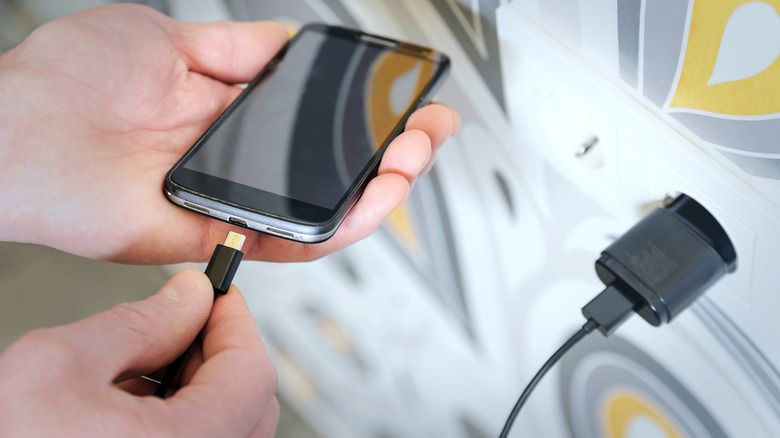
First things first: USB charging port issues rarely just spring into existence. Stop and try to remember if you've already noticed any charging difficulties. Was the phone sometimes charging slowly? Did it ever overheat? If you can't remember experiencing those early warning signs, feel free to check the USB port for damage.
A flashlight is a lifesaver here. Inspect the pins. If any of them are bent or broken, your best bet is taking the device to an expert, as fixing the issue yourself is very risky. The same applies to rusty connections, which could stop the phone from charging and may require you to replace the port. It also doesn't hurt to test if the USB port is loose. This is usually when the connection isn't completely snug, or you notice that the device starts charging if you hold it at a different angle or twist the cable. Unfortunately, that's another thing that will require a professional touch.
If your port looks a-okay, then the charging apparatus may be to blame. Check if another device will charge to rule out a bad USB cable or damaged charger. If other devices are unresponsive too, it's actually good news. Try to connect the device to a PC via USB, and if there's no juice there either, purchase a quality USB-C cable. In the event the cable works but the phone still doesn't react, then it's time for a brand-new adapter.
Will cleaning the USB port help?
You did everything, but still can't tell if the USB port is broken? Fortunately, cleaning the port is one of the easiest DIY phone fixes. Dust and other debris, like lint, can easily get into those small nooks and crannies. Since the charging cable could technically push in the debris deeper, the USB port will appreciate a quick spray from a can of compressed air.
Don't have compressed air? Grab a toothpick and carefully push out any gunk. Don't go medieval on the port, though. The last thing you want to do is scratch the pins or cause extra damage. If cleaning doesn't help either and you've ruled out issues with peripherals, then it's best to have a professional look at the device. In the worst-case scenario, the battery may be faulty, and that's not a fix we recommend winging.
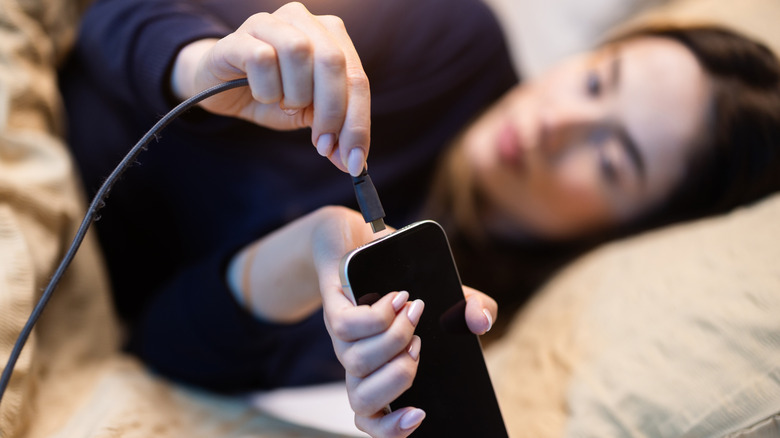
Hopefully, the cleaning session got things flowing again. With that said, make a mental note to handle the phone more carefully in the future. Pushing the cable into the port with all your might isn't a smart idea, and can eventually lead you straight to the phone repair shop. Pay attention during those late-night scrolling/charging sessions. Using your phone while charging it is generally safe, but don't bend the connector while using the device, as this may physically damage the port. Other than that, keep the port clean, handle the cable gently, and you'll minimize the stress from your phone being unable to charge when you need it most.