

Stop Believing These 5 Myths About Charging Your Phone
Almost every smartphone we know uses a lithium-ion (Li-ion) battery, so it's safe to say that this technology is ubiquitous. Even so, it remains misunderstood. Having the right knowledge is key and can even impact your safety, such as knowing the warning signs that a Li-ion battery is about to catch fire. On top of safety, you'd want the battery life to last as long as possible since a smartphone is a daily driver. But with charging myths abound, you might be inadvertently doing things that are reducing its lifespan because someone fed you the wrong knowledge about what constitutes good charging habits.
The battery life of a lithium-ion battery is affected by several things, including temperature, age, and charging habits. When it comes to charging, in particular, it helps to know things like when to charge it, how to do it properly, and for how long. This leaves several questions. For instance, can you leave your phone to charge overnight? Can you use any kind of charger (as long as it works)? Are wireless chargers harmful to the battery? Questions like these have led to widespread myths that can easily be dispelled.
You should not use your phone while charging it
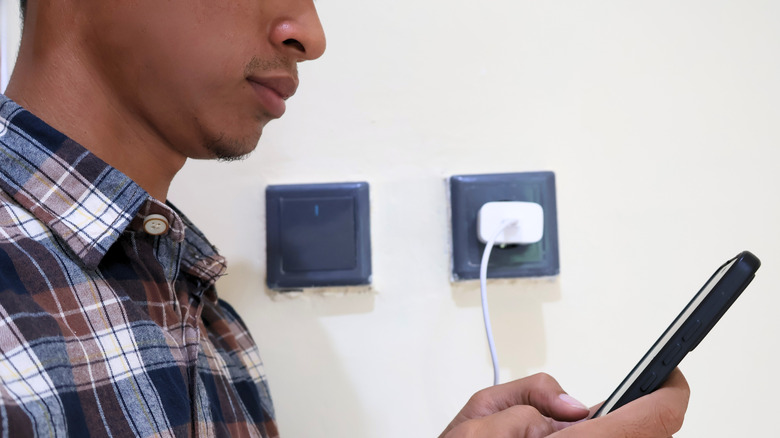
Using your phone while it's charging seems like a reckless thing to do since you're simultaneously charging while discharging the battery. It is not unreasonable to believe that this can damage the battery, but that's not always the case. Yes, the charging might be slower because the phone will split the power between charging and discharging, but unless you notice it's generating a lot of heat, the battery will be fine.
While you can use it, what you're doing matters a great deal. You can do some low-intensity tasks since these generally don't cause the phone to dedicate a lot of processing power to them. These include checking email, reading an ebook, listening to music, writing notes, scrolling through social media, or browsing the internet. It's those high-intensity tasks, such as playing mobile games, streaming 4K video, or recording a video, that you need to avoid since they generate a lot of heat (on top of the heat already coming from the charging process).
Heat can speed up the rate of thermal degradation within the Li-ion battery, leading to capacity loss or damage to its internal structure that reduces its lifespan. The best thing to do when your phone is charging is to leave it be, especially if you need it to get as much juice as possible quickly.
You can use any charger to charge your phone
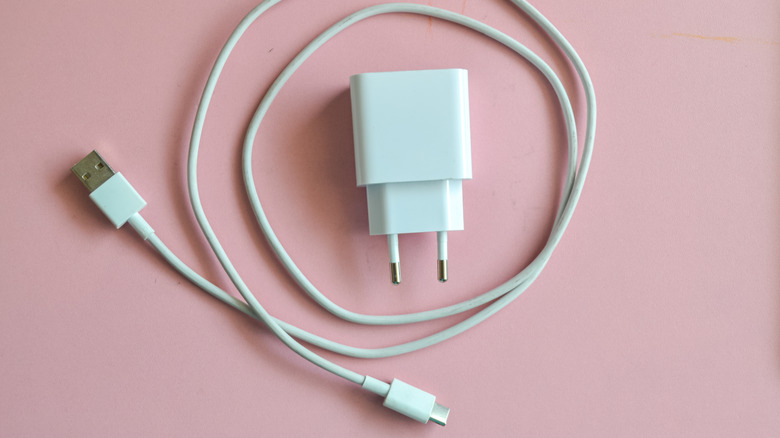
Sure, a $5 charger works since it essentially does the job it's meant to, but it's one of those cheap phone accessories you shouldn't waste money one. How it chargers could be detrimental not only to the phone's battery, but also to the overall health and functionality of the phone. The saying that you get what you pay for is usually true because cheap, off-brand chargers are usually made from low-quality materials, which is where several problems arise.
Due to how cheaply they're made, these chargers don't regulate voltage properly, leading to fluctuations that go over or below the recommended voltage. Too much or too little voltage stresses the battery and can cause overheating and faster battery degradation. On top of that, they can wear out your charging port, fry something inside your phone, or even short-circuit the motherboard. This is why experts recommend that you only use certified, branded chargers, especially when it comes to fast chargers, since they generate more heat when delivering high current.
While sticking to original chargers is recommended, if you must buy one elsewhere, ensure they won't damage your phone. For instance, when buying a fast charger for an iPhone, ensure it's MFi certified. This means Apple has approved that it's for iPhones and iPads. For Android phones, look for a USB-IF-certified charger. This certification means it's gone through rigorous testing to ensure it can deliver power safely to your device.
It's okay to let your phone's battery reach 0% before charging it
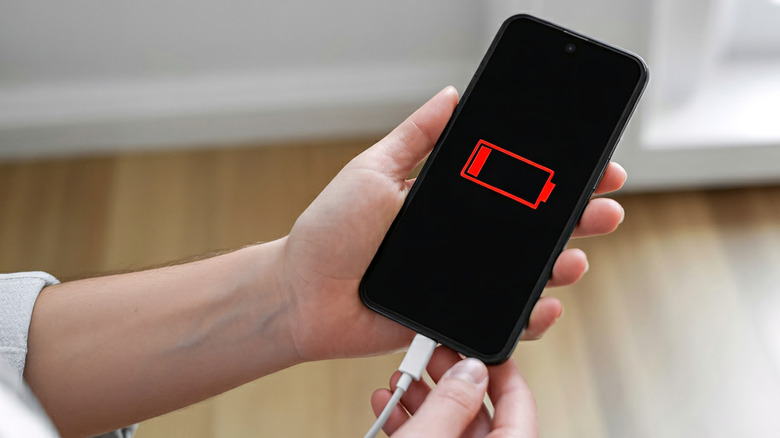
While your phone's battery is protected from overcharging, over-discharging remains a real danger to its lifespan. Its internal components aren't built to handle full discharges. For instance, as the battery level approaches zero, the voltage becomes unstable, dropping below the recommended threshold of 2.5 volts. When completely discharged, the battery struggles to reach normal charging voltage, which can stress its internal components. Overcharging or over-discharging can also cause the battery's electrodes to oxidize (lose electrons), dropping their capacity to hold a charge.
To avoid stressing the battery either way, it's best to keep the charge levels between 20% and 80%. This is known as the 20-80 rule, and it avoids the issues that reduce a battery's lifespan, including heat and chemical degradation, as well as voltage instability. Also, don't feel the need to always charge the battery to 80% once you start. You can stop at 40%, 50%, 60%, or 70%.
However, 50% is the recommended charge level, as this is when the battery achieves an internal equilibrium. But this does not mean you should never discharge your battery. Sometimes it's necessary when you want to recalibrate it. For instance, it can be helpful when you want to retune the battery's sensors after noticing that it's displaying inaccurate readings (e.g., one minute it's at 49% and then it's at 55% the next).
Charging your phone overnight will overcharge the battery
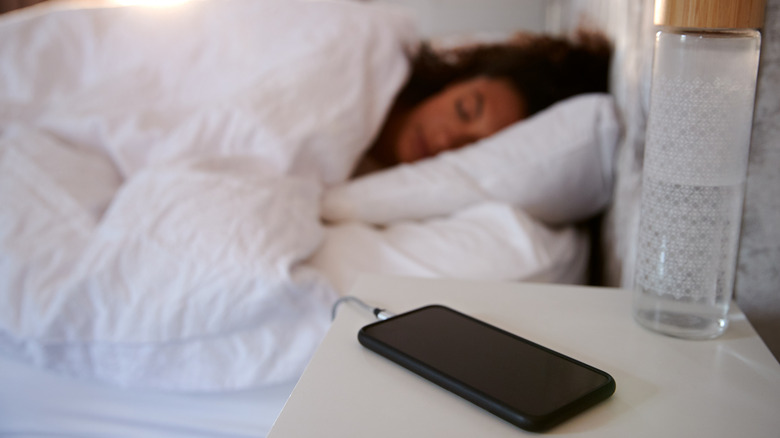
When you know the next day will be busy, and you won't get a chance to charge your phone, it makes sense to leave it charging overnight, especially if it's low on power. Then you remember you've been told not to because it will overcharge and overheat. While this was true for older Li-ion batteries, newer ones have mechanisms that stop them from charging once they reach 100%, meaning they don't overcharge. Instead, the phone senses when the battery percentage drops a little and then feeds it enough charge to keep it at 100%.
If anything can impact your phone's battery life, it's constantly keeping it at 100%. This puts strain on the battery, but modern Li-ion batteries are built to handle this. Even so, it's fine to leave it charging overnight once in a while, but not every night. Luckily, some modern phones have features that delay charging to 100%, such as Optimized Battery Charging on iPhones and "Battery Protect" on modern Samsung phones. Be sure to enable these features if you'll be frequently charging overnight.
To avoid the buildup of excessive heat, it's best to keep some best practices in mind. Do not put it in an area that is not well-ventilated while charging, such as under the pillow, in your drawer, or between books. Also, use high-quality chargers, and don't forget to remove the phone from its case, especially if it's a thick one.
Wireless charging is completely safe and efficient
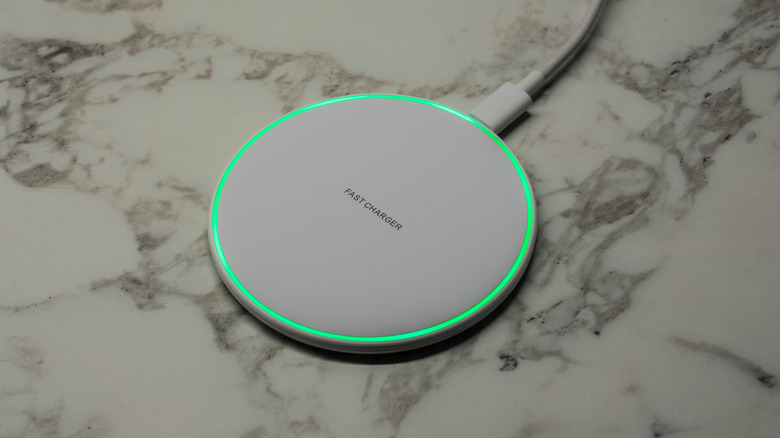
It's important to mention that if you're going to charge your phone overnight, it's best to use a wired charger. You might place your phone on a wireless charger since it's very convenient, and go to bed without thinking much about it. However, wireless chargers are not efficient, which causes them to generate a lot of heat. The heat will age the battery, but if it overheats, things can get dangerous.
A wireless charger transfers energy over the air, but not all of it makes it to the battery due to conversion loss. Even wired chargers suffer conversion loss to some degree, but not to the extent of wireless chargers. For this reason, wireless chargers are generally slower and constantly generate heat. If the charger is not perfectly aligned with the phone's charging coil, the process becomes more inefficient and generates a greater amount of heat. However, Qi2, the latest wireless charging protocol, allows for faster charging speeds and efficiency. A Qi2-branded charger also has magnetic alignment, which snaps it to a compatible phone, perfectly aligning it with the charging coil.
As with overnight charging, use it only when you have to. Also, it's important to ensure that your phone is cool while using a wireless charger by placing it on a hard surface in a cool environment and removing any thick case. Also, stick to the 20% to 80% rule, avoid using it while charging, and use a high-quality wireless charger.