

You've Probably Put Off Cleaning These 5 Gadgets For Way Too Long
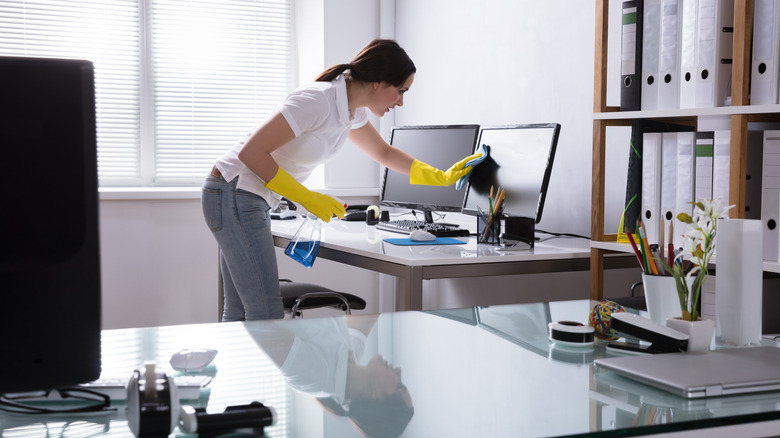
When you go to the bathroom, you're supposed to wash your hands. If you spend time outside, you need to wash your hands when you come back. Before eating lunch or dinner, you'll want to wash your hands. Hygiene is important and it's something that most of us practice. You might think you wash enough, but the reality is probably not. You see, it's not necessarily your hands that need the washing, but the items you're touching, especially gadgets. Studies have found that smartphones can carry 10 times the germs of the average toilet seat. But one thing to note is that toilet seats regularly get cleaned and disinfected, most phone screens do not. They go on collecting and carrying those germs, with you touching and spreading them, and it's a recipe for disaster.
Phones aren't the only gadget this happens with. The point is the devices we touch day after day are filthy, from our keyboards to game controllers. They might need to be wiped down and disinfected, or sometimes deep-cleaned, but that's usually not happening because we've put it off for one reason or another. Consider this your sanitary wake-up call to get some disinfectant wipes or a proper cleaning solution and get started. Here are some gadgets you've probably put off cleaning for way too long — we all have.
1. Your smartphone, tablet, mobile devices, and handheld consoles
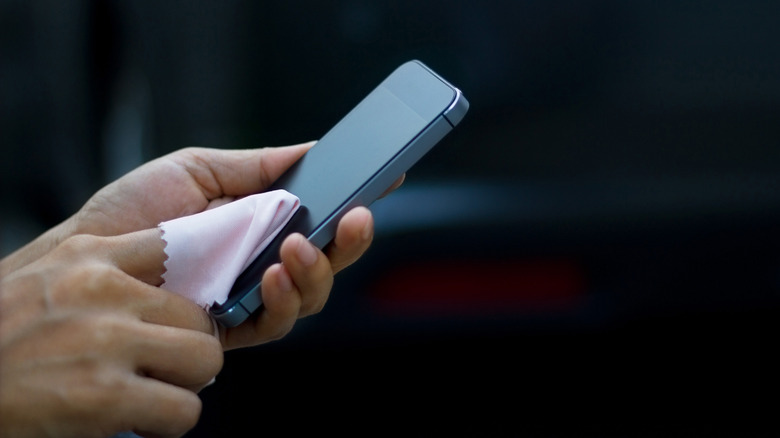
Your smartphone is the obvious candidate here, but you'll also want to include every touchscreen device you have in your home, including other mobiles, tablets, game consoles like the Steam Deck or Nintendo Switch, touchscreen laptop displays, retro handhelds, e-readers, even small appliances and smart tech with a touch panel. You regularly touch these devices with your fingers or hands, and human hands can get pretty dirty.
Imagine this, for example. Gas pumps are known to be extremely filthy — according to a study conducted by Kimberly-Clark Professional, about 71% have been found to be "highly contaminated" with illness and disease-related germs. You get out to fuel your car, handle the gas pump lever, the outside of your vehicle's tank, and interact with the payment screen and buttons. Then, you get back in your car, without washing, and touch your smartphone, your in-vehicle display, and possibly your keys. You've just transferred many of those germs to your phone and other devices. Scenarios like this happen all throughout your day. No, you don't have a gas pump at home but there are plenty of filthy things you could come into contact with.
The FCC recommends cleaning your phone every day. But how? With touchscreens, like on your phone, you can't use harsh fluids or chemicals. It's not safe to use WD-40 on electronics or other corrosive chemicals. Apple says it's okay to use Clorox Disinfecting Wipes or diluted isopropyl alcohol. You can also wipe down the display with an anti-bacterial microfiber cloth. UV phone sanitizers work for most germs, as well.
2. Your keyboard and mouse
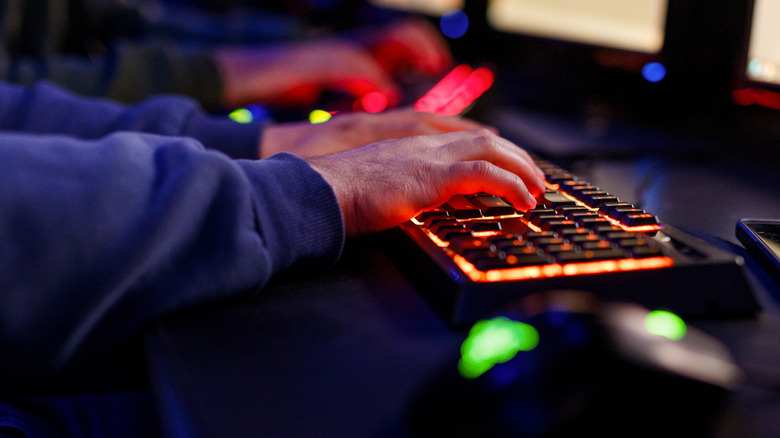
Another pair of gadgets you use, likely daily, are your keyboard and mouse. Not just for your home PC or laptop, but also your office or work computers, family computers, and any other similar setups you have, including wireless keyboards you have tucked away in a go-bag. If you can believe it, studies show that keyboards are another contender for germ farms with more bacteria than a toilet seat. Disgusting.
While some resourceful folks might clean them regularly, and good on you if that describes your habits, most people probably don't. To quickly clean these peripherals, unplug them if they're external. If it's a built-in keyboard on a laptop or a wireless model, make sure they're powered off. Gently shake them to loosen debris or use compressed air or a handheld air device to blow out solids. Costco carries a USB air duster for cleaning your tech. Then, use a mixture of mild soap and isopropyl alcohol and wipe down the surface of the keys, or the mouse, scrubbing any grime that's present. If you truly want a deep clean, you can remove all the keycaps from your keyboard and soak them in a mixture of mild soap and water. Make sure to dry them off or allow them to dry fully before replacing them. You can't really soak a mouse, but on some models you may be able to remove the shell or various components to clean them separately.
While you're at it, you might want to also clean and maintain your entire desktop PC or laptop. If you're going to clean the peripherals, you might as well clean the most important part at the same time.
3. Game controllers, joysticks, steering wheels, and mobile controllers

Your game controller is probably as dirty as everything else if you've never so much as wiped it down. Even more so if multiple people in your household use a console, like siblings, kids, partners, friends, roommates, or anyone else that visits. The worst bit about game controllers is that over long sessions with hot and sweaty palms you might get extra grease in the seams or crevices.
When cleaning, you'll want to wipe down the outside with an antibacterial wipe, or use the recommended mild soap and isopropyl alcohol mix. Then, you'll want to take something like a toothpick or Q-tip to scour the crevices, like on the sides of a controller. I do this all the time with my DualSense controllers and some pretty nasty oils come loose. You'll want to clean all controllers, including standard Xbox and PlayStation controllers, any you use with your PC, or mobile controllers you might use with your phone. Wipe down the grips, the sides, and the front surfaces of all the buttons. Best case scenario, you clean your controller after every use. If you're going for the bare minimum, about once per week, but know that will leave behind quite a few germs.
4. TV, home theater, and media player remotes
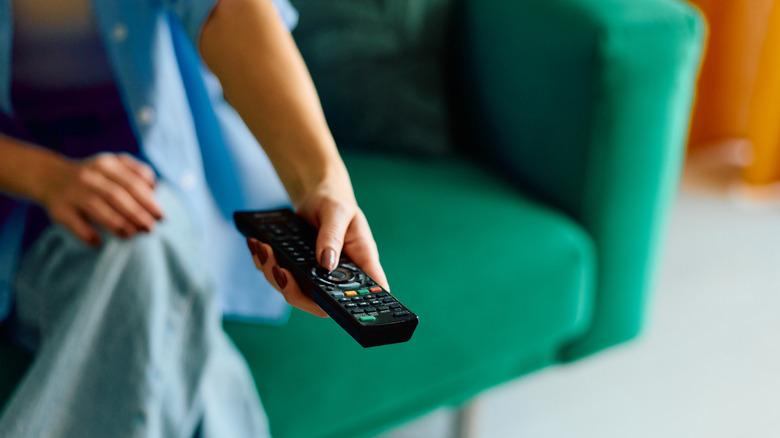
By now, it's pretty much a given that anything handheld is going to collect some nasty germs, like a TV or streaming media player remote. You may or may not handle these less frequently than some of the other gadgets, but there's still sure to be an exponential build-up happening.
The same rules apply for remotes. Power them down or take out the batteries if necessary, then give them a good external rub down with antibacterial wipes, or a mild soap and alcohol mixture. Be sure to clean the front and back and get in between the buttons. If you need to, you can use something like a toothpick to clean between the buttons and in the crevices. Depending on how often you use your TV remote, it may not need cleaning as frequently as anything else. But you also have to think about what's happening in a multi-person household — others are getting it dirty, too.
5. Headphones, smartwatches, and other small gadgets

Some of the less obvious devices include your headphones and earbuds too — bigtime if you wear them while you exercise and sweat. Moreover, smartwatches and fitness trackers, especially those with touchscreens or touch-enabled controls, USB cables and chargers, portable power packs, mobile displays like a portable monitor, cameras, and anything you might touch or handle require regular cleaning. If they leave your home or you take them along with you when you travel, definitely clean them often. Like dirty phones or keyboards, these devices are regularly exposed to germs, and frequent cleanings may be the difference between healthy living and getting sick. Seriously, some of those bacteria that stay behind are the illness or disease-causing kind.
Always power down the devices in question before cleaning, if you can help it. You'll want to power off or remove the batteries with cameras, mobile devices, chargers, and smartwatches. Start by wiping them down with a dry antibacterial cloth. If you need something more capable, go with the mild soap and alcohol solution. It's a repeat tip, yes, but mild dish soap works wonders, and something like Dawn can be used for a ton of different cleaning operations.
There are some comprehensive cleaning kits available for electronics, as well, like the 10-in-1 Amazon gadget that's relatively affordable and makes cleaning a lot easier. It comes with everything you need to get the job done.