

Why Do Computers Still Need Wi-Fi Antennas?
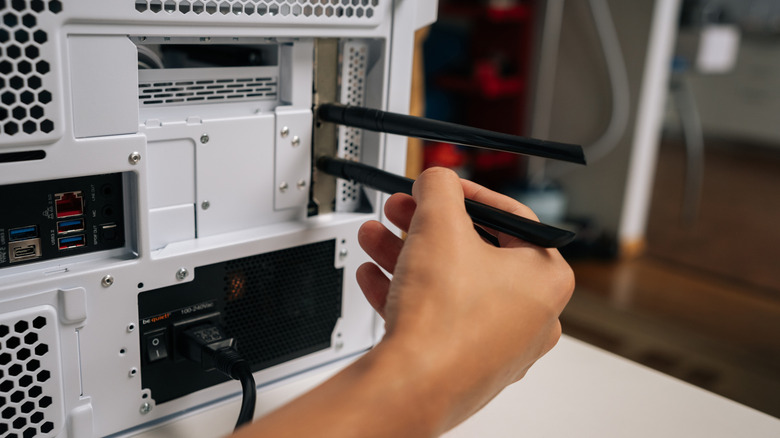
Whether you are building your own PC or have bought a prebuilt from a boutique builder, there is a good chance you will come across Wi-Fi antennas in your motherboard or the computer box to plug into your desktop. These antennas typically have a traditional screw-in design for a direct connection to the back of your PC or a shark fin/ blade design to place on top of your desk or PC case with a connection via an extension cable. It's perfectly natural to wonder why your PC needs a Wi-Fi antenna in a world where your smartphone, tablet, or even your laptop connects just fine with your Wi-Fi without any external antennas.
While you may not visually see big Wi-Fi antennas on your mobile devices, each device still uses an antenna of some sort. Most prebuilt desktops and laptops from mainstream brands have internal antennas, too, usually completely hidden from the outside for aesthetics. Similarly, phones typically either use their metal chassis as an antenna or have a flexible foil-style antenna glued inside their casing. This is because a Wi-Fi antenna is an essential component, the absence of which can turn out to be a big Wi-Fi mistake and seriously impact not just your device's Wi-Fi performance but also Bluetooth connectivity, as the same antennas are often used for the latter as well.
Wi-Fi antennas are necessary for a stable Wi-Fi connection
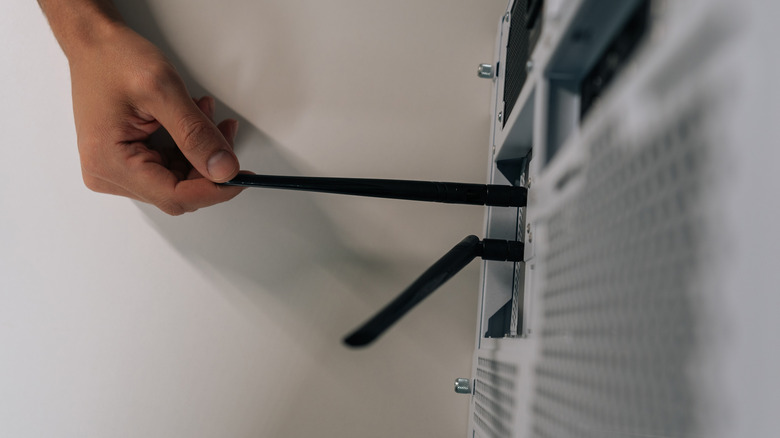
Wi-Fi antennas that you plug into your custom DIY or prebuilt PC are important to give your Wi-Fi chip the required amplification to reliably find and maintain a connection with the available Wi-Fi networks. As the modern Wi-Fi chips included in the desktops are very small, they have limited ability to propagate or capture radio waves efficiently and are dependent on the antennas. Moreover, your PC case can typically act as a sort of Faraday cage, as it's essentially a metal box, which can further reduce whatever wireless signal power the Wi-Fi chip may have.
Additionally, modern Wi-Fi chips also include Bluetooth radios, meaning the antennas are not only helping with your Wi-Fi connection but also with Bluetooth. You'll need those antennas to use your Bluetooth gadgets and peripherals effectively with the PC. While some peripherals may work without the external antennas, there is always a risk of disconnection.
But why this old-fashioned way?
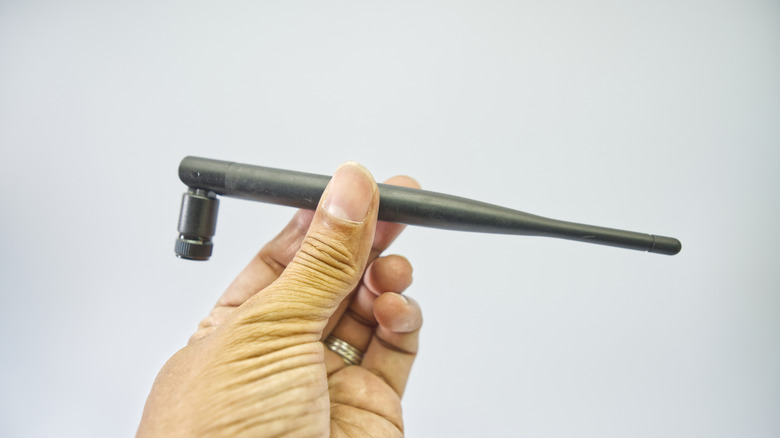
It's a classic case of function over form. While mobile device makers have spent years getting the form right for their compact, portable, and mostly non-modular devices, desktop computers have largely opted for simpler, old-fashioned antennas because they deliver better performance, are modular, and avoid the possibility of your PC case functioning as a Faraday cage.
Unlike phones, laptops, and tablets, which have some glass or plastic parts to allow radio signals to pass through, both to and from the internal antennas, most desktop PC cases are largely metal. While most major prebuilt manufacturers are able to route the internal antennas in their PCs to specific, non-metal plastic accents or parts of the case, as they have complete control, smaller boutique assemblers who use off-the-shelf parts don't have the same luxury. Similarly, the manufacturer whose motherboard you're going to use in your custom do-it-yourself build doesn't know which case you'll use. As a result, it can't offer a sleek internal solution that you may or may not be able to route to any plastic parts in your PC case.
Using the external antennas also gives you the freedom to upgrade the Wi-Fi chip when a newer generation, such as Wi-Fi 7, is released, without having to deal with fragile internal antenna wires and gluing or attaching them to the case. Most importantly, external antennas don't have the same compromises on range and performance that your phone or laptop has to deal with. These larger antennas can catch a weaker signal much more easily than a hidden internal antenna can.