

Your Nintendo Switch Dock's USB Port Can Do More Than Charge Devices
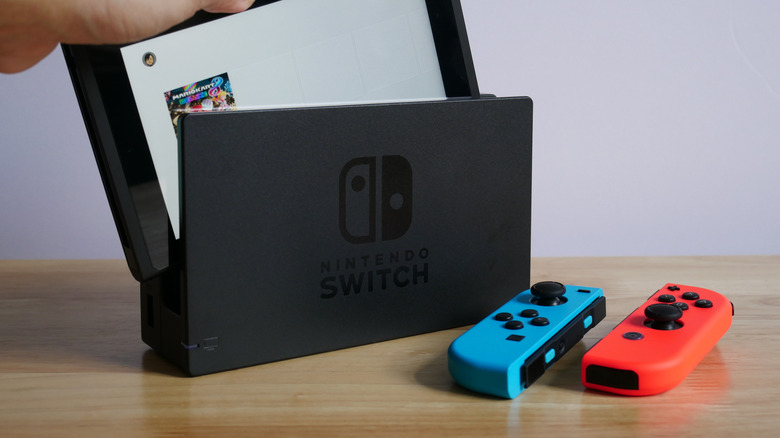
For most people, the Nintendo Switch's dock is just an accessory for charging the Switch when not in handheld mode, or for pushing gameplay onto a larger screen. However, tucked innocuously away on your dock are a number of USB ports, and when used correctly, they can provide a lot more utility than just charging or transferring gameplay. If you're considering buying a Switch in 2026, knowing these functions can help you get the most for your money. Switch ports can host extra input options, allowing you to add new gadgets, give you wired internet access, and improve your audio.
Those ports can host USB adapters explicitly designed to expand your Switch's catalog of available controllers. Depending on the USB adapter in place, you can attach everything from a PlayStation 5 controller to a retro SNES-style third-party gamepad. The Switch 2 may be a major upgrade over the original, but using those extra ports can help make up some lost ground.
The benefits of connecting peripherals and input devices with USB slots
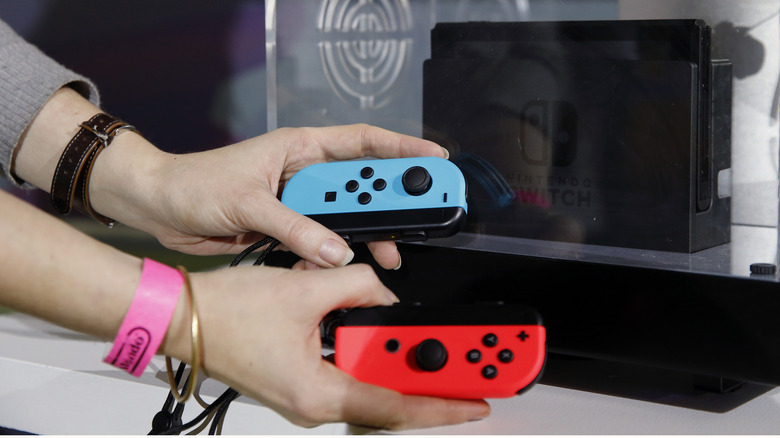
Another way to take advantage of those extra USB ports is to attach peripherals. For instance, if you're looking to message friends in games that support text chat or search the eShop, a peripheral like a USB keyboard is a much speedier option than hunting and pecking at an on-screen keyboard. Some titles' gameplay is also compatible with a USB keyboard, including, but not limited to "Minecraft" and "Stardew Valley."
A more obvious and more broadly useful application for the ports is plugging in controllers. Beyond charging a Pro Controller or Joy-Cons in the Charging Grip, there are a number of officially licensed controllers that range in styles to mimic PlayStation or Xbox gamepads. Or you can buy a USB wireless adapter like this gem from 8BitDo, which lets you wirelessly connect almost any controller to your Switch.
Unlock better connectivity and audio using empty USB slots
There are also some off the beaten path options for things to do with all those empty USB slots, including interesting stuff like adding a wired internet connection. If you're looking to bypass Wi-Fi for a more stable, speedier, potentially lower-latency connection, a wired connection can be just the ticket, but sadly, the original Switch didn't include an Ethernet port (though one was added to the OLED iteration). That said, there are a number of USB LAN adapters available to remedy this oversight, including a $30 wired internet LAN adapter from Nintendo itself.
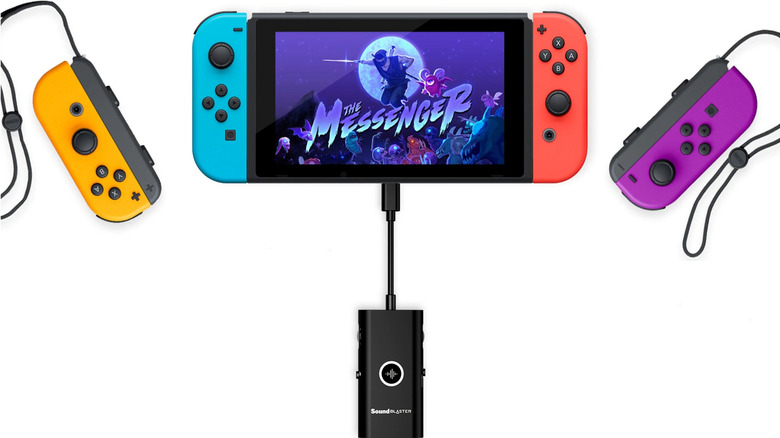
Improving your audio experience with USB audio adapters is an additional use case for your Switch's USB ports. Consider attaching a compatible USB sound card or headset adapter; that way, you can route audio through higher-quality wired headphones or specialized audio gear. The Sound Blaster G3 from Creative is an example of this plug-and-play product that can upgrade your Switch dock audio.