

5 Apple Watch Features That Runners Will Use Daily
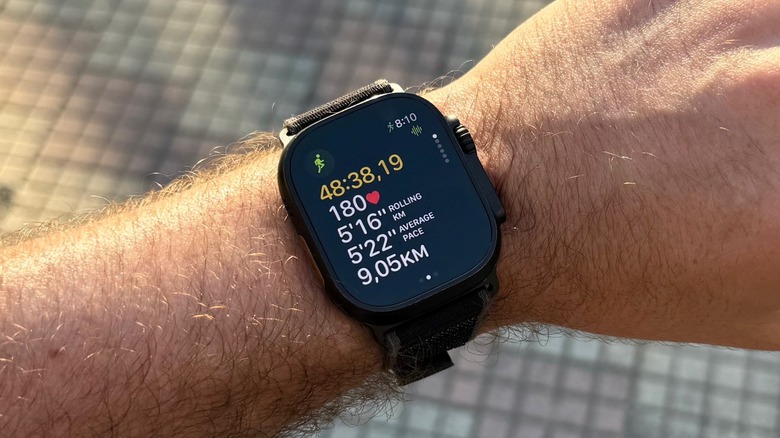
The Apple Watch Ultra 2 is my favorite companion for strength training, but also, most importantly, outdoor run workouts. Wearing an Apple Watch for years now, I've grown very fond of the several features Apple offers for runners to make the most out of their exercise. Besides that, AI models also give me additional insights about my workout by asking them to analyze my run, on top of the really helpful information I get from apps like Gentler Streak and The Outsiders. That said, if you have an Apple Watch, there are several features you probably use or could be using daily, like the Pacer, Race Route, and your Heart Rate Zones view.
These features are important if you're training for a big run, like a marathon, or if you're just trying to get faster, or improve your overall shape by running more efficiently instead of faster. The Apple Watch, and other smartwatches, can track so much information from our workouts that over time they can reveal insightful information about our endurance, usual pace, or how our body responds during and after a workout, and so on.
Especially now with additional tools, like smart rings or wearables like the Powerbeats Pro 2 or AirPods Pro 3 that can measure our heart rates, it has become a lot easier to get a full assessment of our bodies during runs. Here are some of the Apple Watch's best features for runners.
Pacer
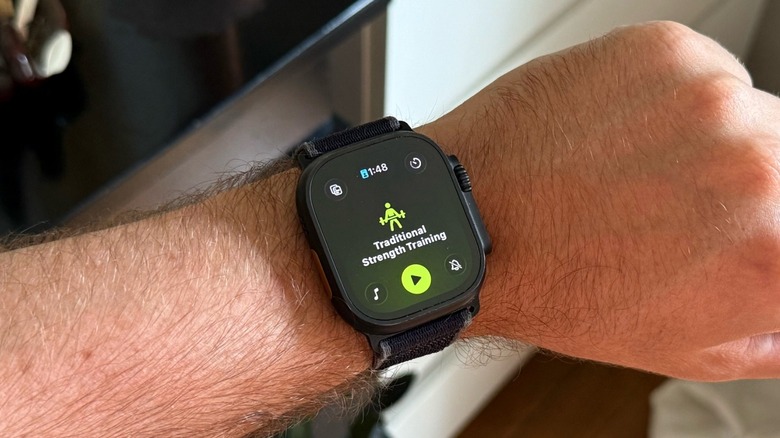
Most of the best features you might need to improve your running skills are already available inside the Workout app on the Apple Watch. While other functionalities might soon arrive with watchOS 27, which is expected to be released later this year, you can already have a great start. By creating a Pacer workout, you can tell the watch how fast you want to do that run and keep yourself on a set pace.
To do that, you need to open the Workout app on the Apple Watch, choose the Outdoor or Indoor Run workout, tap the timer-like icon in the upper right corner, and add or edit the distance you want to cover and how fast you want to run it in. Then, the Apple Watch calculates for you the exact pace per kilometer required for you to achieve this. For example, you could challenge yourself to finish 5 km in 30 minutes, which means a pace of 6 minutes per kilometer.
Once you set your Pacer workout, you'll see, while you run, your average pace and current pace. A graph will intelligently show if you're ahead, behind, or exactly where you need to be, so you can finish your workout the way you planned. You can also create multiple Pacer workouts, depending on your weekly schedule.
Race Route
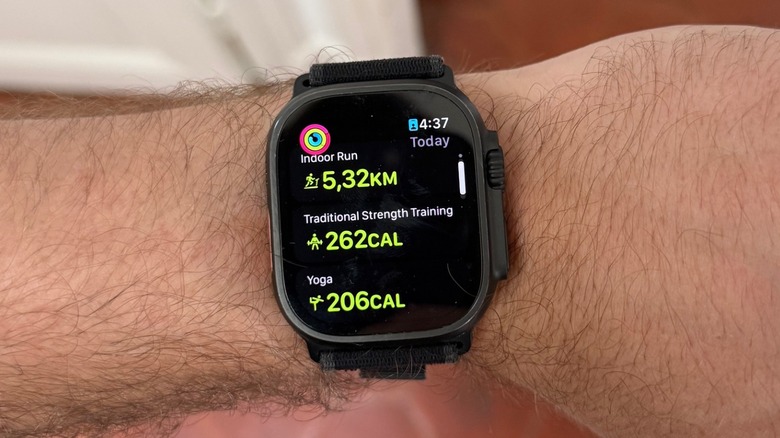
Race Route is one of my favorite Apple Watch features — it's great if you do the same route very often. Do you remember that "Mario Kart" feature, a Time Trial race? There, you need to beat a best time set by Nintendo, or challenge your own ghost to see how you can master a track.
With the Apple Watch, it's no different and Race Route gets generated automatically after you repeat the same route with no deviation at least twice. Tap the Workout app, tap the timer-like icon in the upper right corner of the Outdoor Run workout, and then tap Race Route.
You can select Last or Personal Best, and challenge yourself to beat that time on the route. The Apple Watch will also show you all the Race Routes you have available, and they can help you train to improve yourself, keep the same rhythm on a more challenging day, or just keep you interested. The important thing is that you don't need to do anything besides show up for at least two runs on a specific route, and then you can start to challenge yourself.
Run on a track
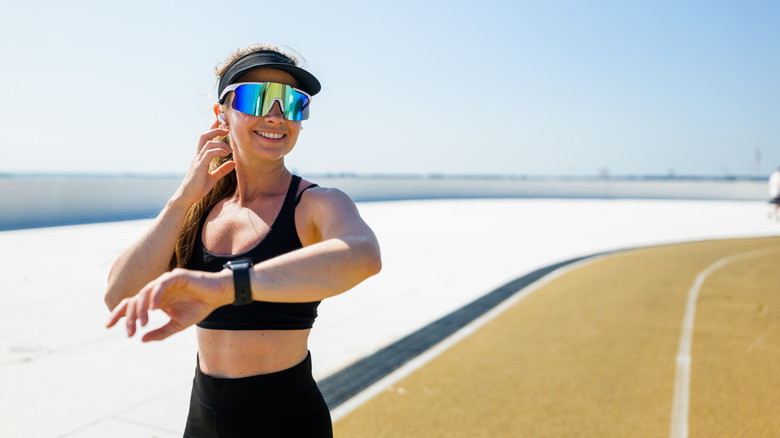
Another fan favorite feature for the Apple Watch, but also smartwatch users in general, is the Run on a track mode. Basically, if you run on a track, you can forget about traffic, elevation, and just focus on consistency to improve your cadence, and technique in general. However, how can you ensure that your Apple Watch GPS will understand where you are? Well, if you're running in a supported region on a track, like in the U.S., Canada, the U.K., France, and Spain, your Apple Watch automatically identifies where you are, and you can select the lane that you chose to run in, and get perfect data on your activity.
While the feature might vary on different smartwatches, for the Apple Watch, whenever you're on a track and your wearable detects that, you are automatically prompted to choose a lane before starting your Outdoor Run workout. If that's your first track workout, then your Apple Watch will ask you if you want to measure that run in miles or meters. You can also swipe right on the watch face, tap Lane, and select a new lane if you decide to switch mid-way through your workout.
Heart Rate Zones
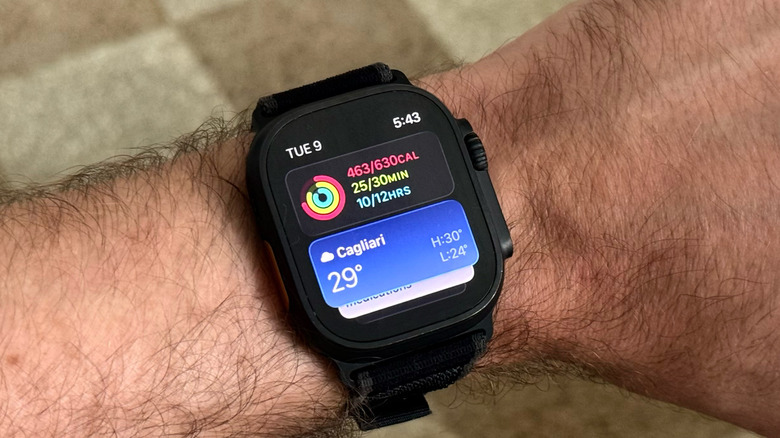
If you're a runner, then you might run based on your Heart Rate Zones. If you don't, don't worry, you're not alone. I've been running for the past six years, and for most of this time, I've been neglecting my Heart Rate Zones, simply because I didn't know that running in Zone 2 was the best way to improve my endurance and that's the zone where most professional athletes run and avoid overreaching and injuring themselves. Now that you know, the next time you go for a run with your Apple Watch make sure to focus on your Heart Rate Zones.
When you're on the main Workout information, turn the Digital Crown and you'll see exactly which Heart Rate Zone you're running in. If you're able to maintain consistency in Zone 2, you're doing a terrific job. With proper coaching, you should also mix more demanding runs with sprints, plus an easy run or walk.
If you don't like Apple's Workout app interface, then you can choose something like Gentler Streak. This award-winning Apple Watch app has a different interface with an Activity Path while you're running. This can help you understand the impact you're having on your fitness, and how close you are to overtraining. In my early days of running, this was my best indicator of how much I should push, and I highly recommend it.
Sleep metrics
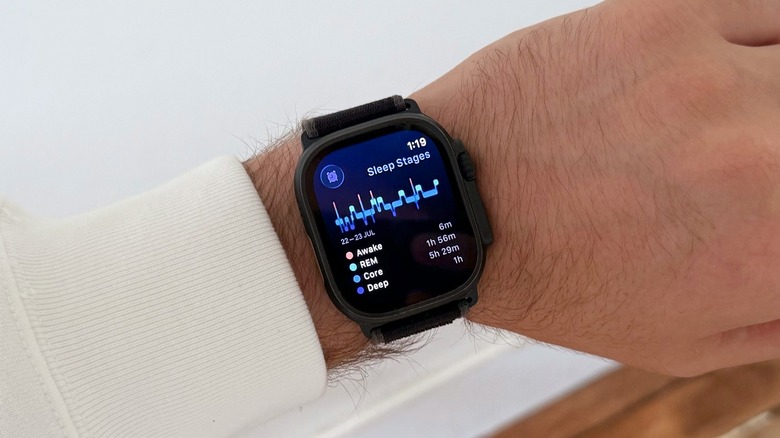
After four big features focused on running, the final smartwatch feature that runners might use everyday are the Sleep metrics. With watchOS 26, Apple revamped the sleep tracking experience of the Apple Watch by offering a Sleep Score, which takes into account the time you usually go to bed, the duration of your night's sleep, and how many times you woke up during the night. With that data, you can get an idea of how ready you are to workout.
If an "86" score doesn't mean much to you, then you can use an app like Gentler Streak or The Outsiders which offer a more precise explanation of how your sleep and previous workout might impact your upcoming one. Both of these apps get information about your Sleeping Heart Rate, Wrist Temperature, Heart Rate Variability, Respiratory Rate, and Oxygen Saturation based on the past 14 days of your tracked sleep, to tell you how ready you are to workout.