

How To Fix The Red Lines On Your Android Phone Screen
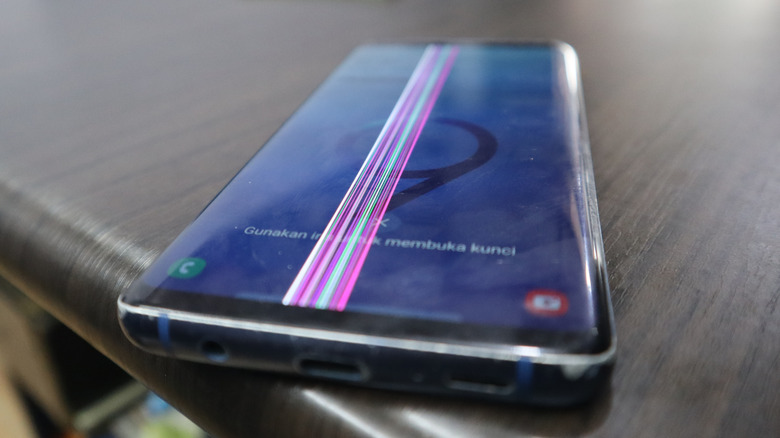
Snuck a glance at your Android phone screen and were horrified by a mysterious red line that appeared all over? While this could happen due to a software glitch (maybe your phone is just in dire need of the latest updates), there is also a chance that the display is on its deathbed. Unfortunately, in the latter scenario, you may have to replace the display itself.
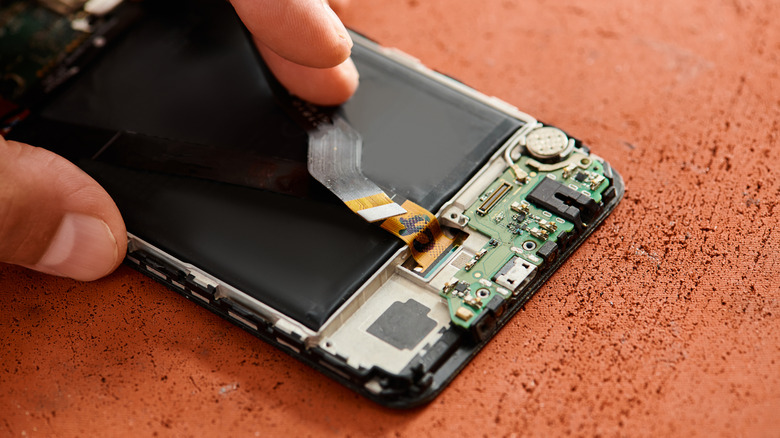
What causes the red line to appear on an Android phone screen is typically down to hardware. If you dropped your device, it may have loosened the ribbon connector to the display. In this case, the red line manifested because the LCD circuitry is losing contact with the flex cable. Since replacing the display isn't necessarily in the category of easy Android phone DIY fixes, it doesn't hurt to try a few other things before writing the entire thing off. You can test if it's truly a hardware issue by booting the phone in safe mode. If this makes the line disappear, a simple factory reset or a software update could be a solution to your woes.
How do I fix the red lines on my phone?
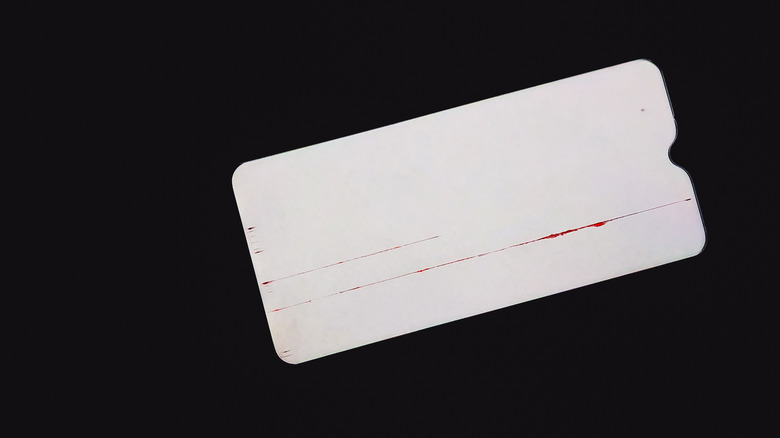
Interestingly, those whose Android phone screens flashed the red line sometimes saw the issue go away on its own. Others resolved the hardware problem by clapping the phone between their hands. The latter trick likely helped the loose contact reconnect, but before you go medieval on your Android, start by doing a software troubleshoot.
A soft reset is a good first step. Press the volume down and power buttons together for 20 seconds or so. This won't erase any of your data, but it will clear the RAM and cache, which is exactly what you need it to do. If the red line is still there, booting the phone in safe mode should be your next step: Hold down the power and volume up buttons until the prompt for safe mode appears. This is a great way to diagnose if any third-party apps are contributing to your issue.
If the line wasn't there during your safe mode excursion, check your phone for software updates. If that doesn't work, as a last-ditch effort, do a complete factory reset (you can find this option in system settings). Make sure to back up your data because the phone will suddenly go all vanilla on you. In the worst-case scenario, the red line will still be there. Unfortunately, this likely means that your phone either developed a mysterious hardware problem or a connector is loose. The only course of action is to get a new display.
Will the warranty cover repairs?
Don't freak out if a green or a red line appears on your Android phone screen, though. This is a known issue with some phones, like Samsung, which, believe it or not, provides screen replacements for free if you meet the eligibility criteria. Applicable to S20, S23, and Note 20 models, if the issue occurred within three years of its purchase date or activation, and has no visible signs of physical damage, Samsung may remediate the matter free of charge.
Google also rolled out an extended repair program for Pixel 8 phones that succumbed to the "vertical line curse". Similar to the Samsung one, if this problem manifests within three years of purchase, the tech giant will provide extra coverage. Keep in mind that not all manufacturers are equally generous, so you may still need to bear the brunt of the cost even if you're dealing with a hardware defect.
Other than that, you don't have many options on your hands. Check your warranty, and if that fails, some manufacturers offer resources for self-repair, while others partner up with websites from where you can purchase DIY kits or authentic spare parts.